V-Ray for Blender
Effects Container
This page provides information about the Effects Container in V-Ray for Blender.
Last updated 15 April 2026
This page provides information about the Effects Container in V-Ray for Blender.
Overview
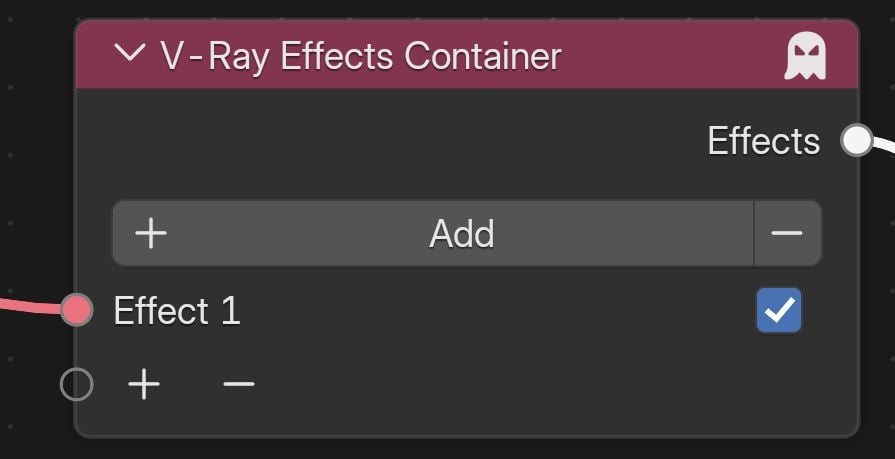
The V-Ray Effects Container node allows all other Effects nodes to be applied to the scene. Nodes that are not connected to an input socket of this node are not applied.


Use the button to add Effects sockets, and remove sockets with the button. You can also add and remove sockets using the + and - buttons. Sockets that have a node connected to them cannot be removed. Use the box to toggle effects on and off.
UI Path: ||V-Ray Node Editor|| > World > Add > Effects > V-Ray Effects Container