V-Ray for Blender
Free Trial
This page explains the steps to activate the V-Ray Free Trial for Blender.
Last updated 18 September 2025
This page explains the steps to activate the V-Ray Free Trial for Blender.
Overview
With the V-Ray for Blender free trial, you can render for 30 days free of charge. The trial cannot be renewed, and no billing details are required.
Steps
1 Visit the V-Ray for Blender Page
Go to the V-Ray for Blender page and click Try for free. Otherwise, you can shortcut to the trial from this link: Free Trial.
If you haven't signed in or created an account yet, you will be prompted to enter your credentials.

2 Activate your Account
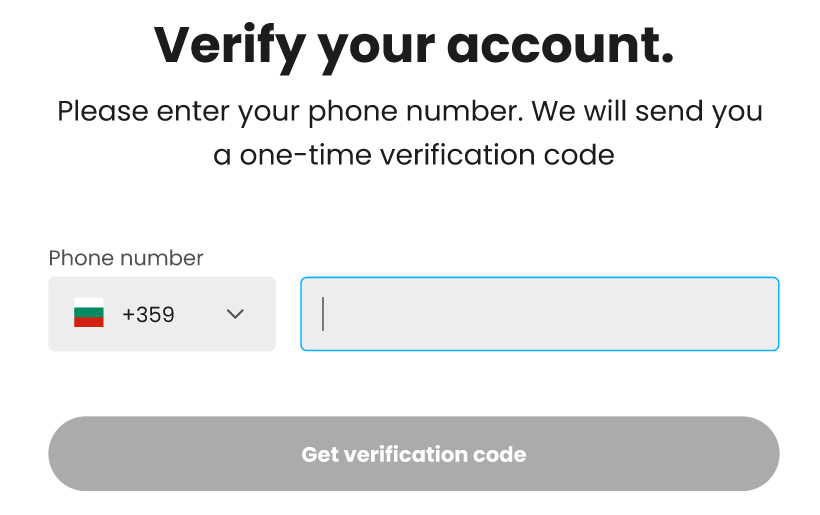
You will receive an email confirmation. Click on Activate account & access trial to continue the process. After confirming your email address, you will be asked to enter a phone number and enter the code sent to the number. Finally, you complete a small survey, so we can tailor our Chaos products better to you.


3 Download V-Ray for Blender
After completing the survey and clicking Continue, you are redirected to the Chaos downloads page for V-Ray for Blender. Select your Blender version and click Download.
Once downloaded, activate the file and follow the installation instructions. For a breakdown, see the Installation page.
