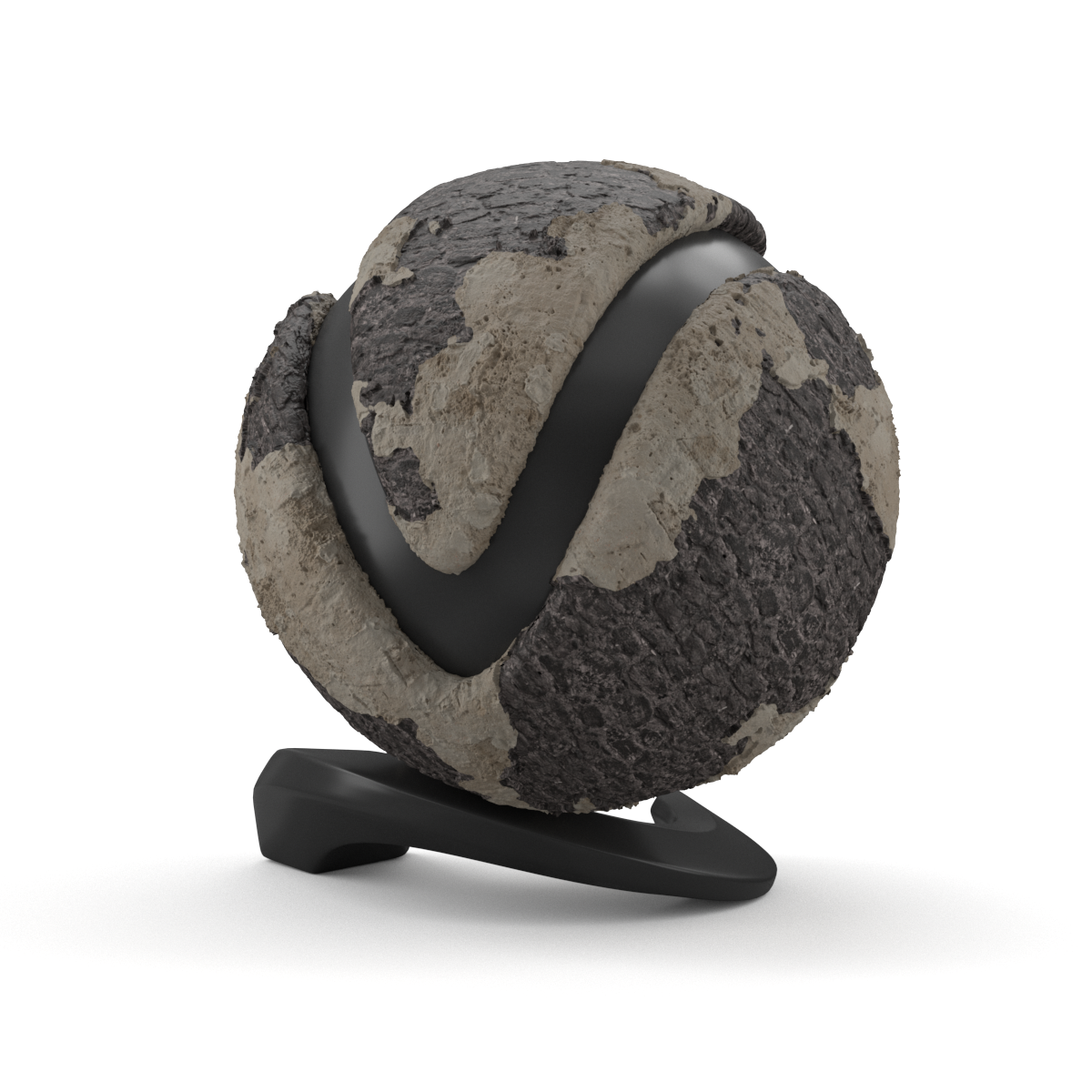
This page provides a list of the available Materials nodes.
Last updated 12 June 2026
This page provides a list of the available Materials nodes.
Overview
V-Ray for Blender offers several different materials. These materials are quite versatile, and each can be used in a number of ways to achieve different looks as needed, from simulating simple surface properties like plastics and metals to complex uses such as translucent objects, subsurface materials such as skin, and even light-emitting objects.
The materials nodes are only available in the Shader Node Tree. To see how to switch between Node Trees, go to the V-Ray Node Editor page.
Cycles Shader Nodes Compatibility
Expand to see how to convert Cycles Shader Nodes
Adding V-Ray Materials to the Blender Asset Browser
Expand to see how to add V-Ray Materials to the Blender Asset Browser
For more details on each material, see its dedicated page: