V-Ray for Blender
Raw Sheen Filter
This page provides information about the Raw Sheen Filter Render Channel in V-Ray for Blender.
Last updated 18 September 2025
This page provides information about the Raw Sheen Filter Render Channel in V-Ray for Blender.
Overview
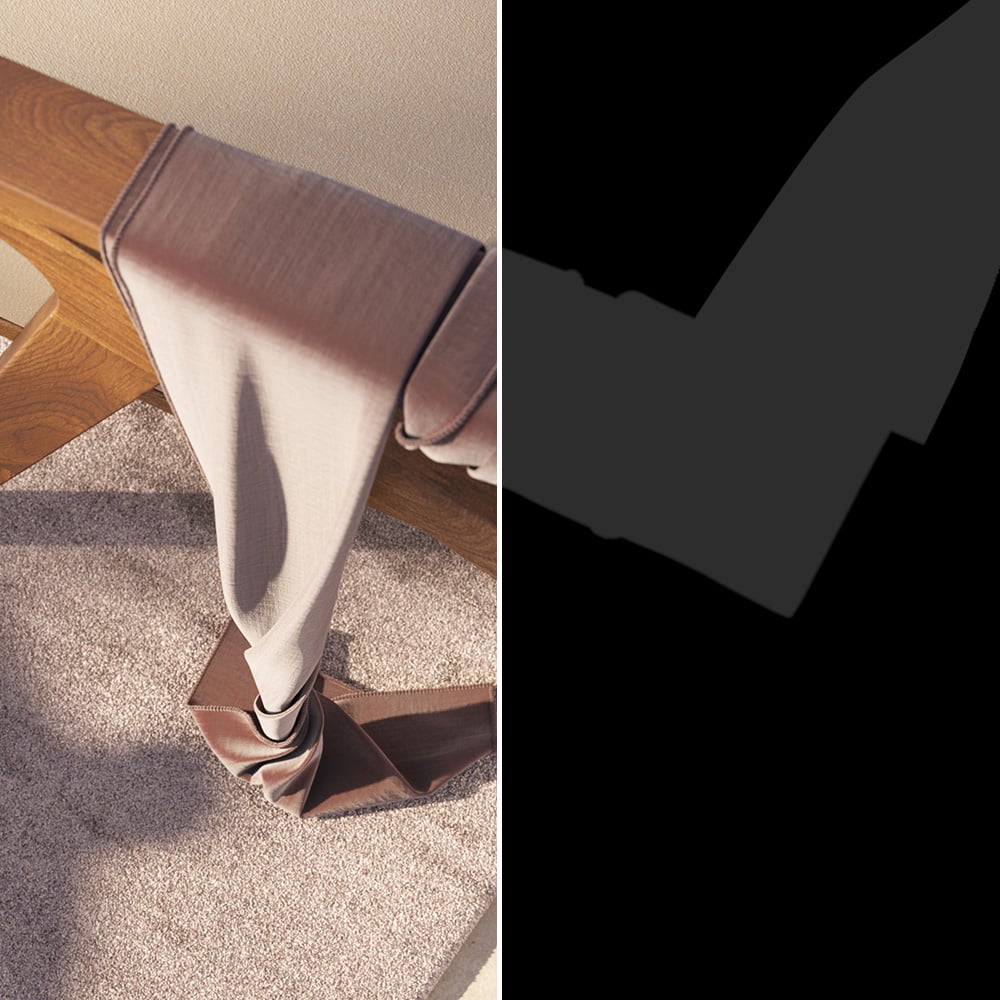
The Raw Sheen Filter Render Channel is similar to the Sheer Filter Render Channel, except it is not affected by Fresnel falloff. The result is a solid mask showing the areas of reflection.
UI Path: ||V-Ray Node Editor|| > World > Render Channels > Raw > V-Ray Raw Sheen Filter
Properties
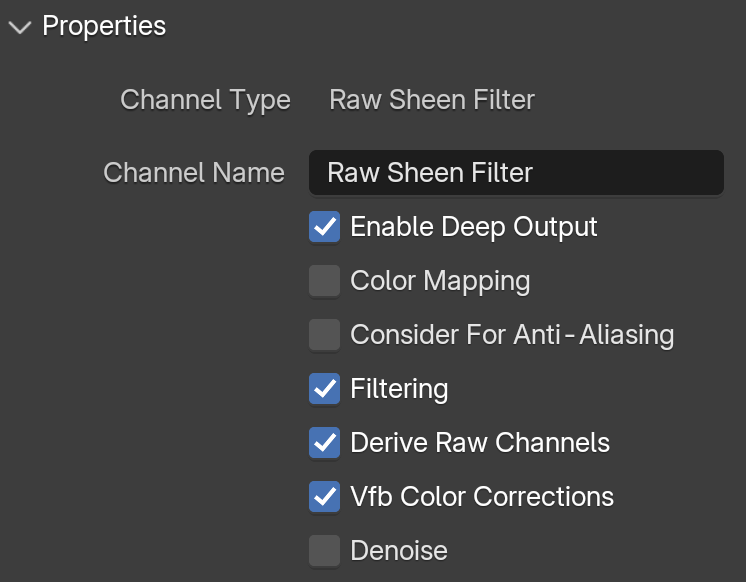
See the Render Channels page to find out where you can find these properties.
Channel Name – Customizable name for the render channel.
Enable Deep Output – Specifies whether to include this render channel in deep images.
Color Mapping –
Consider For Anti-Aliasing – When enabled, anti-aliasing is used where possible.
Filtering – Applies an image filter to this channel.
Derive Raw Channels – Generates data in the raw channels by combining the respective color and the filter color channels.
Vfb Color Corrections – Applies the post-render color adjustments made from the VFB.
Denoise – Enables the render channel's denoising, provided the Denoiser is enabled.