V-Ray for Blender
Reflection Highlight Glossiness
This page provides information about the Reflection Highlight Glossiness Render Channel in V-Ray for Blender.
Last updated 18 September 2025
This page provides information about the Reflection Highlight Glossiness Render Channel in V-Ray for Blender.
Overview
The V-Ray Reflection Highlight Glossiness render channel returns a grayscale image corresponding to the value in the Highlight Glossiness of the materials in the scene.
UI Path: ||V-Ray Node Editor|| > World > Render Channels > Advanced > V-Ray Reflection Hightlight Glossiness

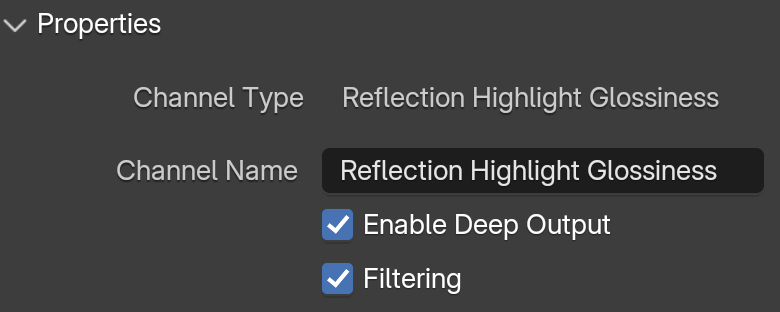
Properties
See the Render Channels page to find out where you can find these properties.
Channel Name – Customizable name for the render channel.
Enable Deep Output – Specifies whether to include this render channel in deep images.
Filtering – Applies an image filter to this channel.