V-Ray for Blender
Remap Float
This page provides information about the Remap Float utility texture in V-Ray for Blender.
Last updated 11 December 2025
This page provides information about the Remap Float utility texture in V-Ray for Blender.
Overview
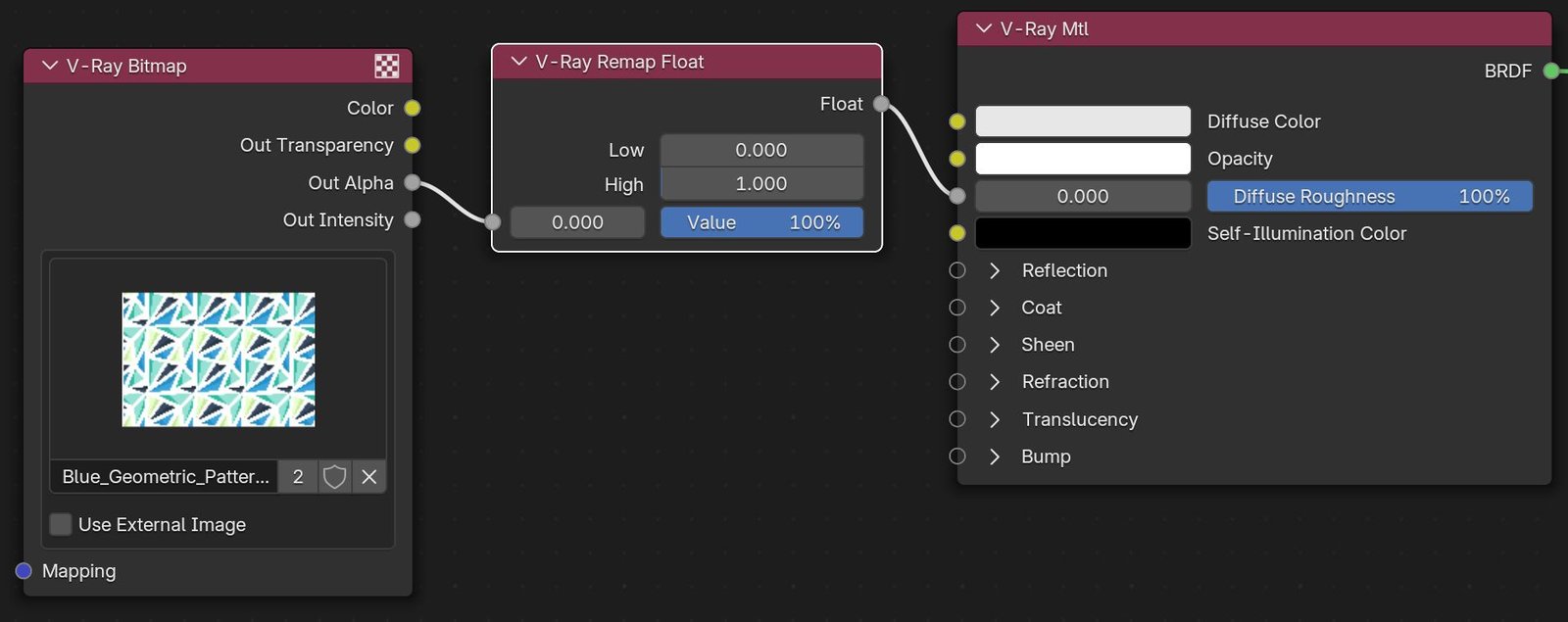
The Remap Float texture remaps a value in the 0-1 range to another range. In the example, the alpha value from the Bitmap is remapped to range from 0.3 to 0.7 to subdue the contrast a bit, and is then used to determine the roughness of a V-Ray Material.
UI Path: ||V-Ray Node Editor|| > Shader > Add > Texture Utilities > V-Ray Remap Float
Node Input Sockets
This section describes the input sockets of the node. Some sockets have dedicated parameters, which are further described below, and some sockets are just inputs.
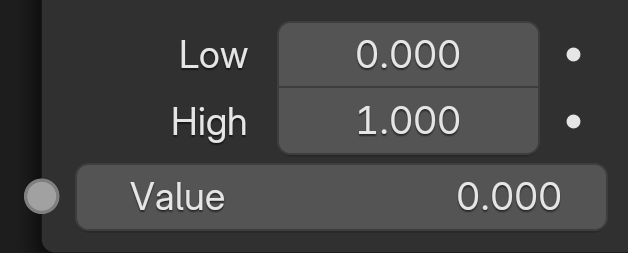
Low – Sets the low boundary of the remap value.
High – Sets the high boundary of the remap value.
Value – Value input to be remapped.
Properties
Low/High – Sets the low or high boundary of the value to be remapped.
