V-Ray for Blender
Remap
This page provides information about the Remap utility texture in V-Ray for Blender.
Last updated 18 September 2025
This page provides information about the Remap utility texture in V-Ray for Blender.
Overview
V-Ray Remap is a utility for remapping different types of values. For example, it can remap a single value, three-channel inputs, and colors.
UI Path: ||V-Ray Node Editor|| > Shader > Add > Texture Utilities > V-Ray Remap
Node Input Sockets
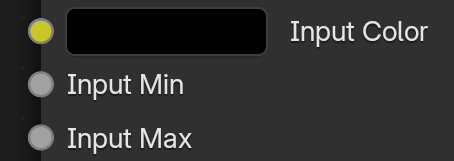
This section describes the input sockets of the node. Some sockets have dedicated parameters, which are further described below, and some sockets are just inputs.
Input Color – The color node, which is remapped.
Input Min/Max – Allows float nodes to determine the range for the input. Values outside these inputs will be clamped.
Properties
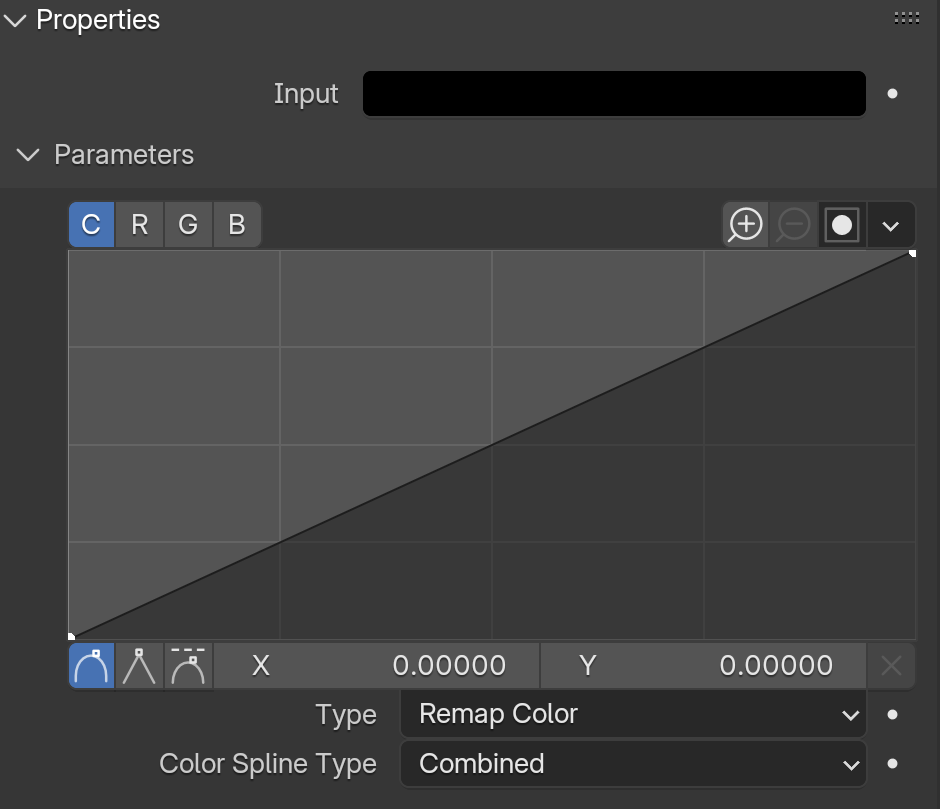
Input – Fallback color to use when there is no node attached to the Input Color socket.
Type – Specifies the type of remapping to perform:
Remap Color – Remaps a three-channel input (i.e., RGB color).
Remap HSV – Remaps RGB color and allows for fine control over its hue, saturation, and value.
Color Spline Type – Specifies the spline type for the channel:
Combined – Remaps all three channels simultaneously (e.g., RGB color).
RGB – Separates the R, G, and B channels and allows for individual remapping.
Set Range
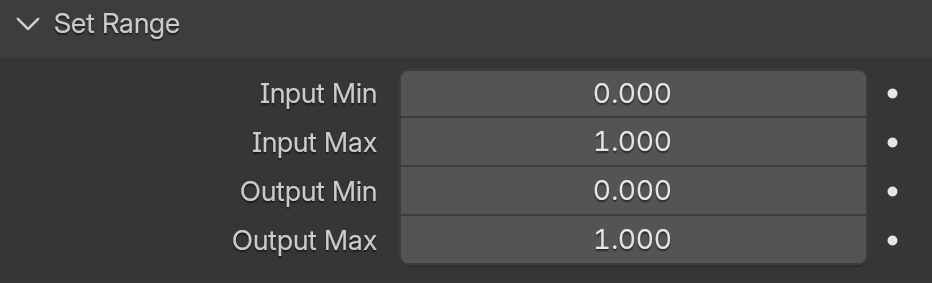
Input Min/Max – Specifies the range for the input. Values outside the range are clipped. Use the slider to determine the range or connect a map.
Output Min/Max – Specifies the range for the output. Use the slider to determine the range or connect a map.