V-Ray for Blender
Smoke
This page provides information about the Smoke texture in V-Ray for Blender.
Last updated 14 April 2026
This page provides information about the Smoke texture in V-Ray for Blender.
Overview
The V-Ray Smoke texture generates a procedural smoke pattern using two colors or texture maps.
UI Path: ||V-Ray Node Editor|| > Shader > Add > Textures > V-Ray Smoke
Node Input Sockets
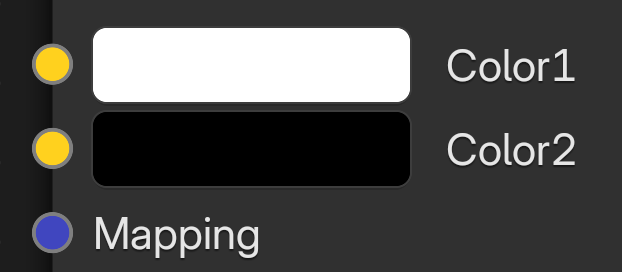
Color1 – Allows a color node to be connected as the first color used in the smoke.
Color2 – Allows a color node to be connected as the second color used in the smoke.
Mapping – This slot allows you to connect a Mapping node (UVW Mapping, UWV Randomizer) to adjust the UWVs of the texture.
Properties
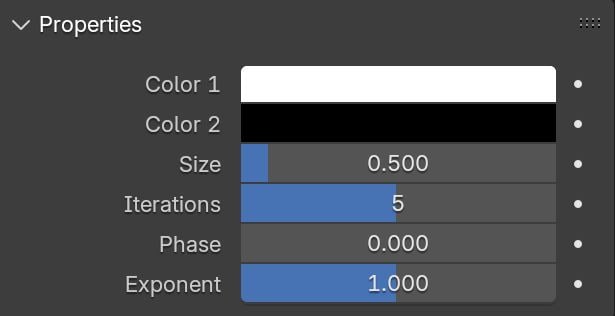
Color1 – A color used when no texture is connected to the Color1 socket.
Color2 – A color value used as the second color of the smoke when no texture is connected to the Color2 socket.
Size – Controls the scale of the procedural texture.
Iterations – Controls how many times the procedural repeats the process.
Phase – Controls the speed of the V-Ray Smoke procedural's animation.
Exponent – Controls the contrast of the smoke texture.