V-Ray for Blender
Visibility Properties
This page provides information about the Visibility Properties node in the V-Ray Node Editor in Blender.
Last updated 18 September 2025
This page provides information about the Visibility Properties node in the V-Ray Node Editor in Blender.
Overview
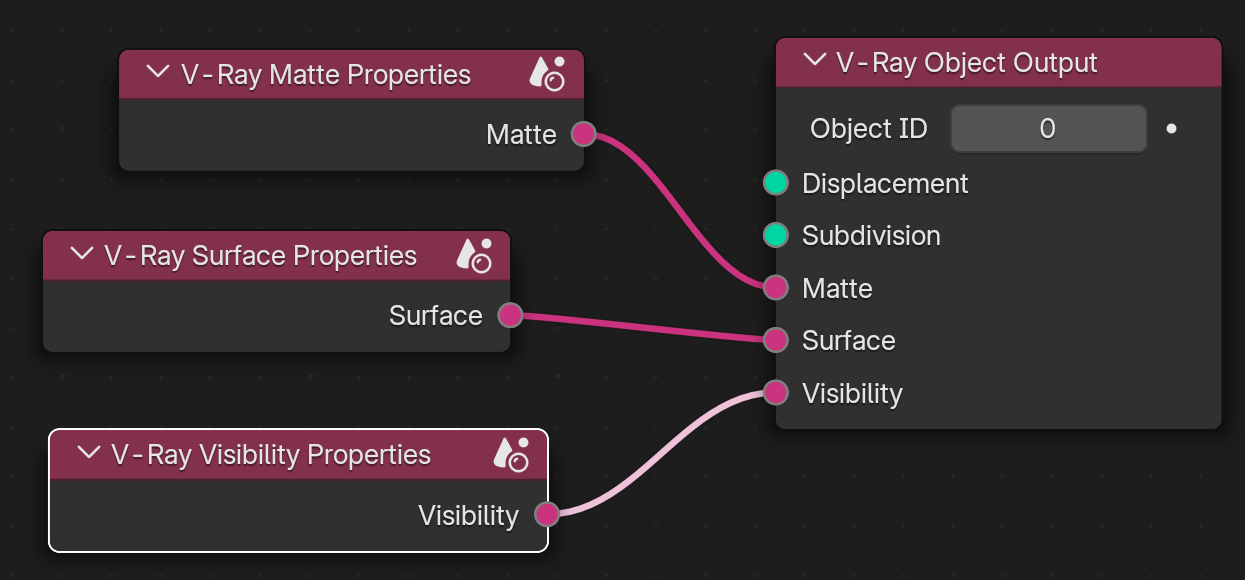
V-Ray offers per-object visibility adjustments through the Visibility Properties node in the Object Node Tree. Make sure the node is connected to a V-Ray Object Output. Otherwise, the visibility properties will not be applied.
UI Path: ||V-Ray Node Editor|| > Object > Add > Object Properties > V-Ray Visibility Properties
Properties
Visibility – Determines the opacity of the entire object.
Camera Visibility – When disabled, the object appears perfectly transparent to camera rays. This option is inactive when working with the V-Ray CUDA engine.
Visible In Reflections – When disabled, the object appears perfectly transparent to reflection rays.
Visible In Refractions – When disabled, the object appears perfectly transparent to refraction rays.
Cast Shadows – When disabled, the object appears perfectly transparent to shadow rays. When disabled, the object no longer affects the GI.
Receive Shadows – When disabled, the object does not receive shadows. This option is inactive when working with the V-Ray CUDA engine.
