V-Ray for Blender
World Output
This page provides information about the World Output node in the V-Ray Node Editor in Blender.
Last updated 18 September 2025
This page provides information about the World Output node in the V-Ray Node Editor in Blender.
Overview
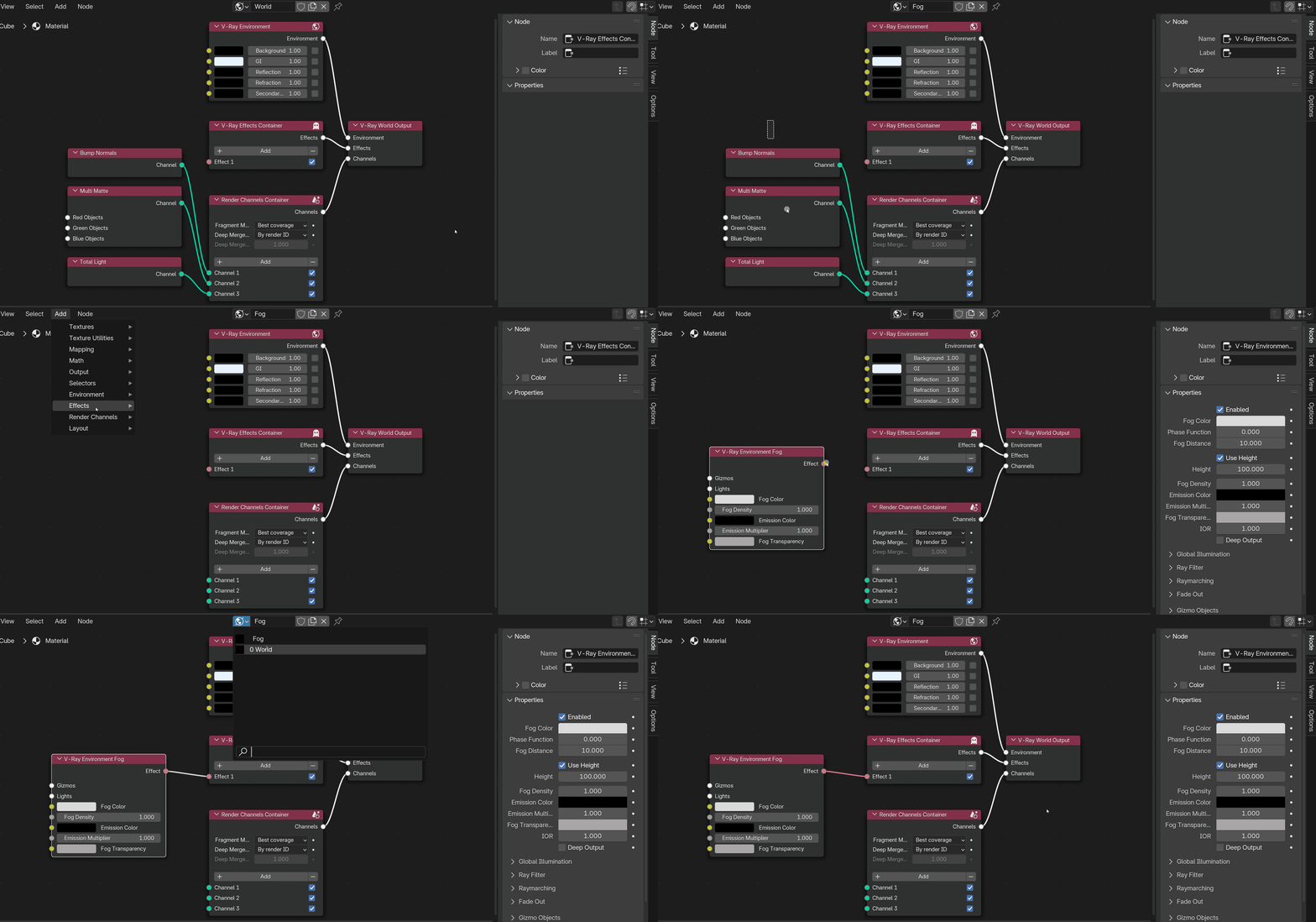
The World Output node connects all nodes in the V-Ray World Node Tree to the scene. Nodes not connected to the World Output are not reflected in the scene. To this node, you connect the V-Ray Environment node, which links the environment properties, The V-Ray Effects Container, which links all the effects applied to the scene, and the Render Channel Container. This node has no editable properties.
UI Path: ||V-Ray Node Editor|| > World > Add > Output > V-Ray World Output

Setting Up Multiple World Output Nodes
V-Ray allows multiple World Output nodes to be created. You can then switch between different world setups to see your scene in a different setting.
- To create a separate World setup, copy the current one using the Copy V-Ray World button (). It is automatically named World.001, but you can give it a custom title.
- Customize the new World setup. The new setup will not interfere with the original. Any Render Channels, Effects, and other connected nodes will be active only with the World setup they are assigned to.