V-Ray for Cinema 4D
Checker Node
This page provides information about the Checker node in V-Ray for Cinema 4D.
Last updated 19 September 2025
This page provides information about the Checker node in V-Ray for Cinema 4D.
Overview
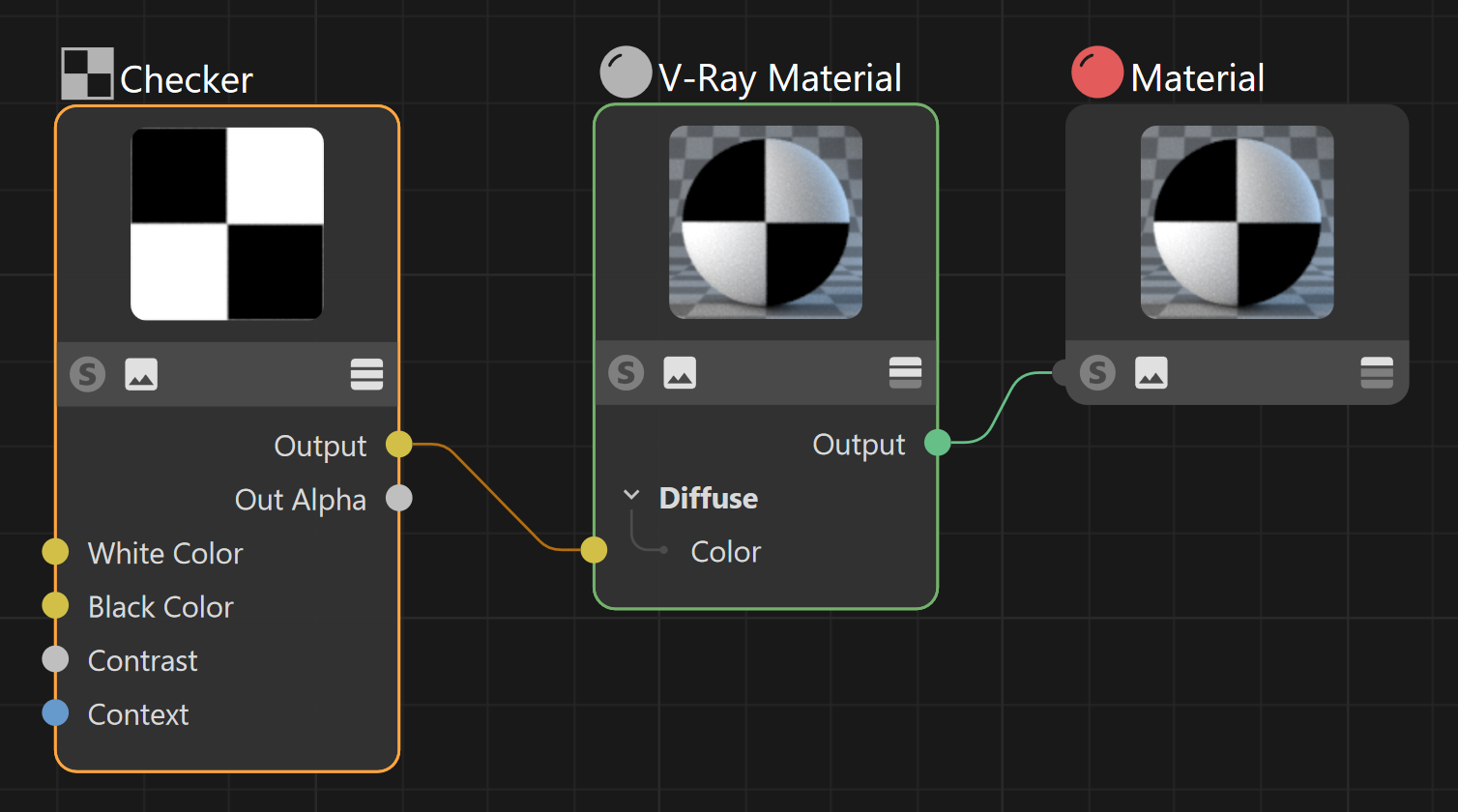
The Checker node can be set to any color and generates a procedural checkerboard texture.
Input
White Color – Specifies a color or texture for what would usually be the white squares on the checkerboard.
Black Color – Specifies a color or texture for what would usually be the black squares on the checkerboard.
Contrast – Controls the contrast between both colors. A lower than 1 value results in less contrast.

Output
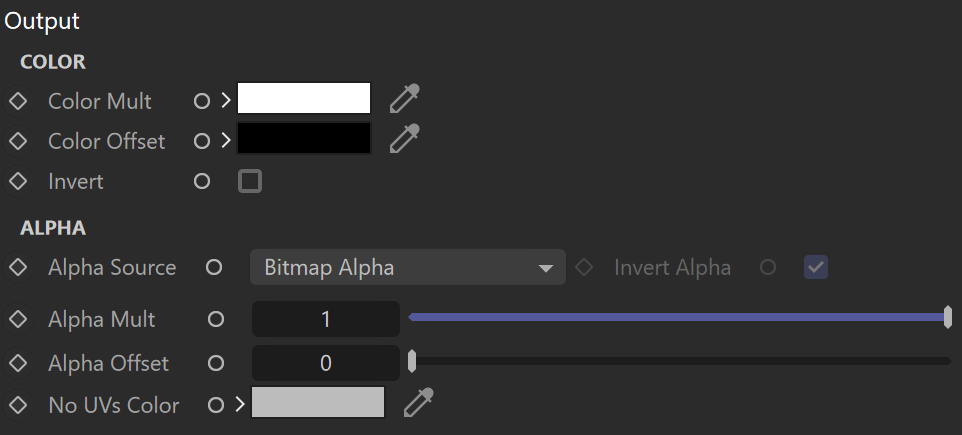
COLOR
Color Mult – Corrects the color of the node by multiplying the RGB color values with the RGB color values specified here.
Color Offset – Corrects the color of the node by adding the RGB color values specified here to the RGB color values of the node.
Invert – Inverts the RGB texture values.
ALPHA
Alpha Source – Specifies what the alpha source is:
Bitmap Alpha – Alpha channel is drawn from the texture.
Color Intensity/luminance – Alpha is generated from pixel intensity.
Force Opaque – Alpha channel is fully opaque.
Invert Alpha – When enabled and Invert from Color Tweaks is also on, the resulting texture alpha is inverted as well.
Alpha Mult – Specifies a multiplier for the texture alpha.
Alpha Offset – Specifies an additional offset for the texture alpha.
No UVs Color – Specifies a color for all geometry without UVs.
Mapping
Placement – Specifies the way the valid portion of the texture is applied:
Whole Texture is Valid – Uses the full valid portion of the texture.
Crop – Specifies a section of the texture using the parameters below.
Place – Specifies a section of the texture and how to place it using the parameters below.
Tile U – Enables horizontal tiling.
Tile V – Enables vertical tiling.
U – Specifies the U coordinate of the valid texture sector.
V – Specifies the V coordinate of the valid texture sector.
Weight – Specifies the width of the valid texture sector.
Height – Specifies the height of the valid texture sector.
Jitter – Controls the amount of random placement variation.

UV Noise
UV Noise On – Enables noise for the texture.
Animate UV Noise – Enables noise to be animated.
UV Noise Amount – Specifies the amount of noise to add to the texture.
UV Noise Levels – Specifies the amount of noise iterations.
UV Noise Size – Controls the scale of the noise.
UV Noise Phase – Controls the noise pattern iterations.

Context
Context – Allows the attachment of a Context node (UVW generator) to adjust the UVWs of the texture. For more information, visit the Context Nodes page.
