V-Ray for Cinema 4D
Grid Node
This page provides information about the Grid node texture in V-Ray for Cinema 4D.
Last updated 19 September 2025
This page provides information about the Grid node texture in V-Ray for Cinema 4D.
Overview
The V-Ray Grid node texture generates a procedural grid pattern using custom colors.

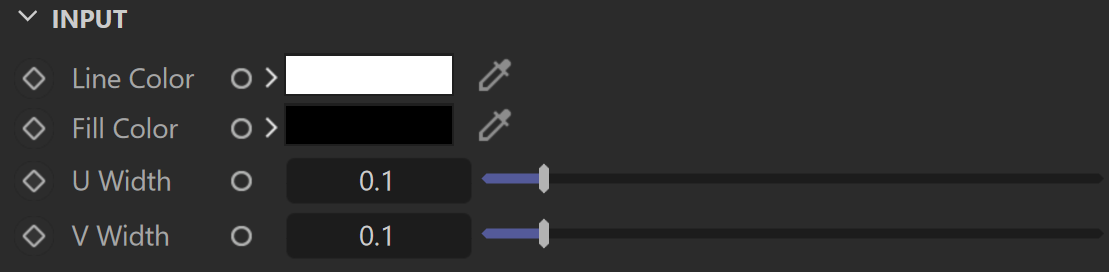
Input
Line Color – Controls the color of the lines in the grid procedural texture.
Fill Color – Controls the main non-line color of the procedural grid texture.
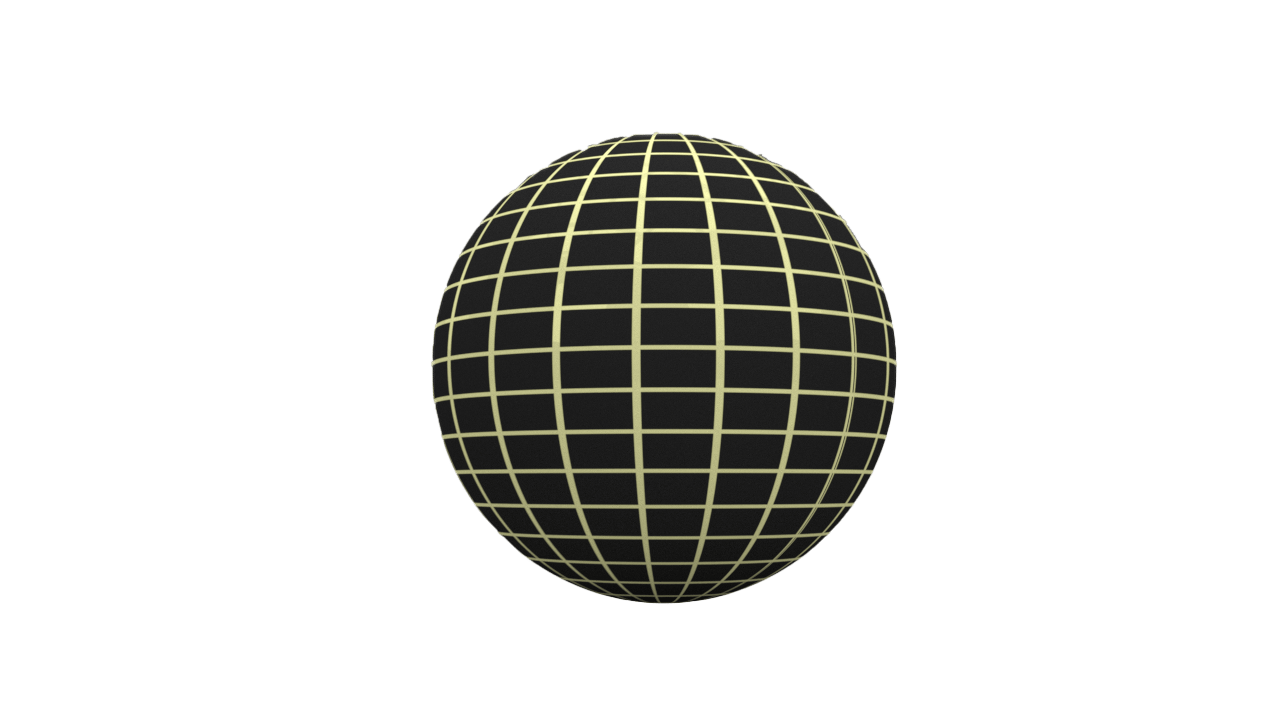
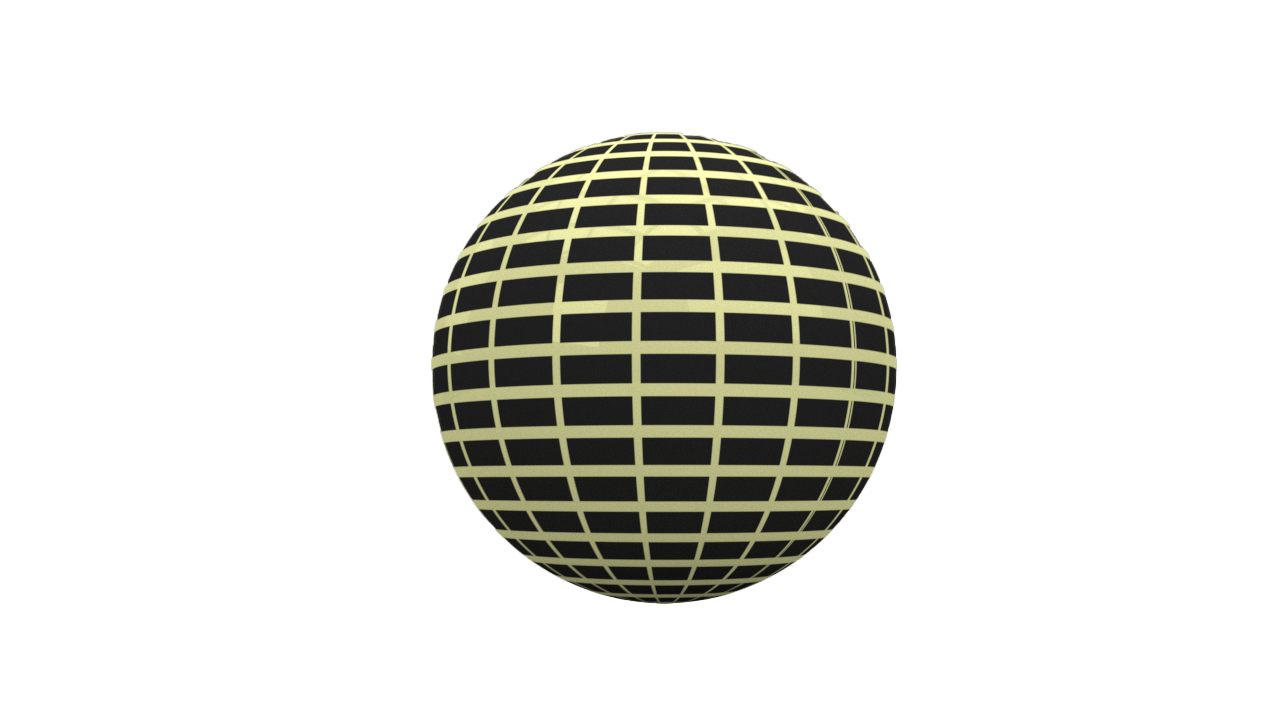
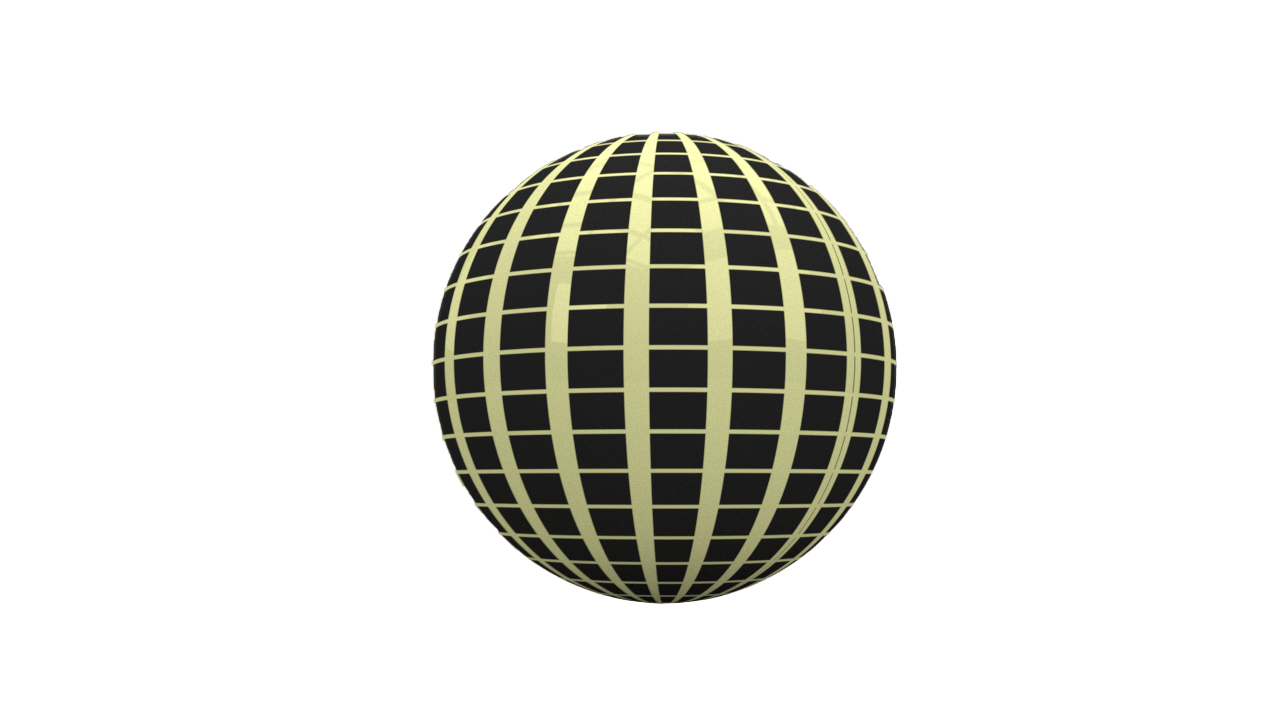
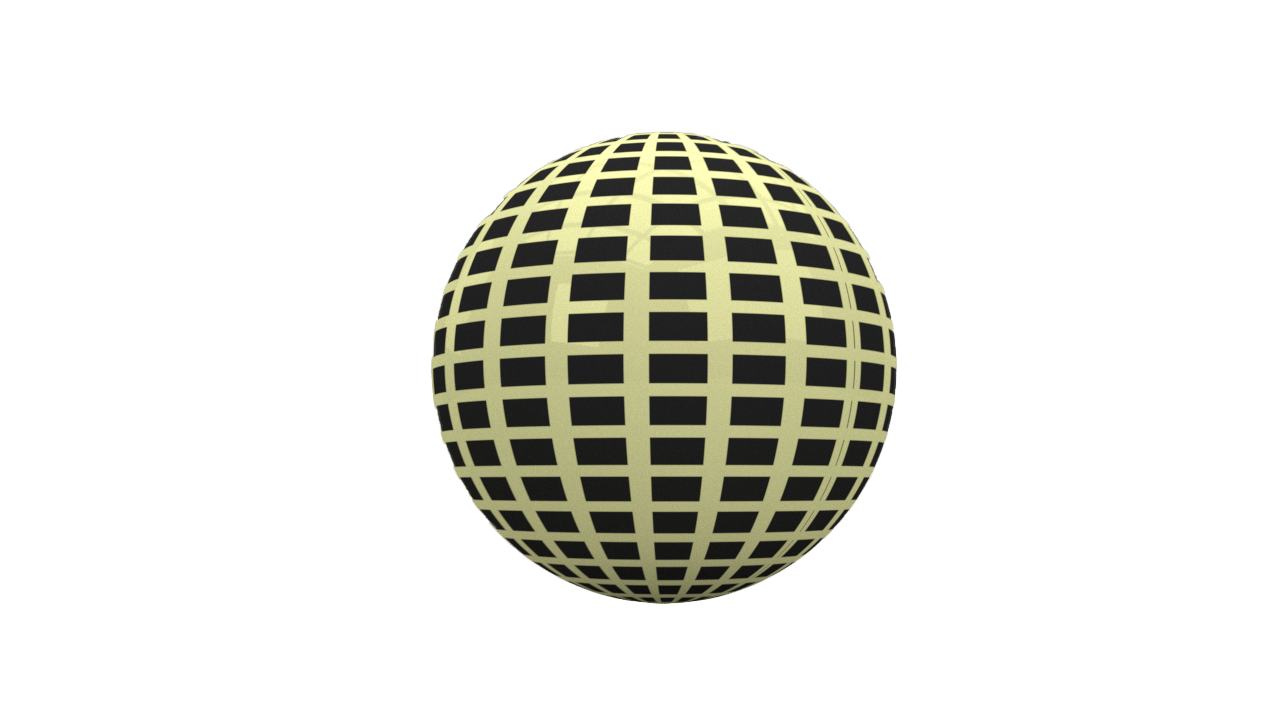
U Width – Controls the horizontal line width.
V Width – Controls the vertical line width. For more information, see the U Width and V Width example.
Output
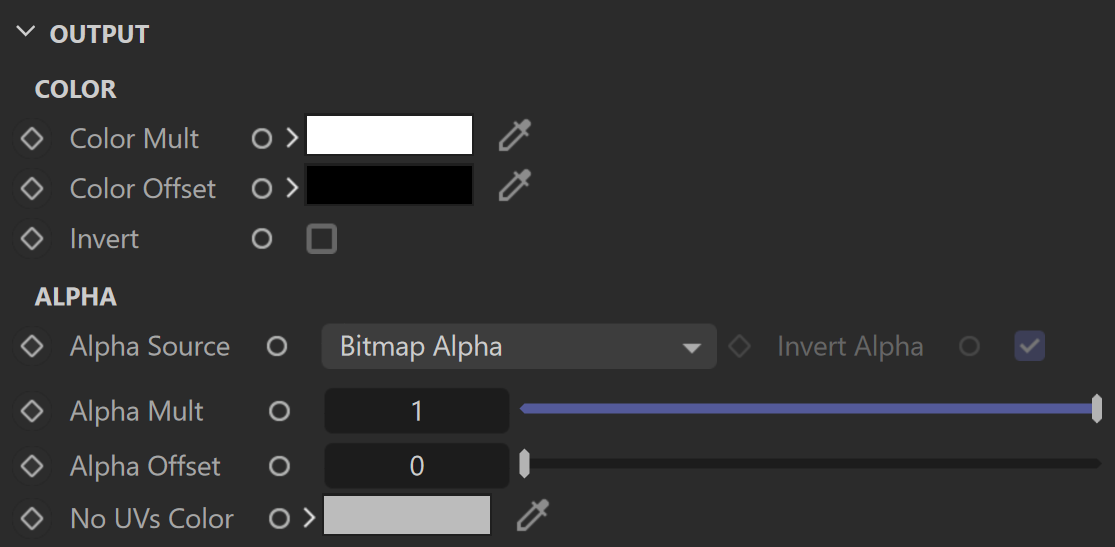
COLOR
Color Mult – Specifies a multiplier for the texture color.
Color Offset – Color corrects the texture by adding the RGB color values specified here to the RGB color values in the texture.
Invert – When enabled, the resulting texture color is inverted.
ALPHA
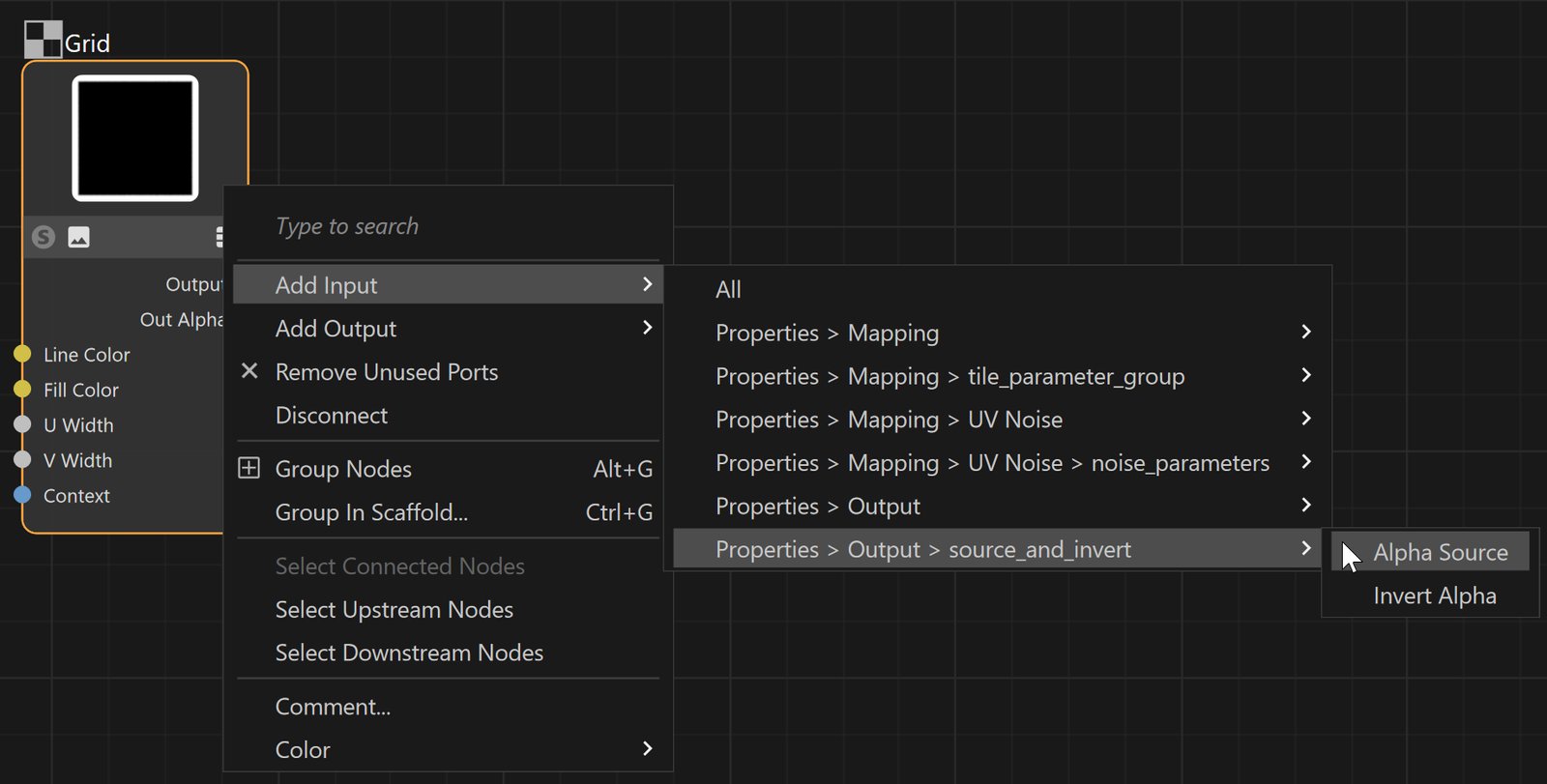
Alpha Source – Specifies the alpha source:
Bitmap Alpha – Sources the apha from a given Bitmap texture. See the Note for information on how to connect a node here.
Color Intensity/luminance – The alpha is taken from the intensity of the connected bitmap node. It is calculated using the basic colors (red+green+blue)/3. See the Note for information on how to connect a node here.
Force Opaque – The alpha is not calculated. The channel always returns 1.0 for alpha.
Invert Alpha – When enabled, the resulting texture alpha is inverted, too. If disabled, just the color is inverted.
Alpha Multiplier – Specifies a multiplier for the texture alpha.
Alpha Offset – Specifies an additional offset for the texture alpha.
No UVs Color – Specifies a color for areas (objects) with no UVs.
Mapping
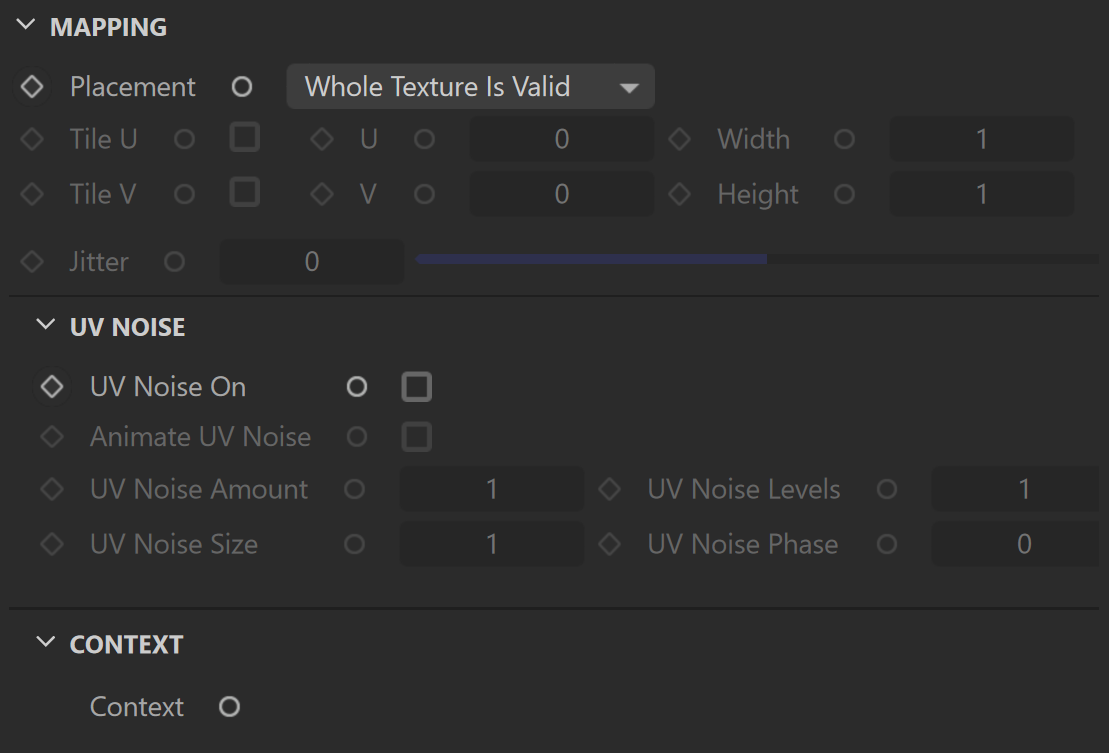
Placement– Specifies the way the valid portion of the texture is applied.
Whole Texture is Valid – Uses the full valid portion of the texture.
Crop – Allows the user to specify a section of the texture using the parameters below.
Place – Allows the user to specify a section of the texture and how to place it using the parameters below.
Tile U/V – Sets a tiling factor for the texture.
Width – Specifies the width of the tiles.
Height – Specifies the height of the tiles.
Jitter – Controls the amount of random placement variation.
UV NOISE
UV Noise On – Enables the UV noise.
Animate UV Noise – When enabled, the noise is animated.
UV Noise Amount – Specifies the UV noise amount.
UV Noise Levels – Specifies the UV noise iterations.
UV Noise Size – Specifies the UV noise size.
UV Noise Phase – Specifies the UV noise phase.
CONTEXT
Context – Allows the attachment of a Context node (UVW generator) to adjust the UVWs of the texture. For more information, visit the Context Nodes page.
Example: U Width and V Width