V-Ray for Cinema 4D
Multi Matte ID RE
The Multi Matte ID Render Element isolates objects with specific Multi Matte IDs for compositing purposes.
Last updated 19 September 2025
The Multi Matte ID Render Element isolates objects with specific Multi Matte IDs for compositing purposes.
Overview
The Multi Matte ID Render Element provides a mask for individual objects and/or materials based on the Multi Matte IDs.
The Multi Matte ID Render Element contains no shading information at all; it only contains blocks of color that correspond to each Multi Matte ID. It uses the Multi Matte ID option available in the materials' properties.
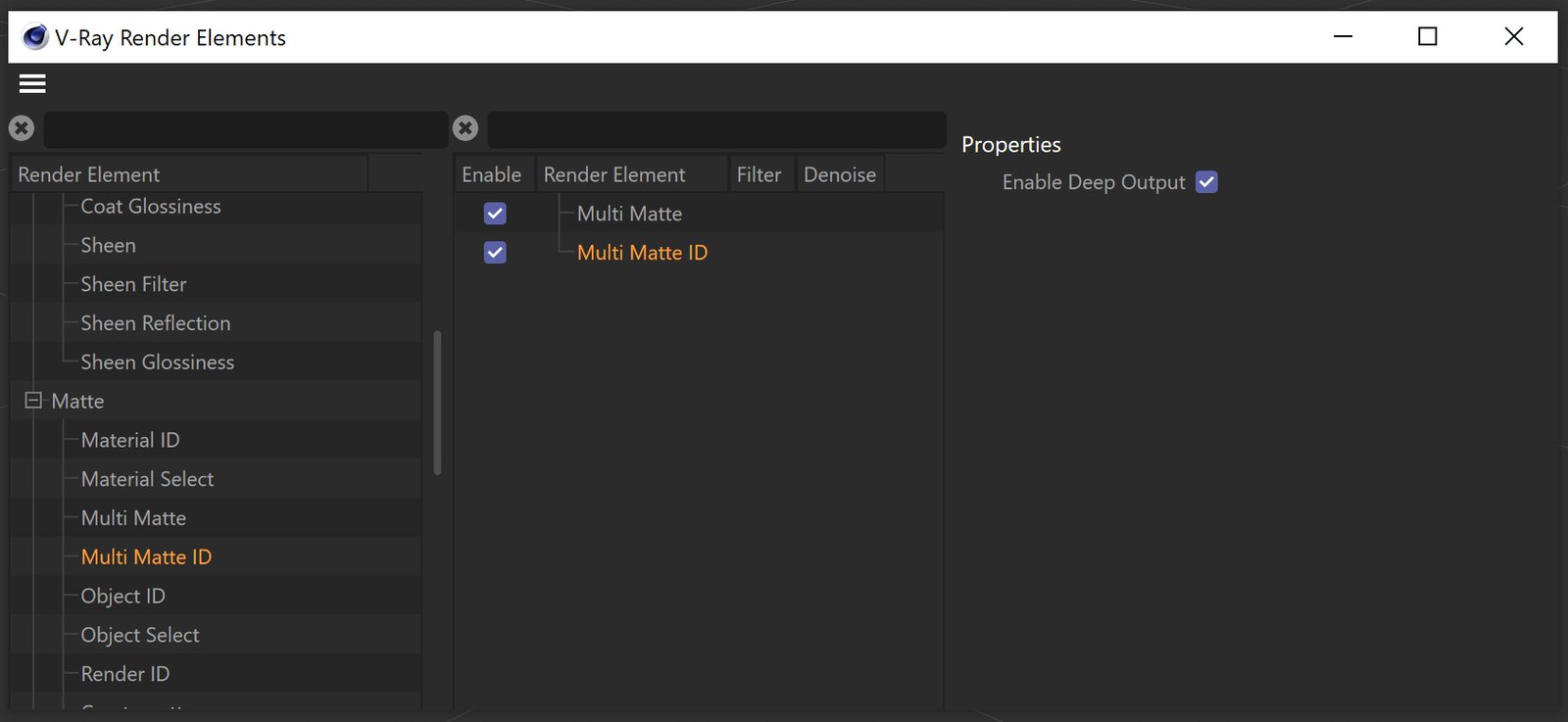
UI Path: ||V-Ray|| > Render Elements > Multi Matte ID
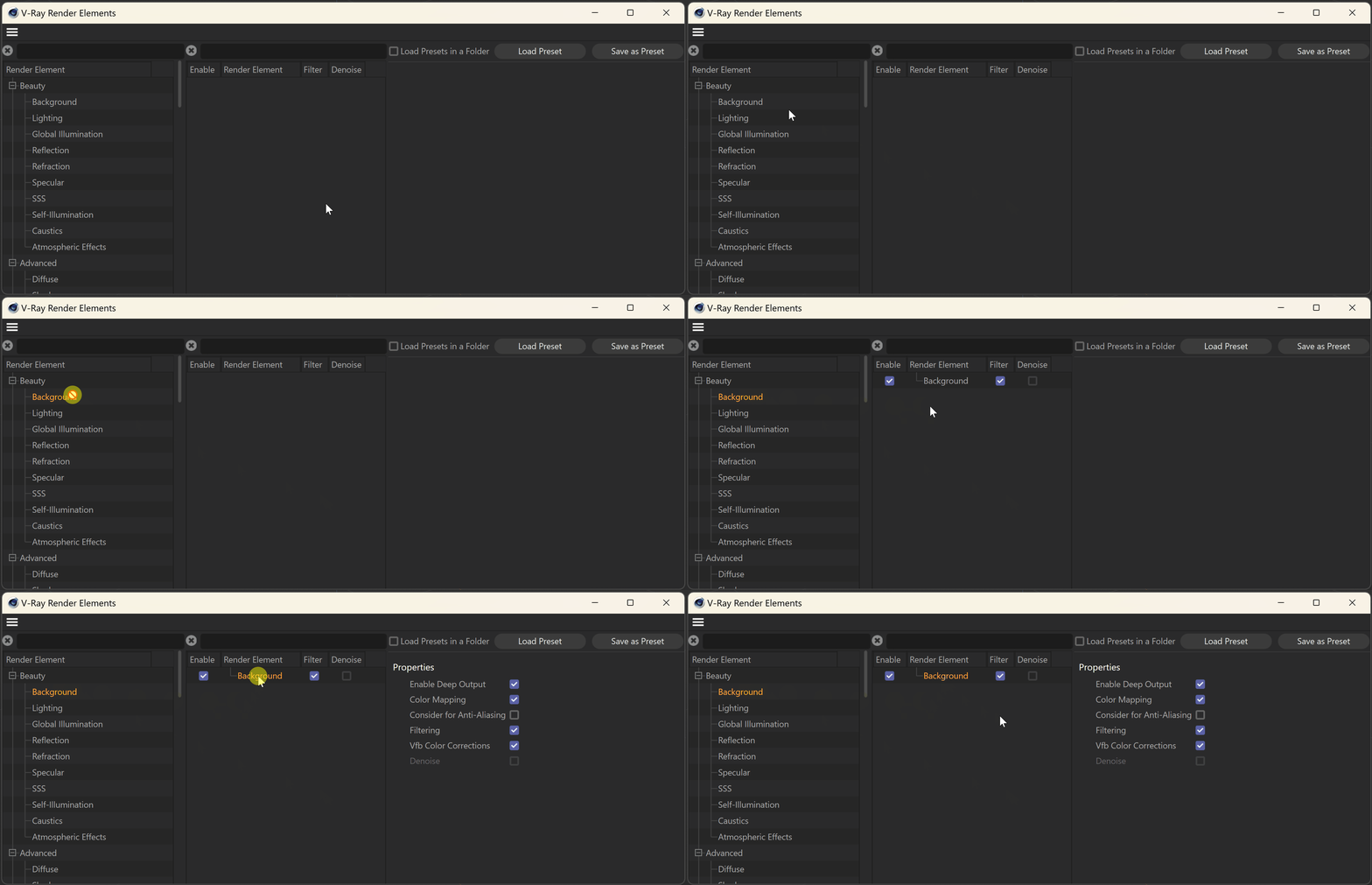
How to add a render element to a scene
Properties
Enable Deep Output – Specifies whether to include this render element in deep images.

Multimatte ID Render Element Set up
Here's the workflow for setting up and using the Multi Matte ID Render Element:
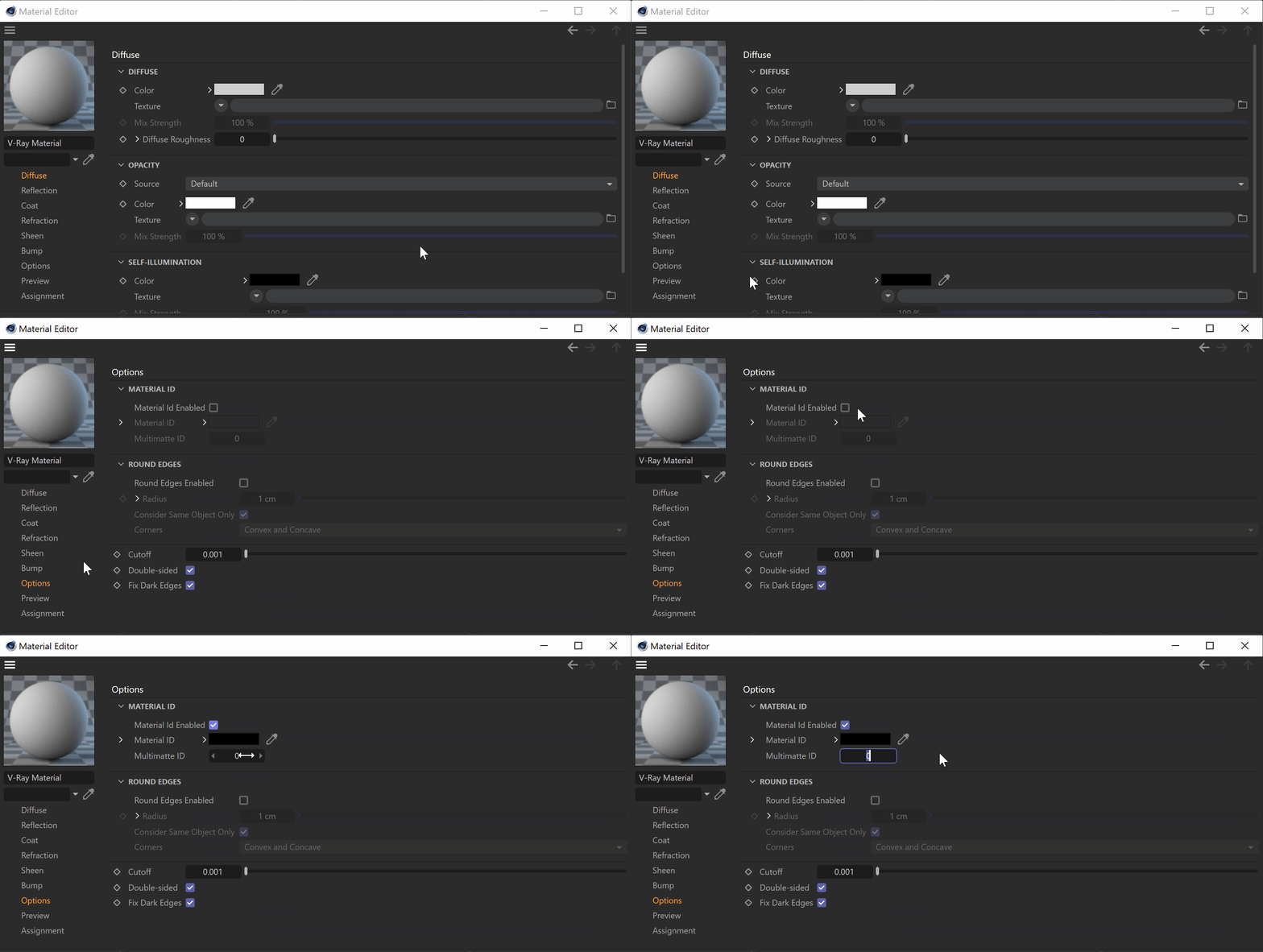
Select the material and go to the Options tab. Enable Material Id and set the Multimatte ID to the required value.
Note: each number corresponds to a different color.
Open the V-Ray menu and select the Render Elements. Add the Multi Matte ID render element to the scene.