V-Ray for Cinema 4D
Reflection Glossiness RE
This page provides information about the Reflection Glossiness Render Element in V-Ray for Cinema 4D.
Last updated 19 September 2025
This page provides information about the Reflection Glossiness Render Element in V-Ray for Cinema 4D.
Overview
The Reflection Glossiness Render Element stores the image's reflection glossiness as a grayscale image that represents the degree of Reflection Glossiness set for materials in the scene. White areas have the most reflection glossiness, while dark areas have little.
The amount of reflection glossiness for a material is set by its Reflection Glossiness parameter. For example, V-Ray Material (VRayMtl) has a Reflection Glossiness parameter, and FastSSS2 has a Specular Glossiness parameter that goes into the Reflection Glossiness render element.
UI Path: ||V-Ray|| > Render Elements > Reflection Glossiness
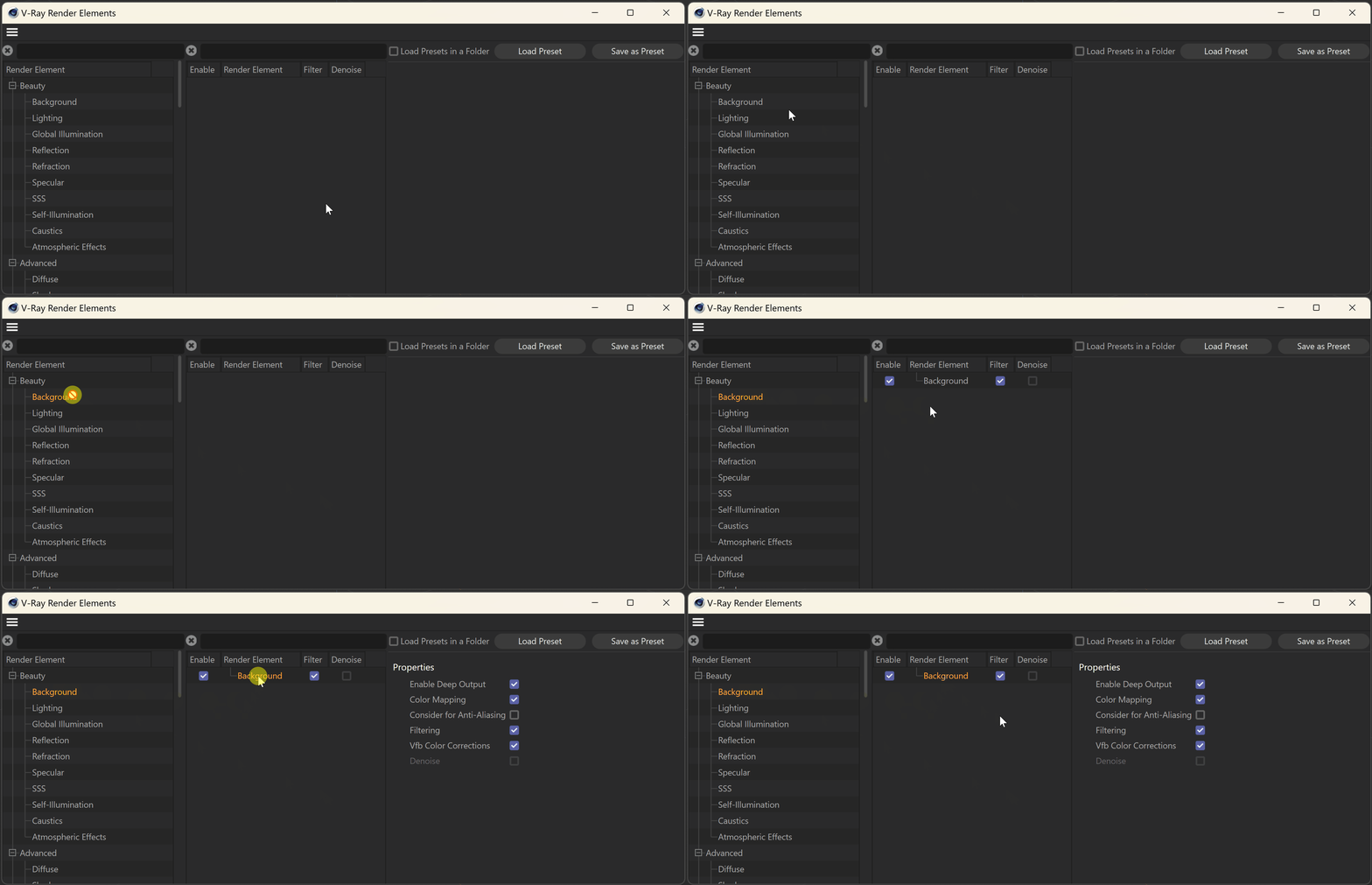

Properties
Enable Deep Output – Specifies whether to include this render element in deep images.
Filtering – Applies an image filter to this channel.