V-Ray for Cinema 4D
Scatter Edge Trimming
This page provides information about the Scatter Edge Trimming texture in V-Ray for Cinema 4D.
Last updated 19 September 2025
This page provides information about the Scatter Edge Trimming texture in V-Ray for Cinema 4D.
Overview
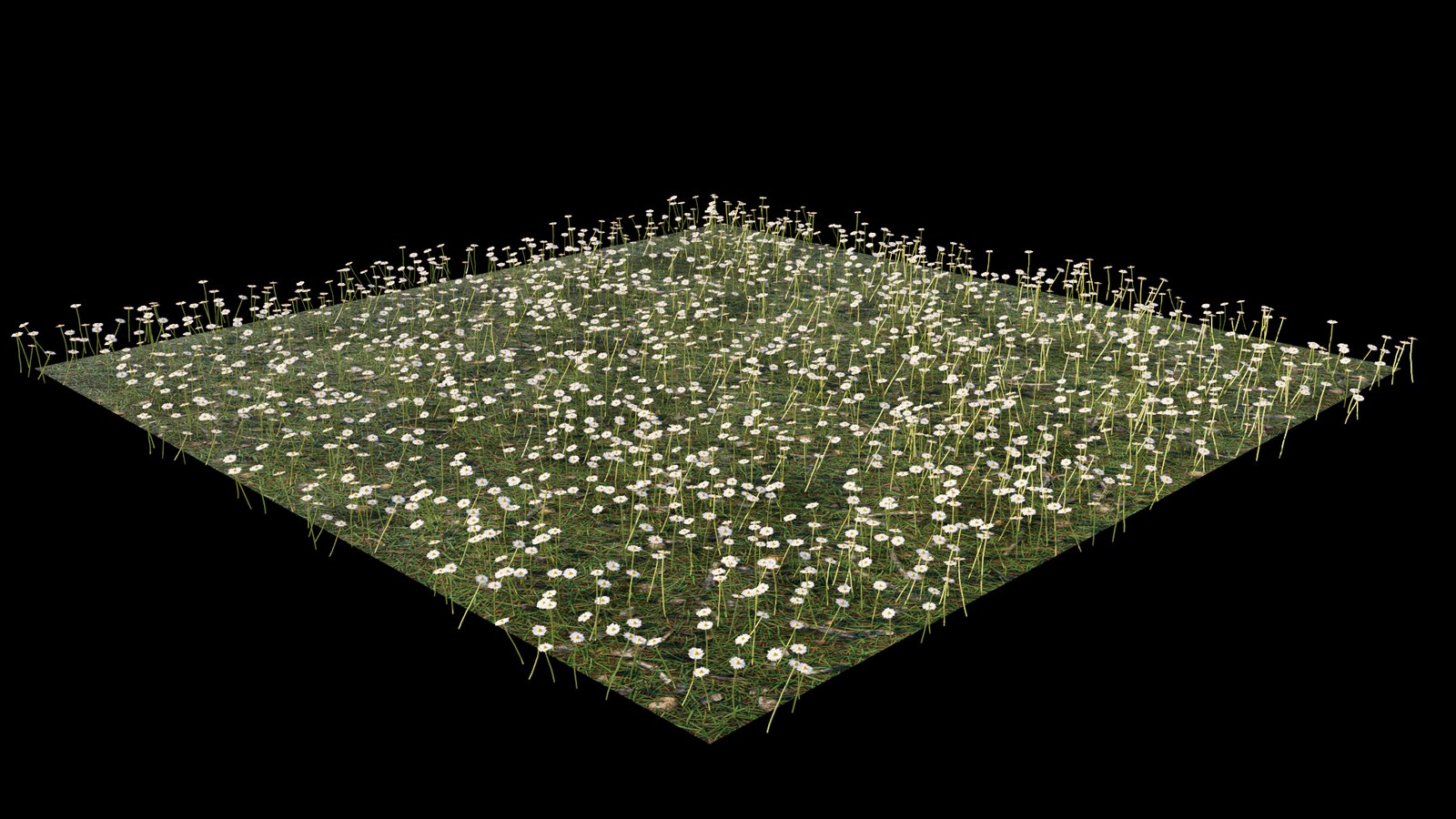
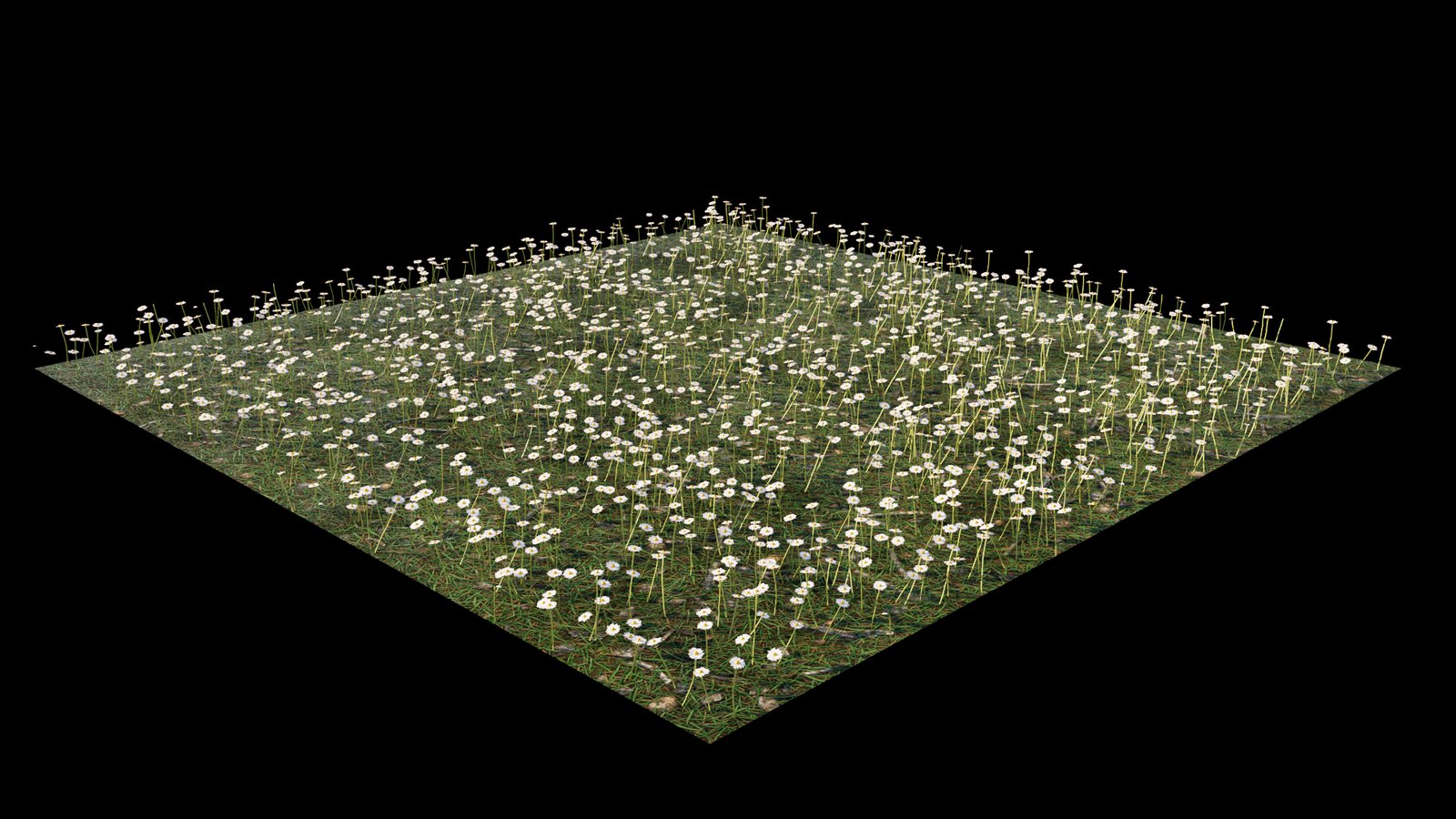
The Scatter Edge Trimming texture is used in addition to the Chaos Scatter plugin. It allows you to trim scattered instances consisting of multiple mesh elements so that they stay within the boundaries of the distribute-on objects or the include/exclude splines. In addition to making the scattering look more refined and natural, this feature also provides a performance increase - thanks to removing some of the instances, you can save RAM and make parsing time shorter. The Scatter Edge Trimming texture is attached to the Opacity port of the material. See the Scatter Edge Trimming#example for a visual representation.
UI Path: Texture slot > plugins > ChaosScatter > Edge Trimming

Shader Properties
Default shader – If a material uses some opacity texture in addition to the Scatter Edge Trimming shader, this texture can be defined here.

Example: Scatter Edge Trimming
See the instances before and after the Scatter Edge Trimming texture is applied.