V-Ray for Cinema 4D
ZDepth RE
This page provides information about the ZDepth Render Element in V-Ray for Cinema 4D.
Last updated 19 September 2025
This page provides information about the ZDepth Render Element in V-Ray for Cinema 4D.
Overview
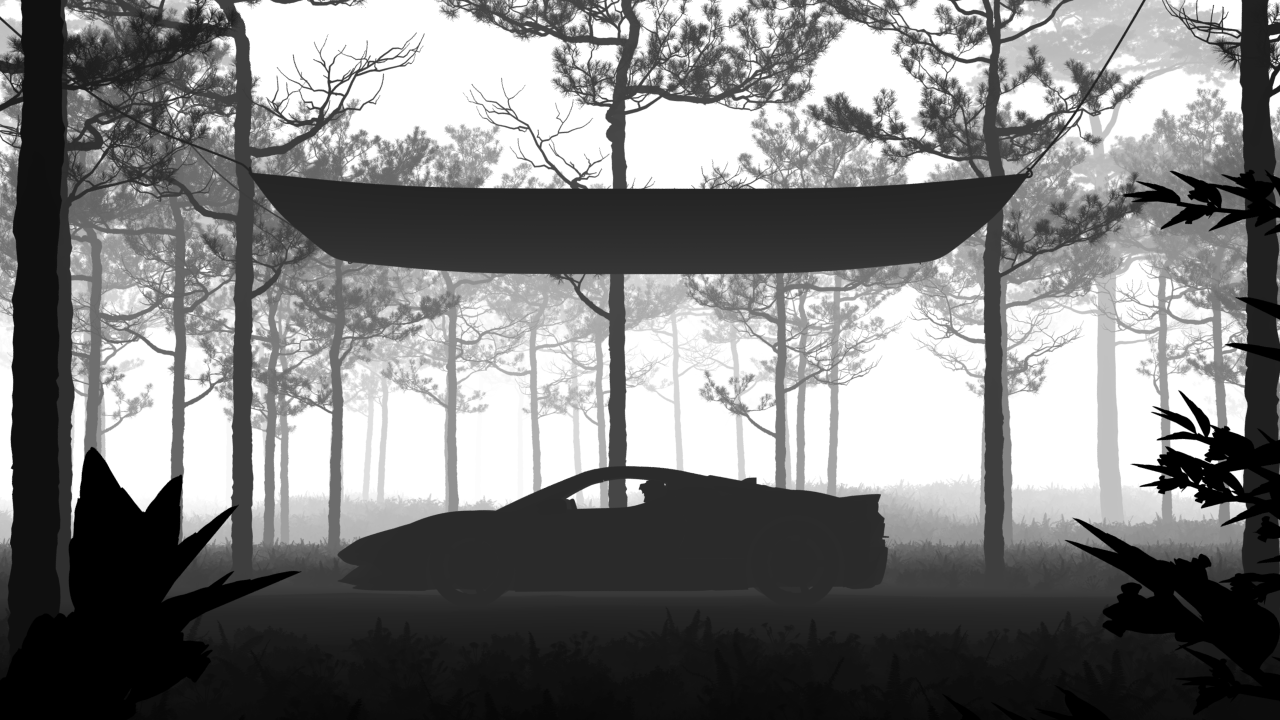
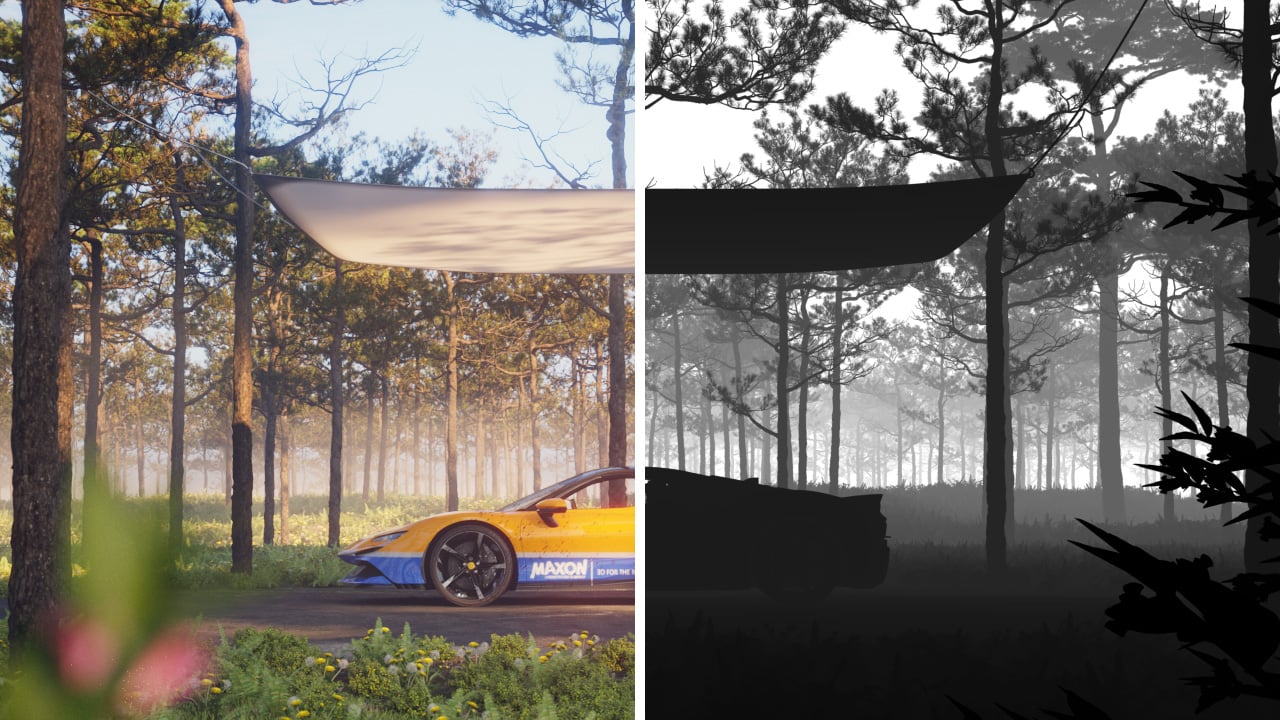
The Z-Depth Render Element is a grayscale image that renders each pixel based on its distance from the camera in the view. It provides information about each object's distance from the camera in the current view. Each pixel representing the object is evaluated for distance individually; different pixels for the same object can have different grayscale values. You can adjust this render channel so that objects (or portions of objects) closest to the camera appear black, while those furthest away appear white or vice versa.
The most common usage of the Z-Depth Render Element is as a control for depth of field in the composite. Depth of field can be challenging to do correctly, requiring many tweaks and re-renders; using the Z-Depth Render Element in a composite is usually much faster and allows easier and faster adjustment than trying to get it exactly right within the render.
UI Path: ||V-Ray|| > Render Elements > ZDepth
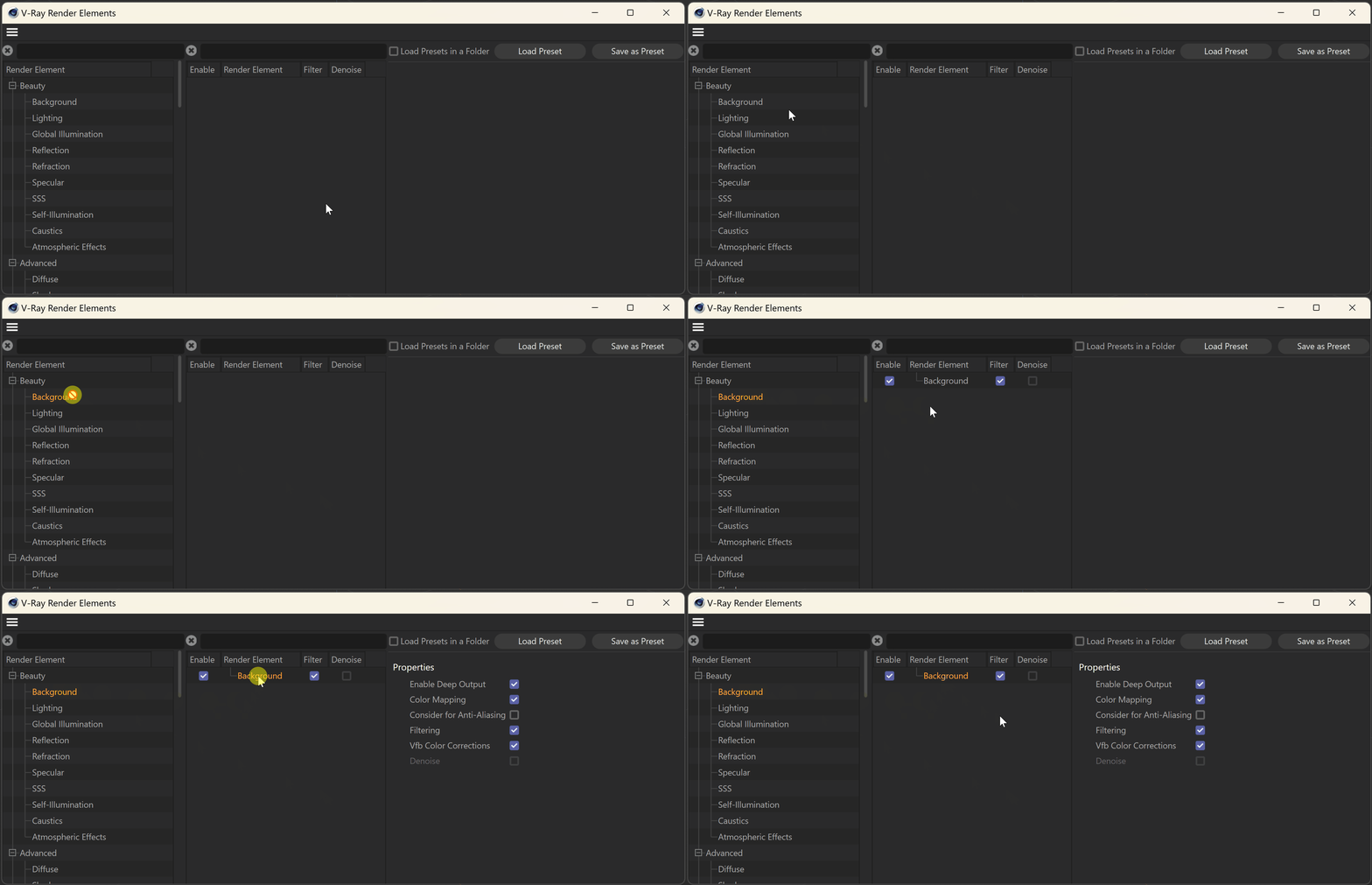
How to add a render element to a scene
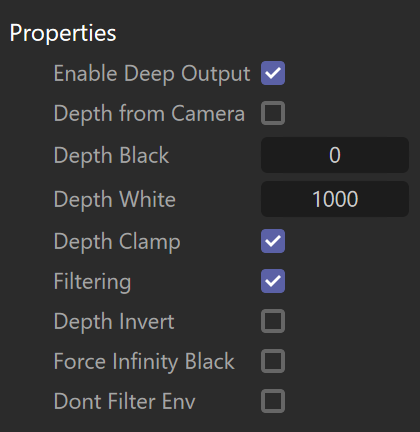
Properties
Enable Deep Output – Specifies whether to include this render element in deep images.
Depth from Camera – Specifies whether to use camera clip boundaries as the minimum and maximum Z-Depth distance, even if camera clipping is disabled. The camera clipping boundaries can be found in the Details tab of each camera object. Enabling this option disables the Depth Black and Depth White parameters.
Depth Black – Objects up to this distance from the camera render black.
Depth White – Objects further than this distance from the camera render white. See the example.
Depth Clamp – Clamps the Z-Depth colors to a linear 0-1 range.
Filtering – Applies an image filter to this channel.
Depth Invert – Inverts the colors of the Z-Depth render element. Objects closest to the camera render white, while those furthest away are black. See the example.
Force Infinity Black – When enabled, overrides the infinity color, turning it black. Everything beyond the Depth White amount (if not using Depth from Camera) is the infinity color.
Dont Filter Env – When enabled, only outlines of overlaying objects are filtered. When Filtering is enabled, and Dont Filter Env is enabled, pixels bordering scene objects and the environment remain unfiltered, while pixels bordering different objects are still filtered.
Example: Depth White
In this example, you can see how changing the Depth White parameter affects the render element. You can see how increasing the parameter includes more and more objects in black (in focus). In all renders, the Depth Black is left at 0.

Depth White = 2000

Depth White = 8000

Depth White = 16000
Example: Depth Invert
You can use the Depth Invert property to invert the colors of the render element. If you are using Z-Depth to simulate depth of field, this functionality allows you to scew the focus to an element in the distance, instead of objects right in front of the camera.