V-Ray for Maya
Export Materials to MaterialX
This page provides information about the Export Materials to MaterialX tool in V-Ray for Maya.
Last updated 19 September 2025
This page provides information about the Export Materials to MaterialX tool in V-Ray for Maya.
Overview
The Export Materials to MaterialX tool allows the export of V-Ray materials to MaterialX file (.mtlx), which can be transferred to other host apps and used to be rendered with V-Ray. The exported .mtlx file contains custom V-Ray data and can be used only with V-Ray.
To load the exported .mtlx files, use the VRayMaterialX material.
UI Path: V-Ray menu > Tools > Export Materials to MaterialX (Experimental)

Options
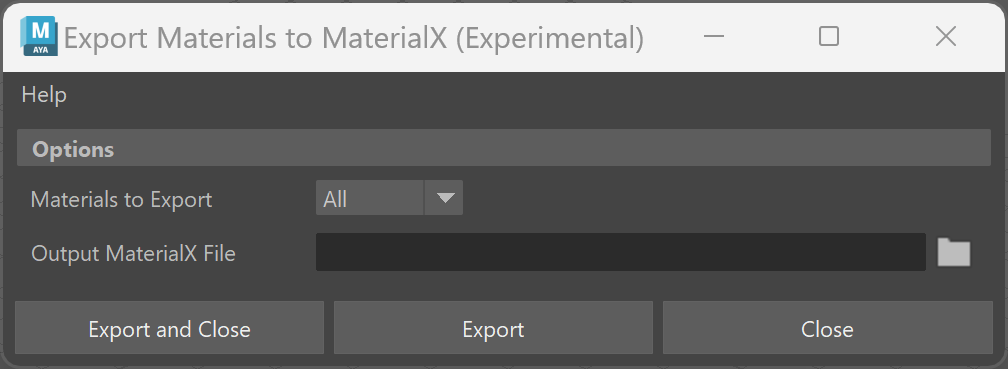
Materials to Export – Select which materials to export to a .mtlx file.
All – Exports all materials created in the scene.
Selection – Exports only the pre-selected materials or the materials of the pre-selected objects.
Output MaterialX File – Sets the directory of the exported .mtlx file.
Export and Close – Exports the material(s) and closes the window.
Export – Exports the material(s) to the set .mtlx file.
Close – Closes the window.