V-Ray for Maya
Import V-Ray Material from File
This page provides information on the Import V-Ray material from vrscene dialog.
Last updated 19 September 2025
This page provides information on the Import V-Ray material from vrscene dialog.
Overview
The V-Ray Material Importer tool is used to import any V-Ray material exported from a .vrscene file into Maya. If importing from a supported vrscene file (one created in Maya), the parameters and settings are still available and adjustable as opposed to using a VRmat Material. Importing vrscene files from other applications may not support all parameters and settings and therefore are brought in as plugin node material versions.
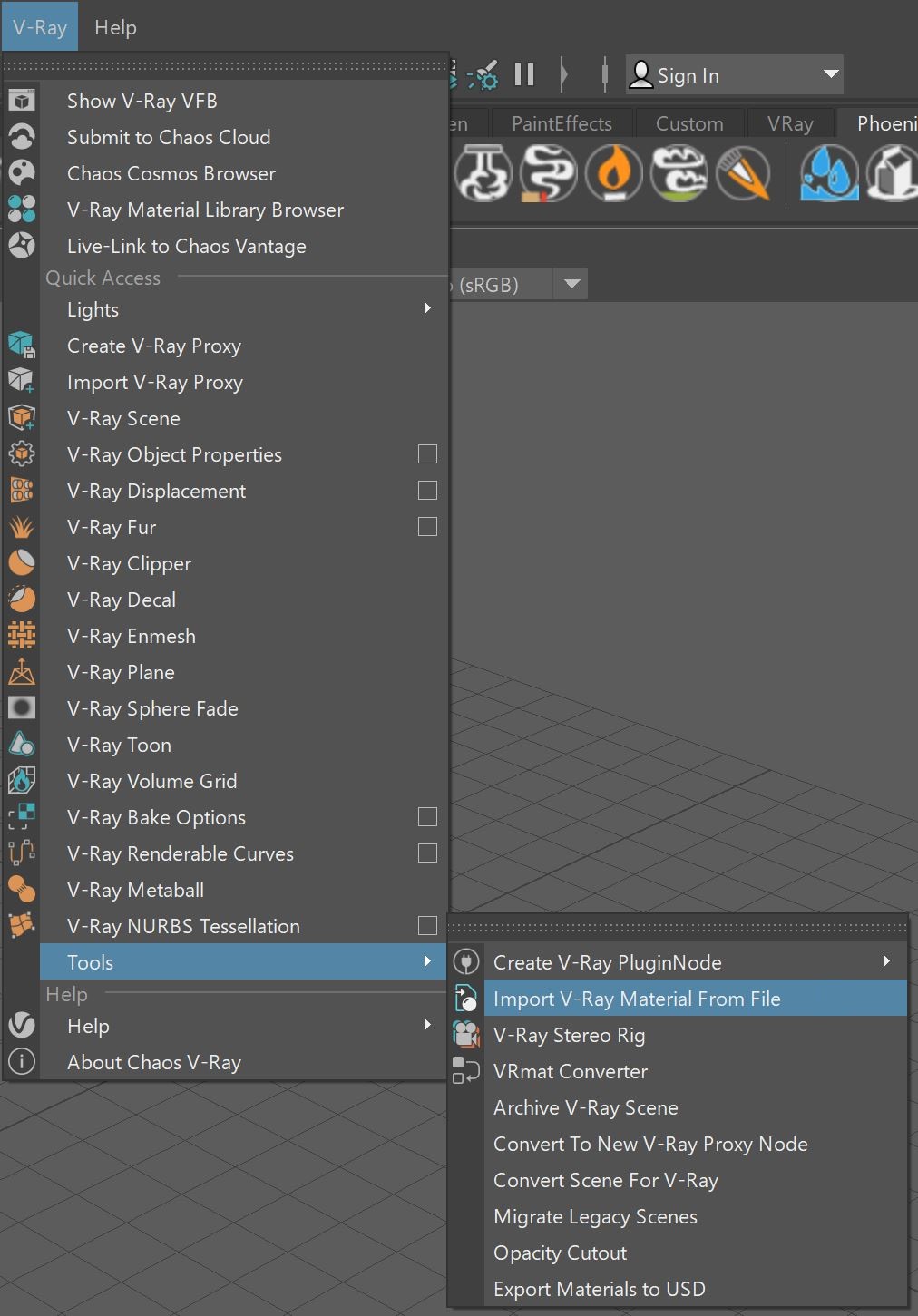
UI Path: ||V-Ray menu|| > Tools > Import V-Ray material from file



Interface and Parameters
File – Shows the filename and path of the vrscene file selected for import.
(Open/Browse window) – Traditional folder icon button used to select the vrscene file to load into the importer window.
Materials – A list of all V-Ray materials found in the loaded vrscene file that can be imported.
Duplicate Materials – Additional copies of selected materials will be imported into the scene if they already exist.
No Duplicate – If a selected material is already present in the scene, an additional copy will not be imported. Only new materials to the scene will be imported with this option.
Select All button – Highlights all materials listed in the Materials section of the importer window.
Import button – Activates the importing process to bring in selected materials.

Example: Importing VRay Blend Mtl from 3ds Max to Maya

This example shows how to import a proxy material into Maya using Import from File. The V-Ray material is created in 3ds Max and the scene is exported using the V-Ray Scene Exporter. The scene is then imported into Maya, by using VRay's Import from File function and locating the exported scene. V-Ray imports the material into Maya and it is available for editing.

V-Ray Blend Material exported from 3ds Max.

V-ray Material file imported into Maya
Notes
- If the material inside the vrscene file is unsupported by the importer, the material will be imported with its VRayPluginNode or its equivalent.