V-Ray for Maya
V-Ray Material Library Browser
This page provides information on the V-Ray Material Library Browser in Maya.
Last updated 5 December 2025
This page provides information on the V-Ray Material Library Browser in Maya.
Overview
V-Ray Material Library is designed to cover detailed resolution for your realistic renders. V-Ray Material Library Browser eases navigation in this library by providing high quality material previews, content filtering and quick search of the hundreds of materials available.
Each material can be assigned to an object by drag-n-drop (using either left-mouse or middle-mouse button) into the viewport. Materials can also be drag-and-dropped into the Hypershade or anywhere in Maya's viewport.
Note that when installing from a .zip, the V-Ray Material Library is not automatically downloaded. See how to download it manually below.

UI Path: V-Ray menu > V-Ray Material Library
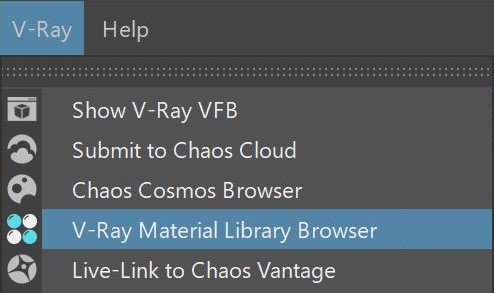

Material Library Installation
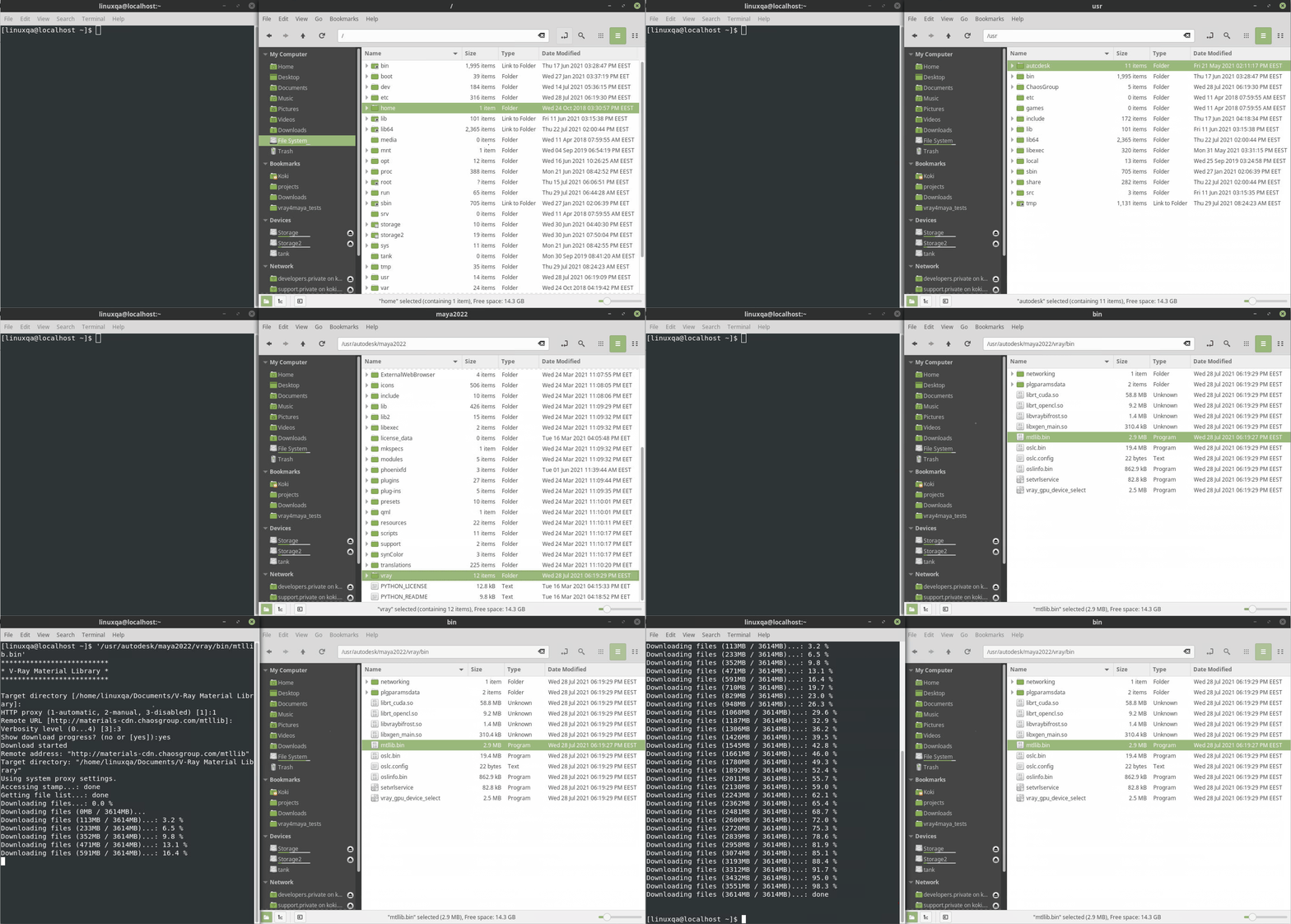
To initiate the download process of V-Ray Material Library, run the mtllib tool located in:
C:\Program Files\Chaos Group\V-Ray\Maya 20XX for x64\maya_vray\bin (for Windows users); also available from the Start menu.
/usr/ChaosGroup/V-Ray/Maya20XX-x64/maya_vray/bin/ (for Linux users)
/Applications/ChaosGroup/V-Ray/Maya20XX/maya_vray/bin/ (for macOS users)
When working with installation from .zip or portable installation, the mtllib file resides in your archived folder:
Win: unpack_zip_folder\maya_vray\bin\mtllib.exe
Linux: unpack_zip_folder/maya_vray/bin/mtllib.bin
macOS: unpack_zip_folder/maya_vray/bin/mtllib.bin
The default download directory for Windows users is C:\Users\USERNAME\Documents\V-Ray Material Library or /home/USERNAME/Documents/V-Ray Material Library on Linux and macOS. If you need to change it, use the following command line:
<code data-v-c2b1f83f=""><span data-v-c2b1f83f="" class="line">mtllib.exe -targetDir="C:\path\ o\mtllib"</span></code>
If the file is executed directly, without a command line, the downloader checks for the VRAY_MTLIB_DOWNLOAD_DIR environment variable. You can set it typing the following command into a Command Prompt Window:
<code data-v-c2b1f83f=""><span data-v-c2b1f83f="" class="line">set VRAY_MTLIB_DOWNLOAD_DIR=C:\path\ o\mtllib</span></code>
For Linux and macOS users the commands for changing the default material library location are the same.
Parameters
The V-Ray Material Library Browser consists of a toolbar with quick search and filtering options, a V-Ray Material Library and Preview section.
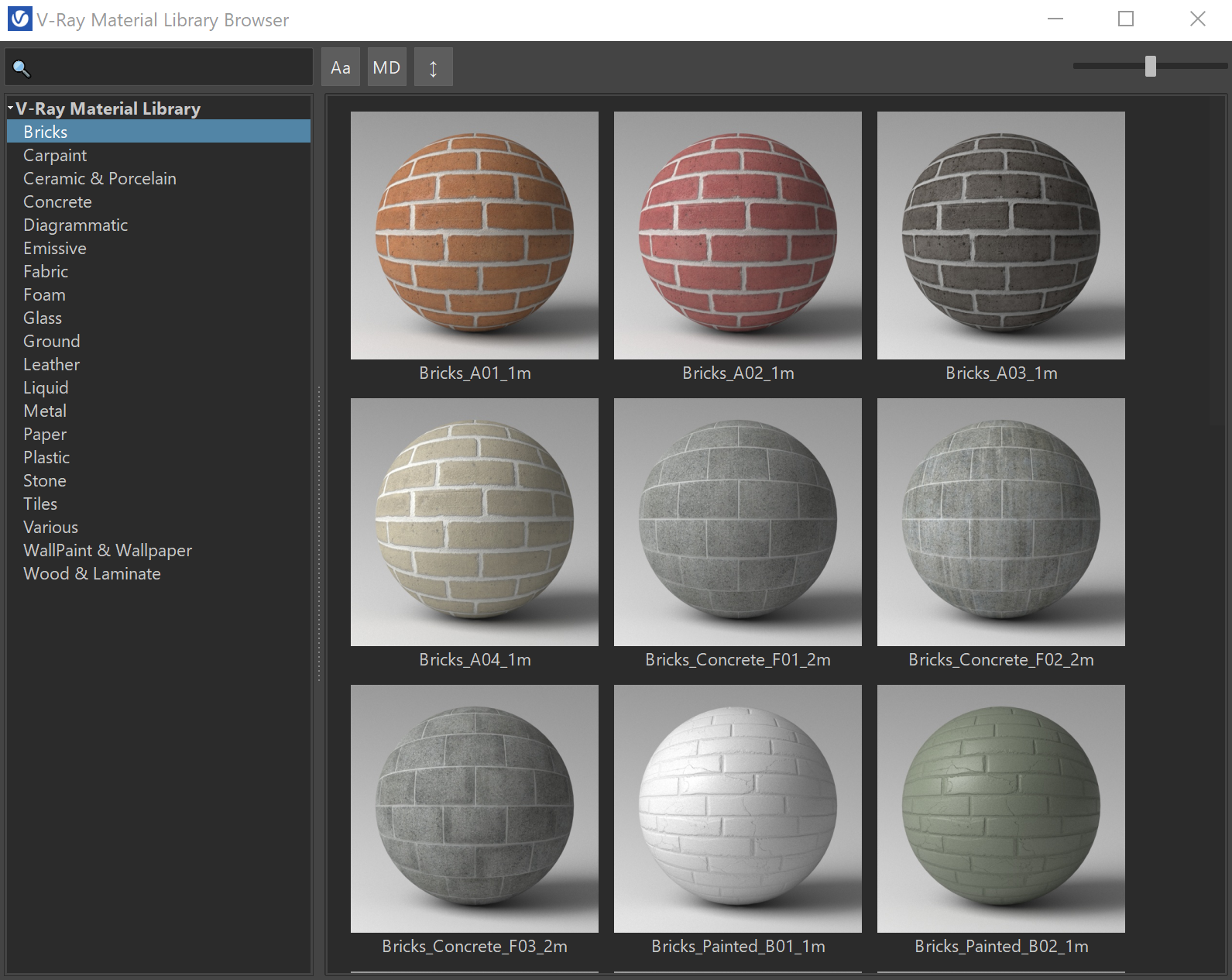
A Search bar where you can specify a filter criteria with wildcards. |
|---|
A Search bar where you can specify a filter criteria with wildcards. | |
|---|---|
Filter case sensitivity. | |
Filters by metadata. | |
Sorts by name. | |
Specifies the thumbnails' size. |
Context Menu
Preview – Opens a Preview swatch of the selected tile.
Add to scene – Adds the selected material to the scene.
Apply to selected object(s) – Applies the selected material to the selected object(s).
Add to favorites – Adds the material to your favorites.

