V-Ray for Maya
VRayVolumeGrid
This page provides general information and links about the V-Ray Volumetric Grid.
Last updated 20 March 2026
This page provides general information and links about the V-Ray Volumetric Grid.
Overview
The V-Ray Volumetric Grid allows you to load, shade and render grid-based simulation cache files, as opposed to the Environment Fog, which is a general purpose volumetric shader and requires no files on disk.
In addition to volumetric rendering, the V-Ray Volume Grid also supports Isosurface rendering and meshing.
Currently, the following file formats are supported:
- OpenVDB (.vdb) - Supported by Houdini® and RealFlow®
- Field3D (.f3d) - Supported by FumeFX® and Maya® (using 3rd party plugins)
- PhoenixFD (.aur) - Phoenix FD® native volume format
UI Paths


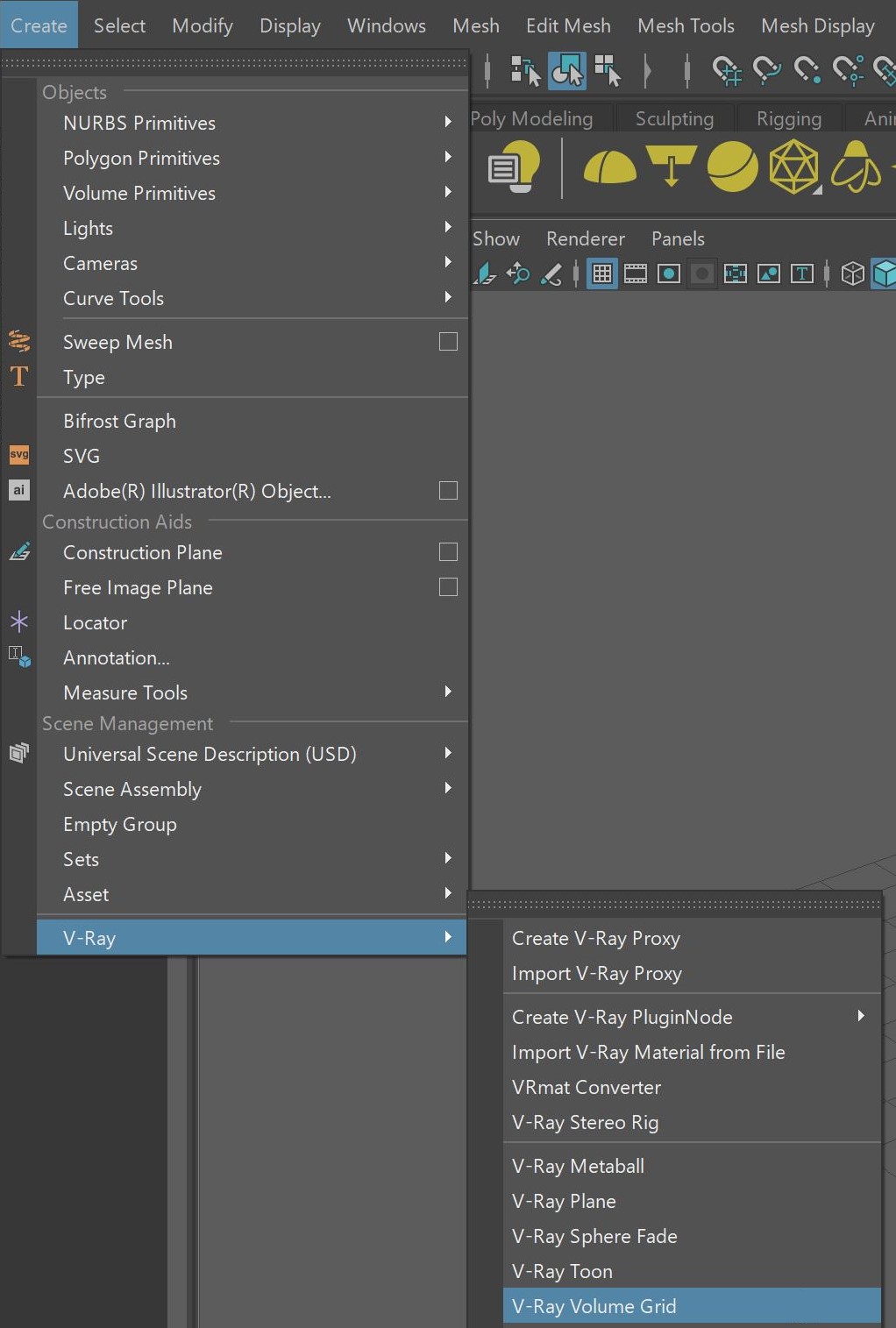

Extra Tips
The following pages contain extra information for using the V-Ray Volume Grid:
- Volumetric Grid Tips is an information page containing distributed rendering and FumeFX render settings tips.
- Starting with V-Ray Next, Update 1, you need to re-export Maya fluids to .vrscenes, if you want to use vrscene caches.
- The Frame Info tab gives you information for the current frame.
- The Grid rollout allows you to render a volume without any loaded cache from the Input rollout.
- The Input rollout determines the path of the input files for rendering and preview as well as the playback effects.
- The Preview page contains information about the representation of the cache files in the viewport.
- Under the Rendering rollout and all its sub-rollouts, you can find all options for rendering a Fire / Smoke simulation.
- Volumetric Rendering Tips page provides tips on rendering volumetric effects.