V-Ray for Rhino
Generic Diffuse
The Diffuse rollout is part of the Generic material's parameters.
Last updated 1 September 2026
The Diffuse rollout is part of the Generic material's parameters.
Diffuse
Some options are available only in Advanced mode.
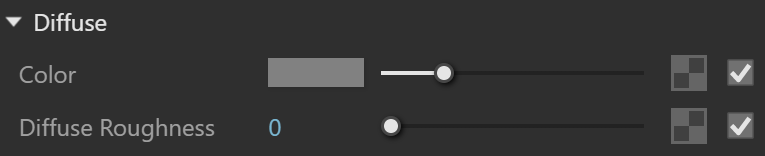
Color – Specifies the color of the material. For dielectric materials, this is the diffuse color. For metals, this is the specular reflections color.
Diffuse Roughness* – Controls the Diffuse BRDF Falloff. It can be used to simulate rough surfaces or surfaces covered with dust (for example, skin or the surface of the moon). Note that this parameter only affects the diffuse portion of non-metallic materials. See the Roughness Parameter example below.
Example: Diffuse Roughness
This example demonstrates the effect of the Diffuse Roughness parameter. Note how, as the Diffuse Roughness increases, the materials appear more "flat" and dusty.
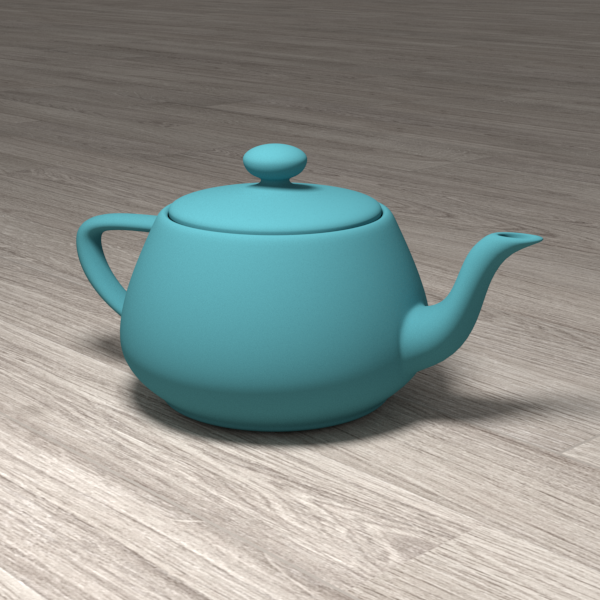
Diffuse Roughness
= 0.0 (regular diffuse material)
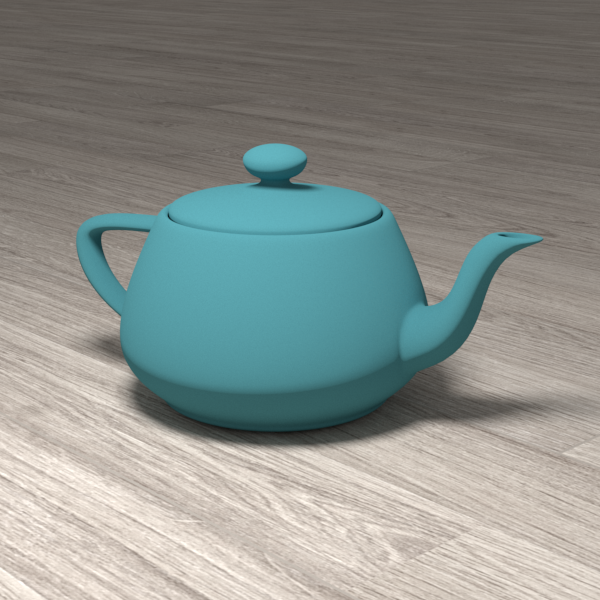
Diffuse Roughness
= 0.6
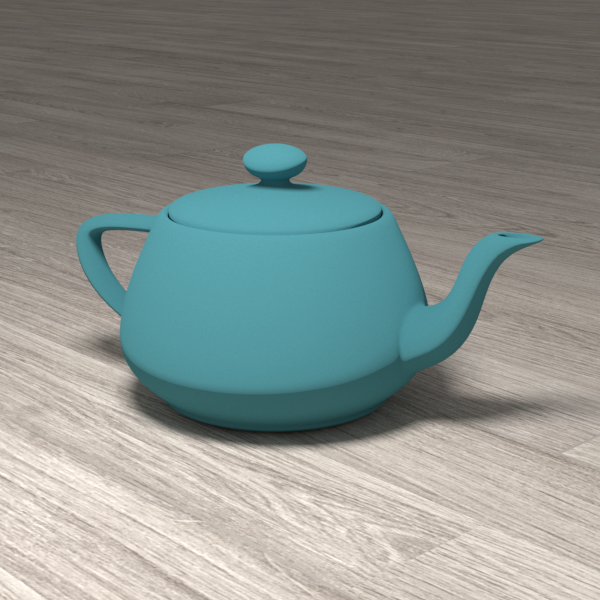
Diffuse Roughness
= 0.8
Notes
* – When a Bitmap texture is mapped in this slot, its color space is automatically adjusted. Copy-pasting, replacing or wrapping a texture does not trigger this automatic adjustment. It is reserved solely when creating a Bitmap in the specified material slot.