V-Ray for Rhino
Generic Multipliers
The Multipliers rollout is part of the Generic material's parameters.
Last updated 1 September 2026
The Multipliers rollout is part of the Generic material's parameters.
Multipliers
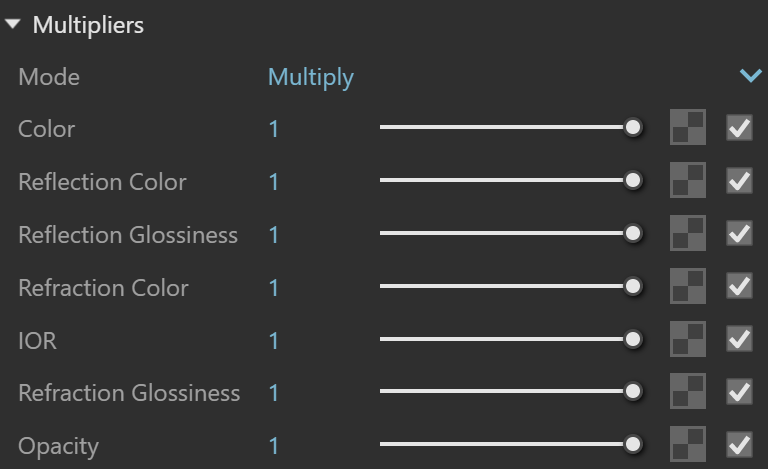
Mode – Specifies how textures and colors will be blended by the multipliers.
Multiply – The texture is blended with a black color.
Blend Amount – The user-specified color is used for blending
Color – Controls the intensity of the Diffuse color.
Reflection Color – Controls the intensity of the reflection color.
Reflection Glossiness* – Controls the intensity of the reflection sharpness.
Refraction Color – Controls the intensity of the refraction color.
IOR* – Controls the intensity of the Index of Refraction value when calculating refraction.
Refraction Glossiness* – Controls the intensity of the refraction sharpness.
Opacity* – Controls the intensity of the overall material Opacity.
Example: Blending Colors
The following example shows how Blend Amount mode is used together with the Color multiplier.


Notes
* – When a Bitmap texture is mapped in this slot, its color space is automatically adjusted. Copy-pasting, replacing or wrapping a texture does not trigger this automatic adjustment. It is reserved solely when creating a Bitmap in the specified material slot.