V-Ray for Rhino
Raw Refraction
This page provides information about the Raw Refraction render element in V-Ray for Rhino.
Last updated 20 May 2026
This page provides information about the Raw Refraction render element in V-Ray for Rhino.
Overview
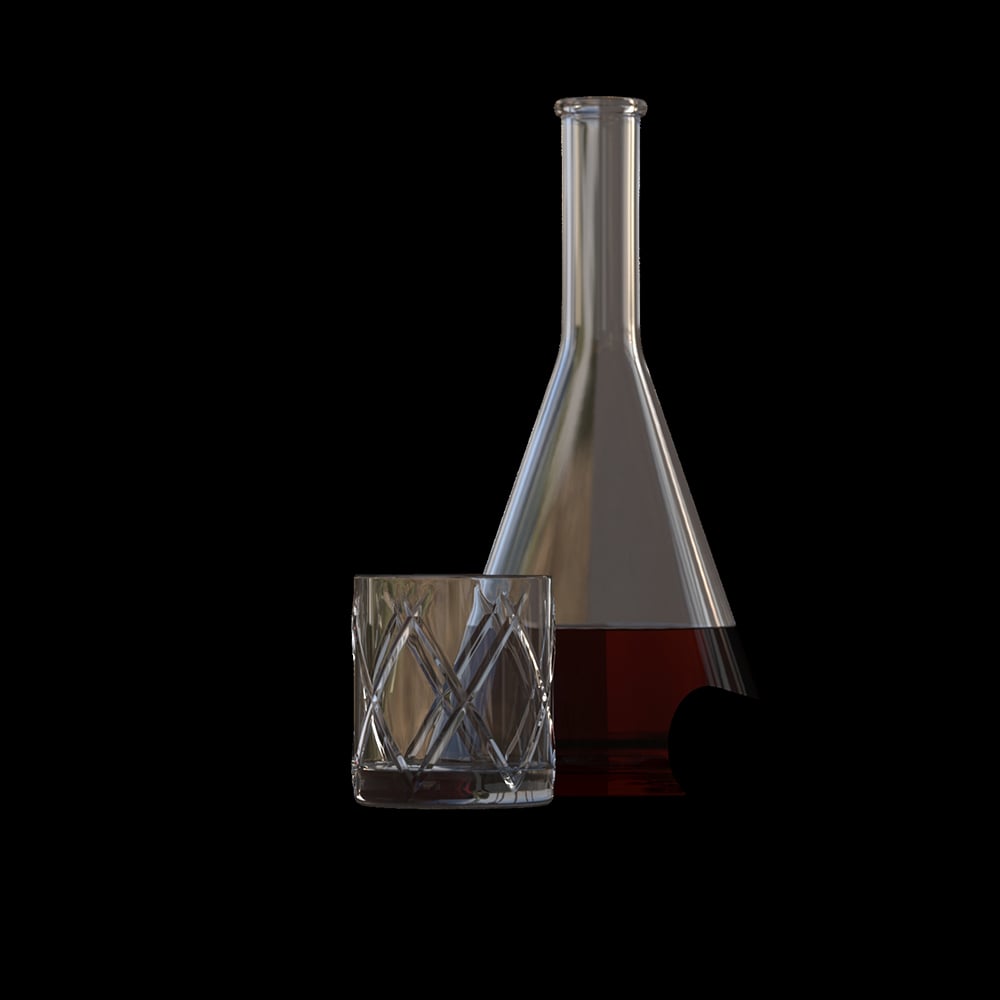
Stores refraction amount information based on the refraction color value of a material. Colorful refraction tint is ignored.

UI Paths
||V-Ray Asset Editor|| > Render Elements (right-click) > Raw Refraction
||V-Ray Asset Editor|| > Create Asset (left-click) > Render Elements > Raw Refraction
Parameters
Denoise – Specifies whether to denoise this render element.

Common Uses
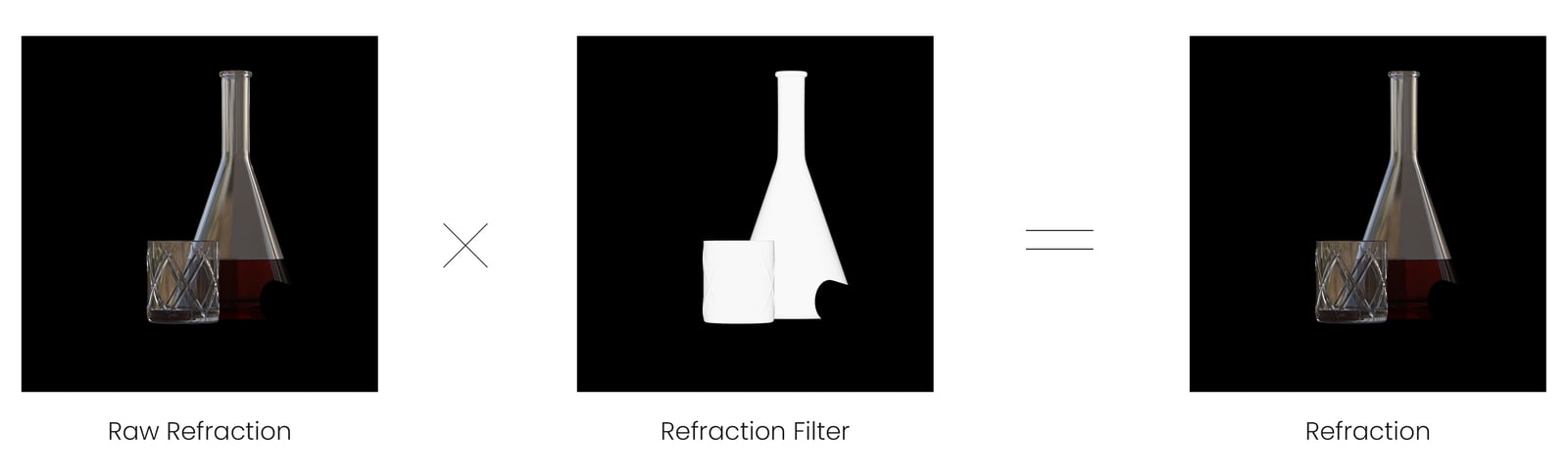
The Raw Refraction Render Element is useful for changing the appearance of refractive elements of a complete render inside a compositing or image editing application. For this example, the Raw Refraction RE and the Refraction Filter RE are used to tint and brighten the refractive materials in the scene. See how the render looks before and after compositing.


Compositing
Raw Refraction x Refraction Filter = Refraction