V-Ray for Rhino
Refraction Filter
This page provides information about the Refraction Filer render element in V-Ray for Rhino.
Last updated 18 May 2026
This page provides information about the Refraction Filer render element in V-Ray for Rhino.
Overview
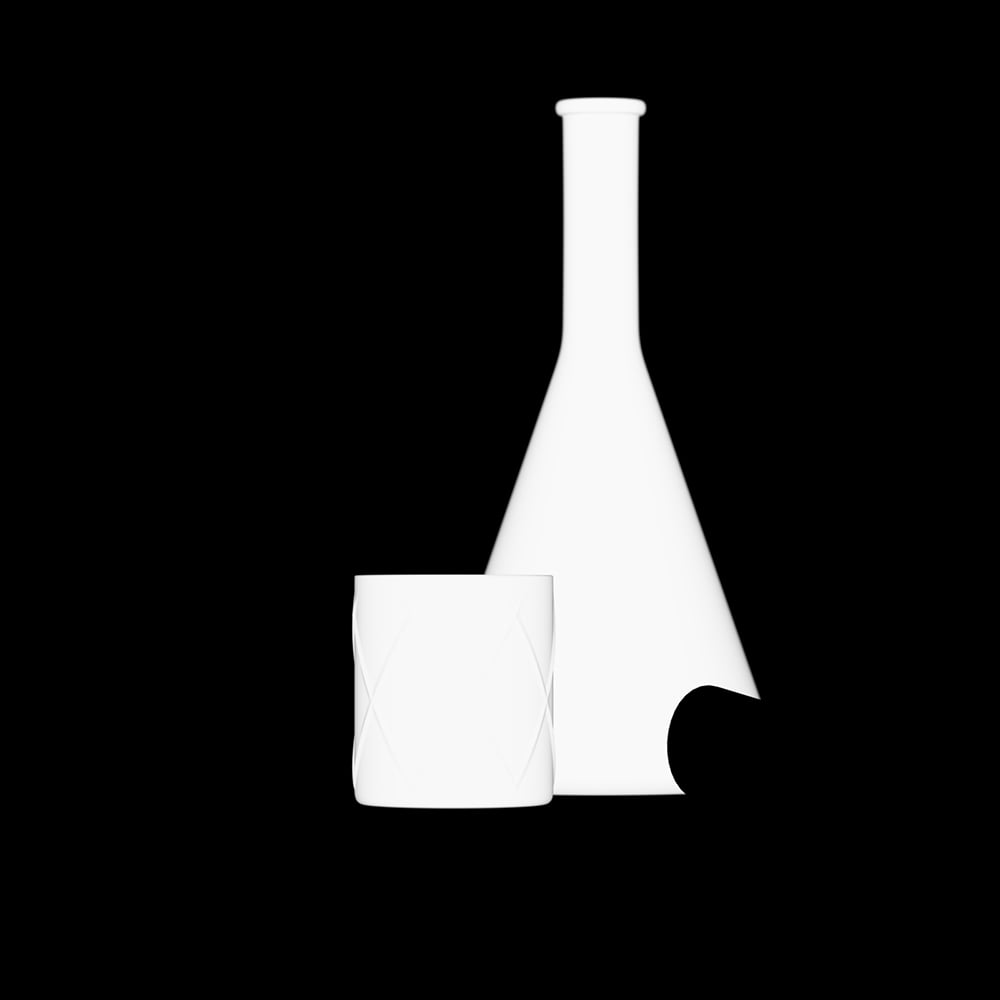
Stores refraction color information based on the refraction color property of a material.

UI Paths
||V-Ray Asset Editor|| > Render Elements (right-click) > Refraction Filer
||V-Ray Asset Editor|| > Create Asset (left-click) > Render Elements > Refraction Filer
Parameters
Denoise – Specifies whether to denoise this render element.

Common Uses
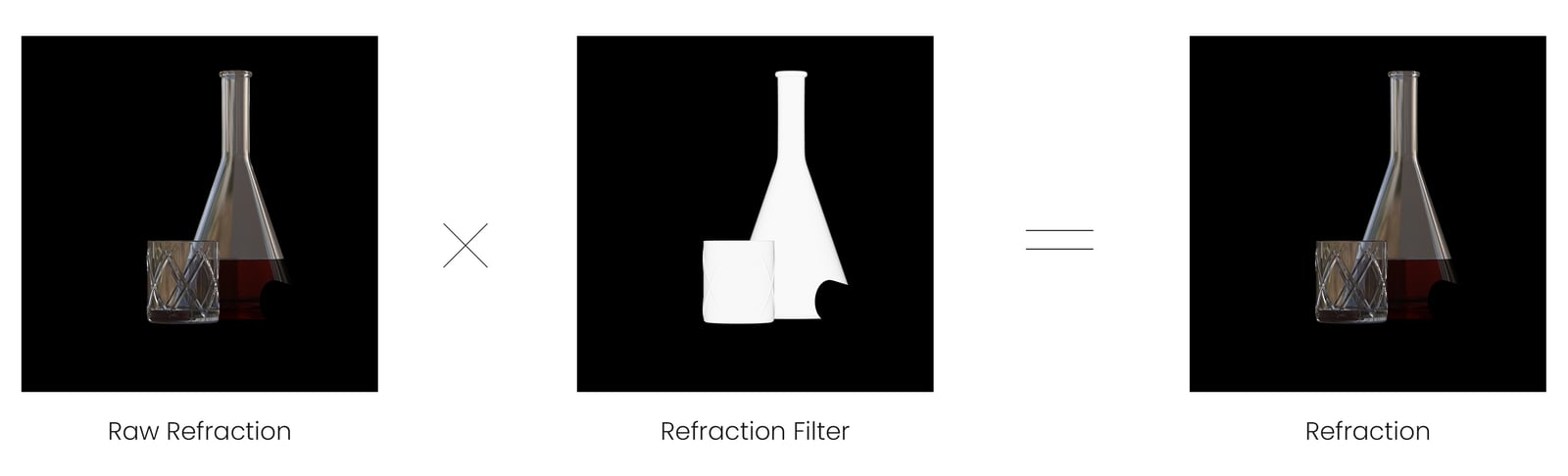
The Refraction Filter Render Element is useful for changing the appearance of refractive elements, after rendering, in a compositing or image editing application. In the example, the refractions are brightened and tinted using the Refraction Filter RE. See the render before and after compositing.


Compositing
Raw Refraction x Refraction Filter = Refraction