V-Ray for Rhino
Shadows
This page provides information about the Shadows render element in V-Ray for Rhino.
Last updated 18 May 2026
This page provides information about the Shadows render element in V-Ray for Rhino.
Overview
This element works as a reverse mask for shadows. It is a color image that can be used to lighten, darken or tint shadows. Shadows can be lightened in the composite by adding this render element, or darkened by subtracting this render pass from the final composite.
UI Paths
||V-Ray Asset Editor|| > Render Elements (right-click) > Shadows
||V-Ray Asset Editor|| > Create Asset (left-click) > Render Elements > Shadows
Parameters
Denoise – Specifies whether to denoise this render element.

Common Uses
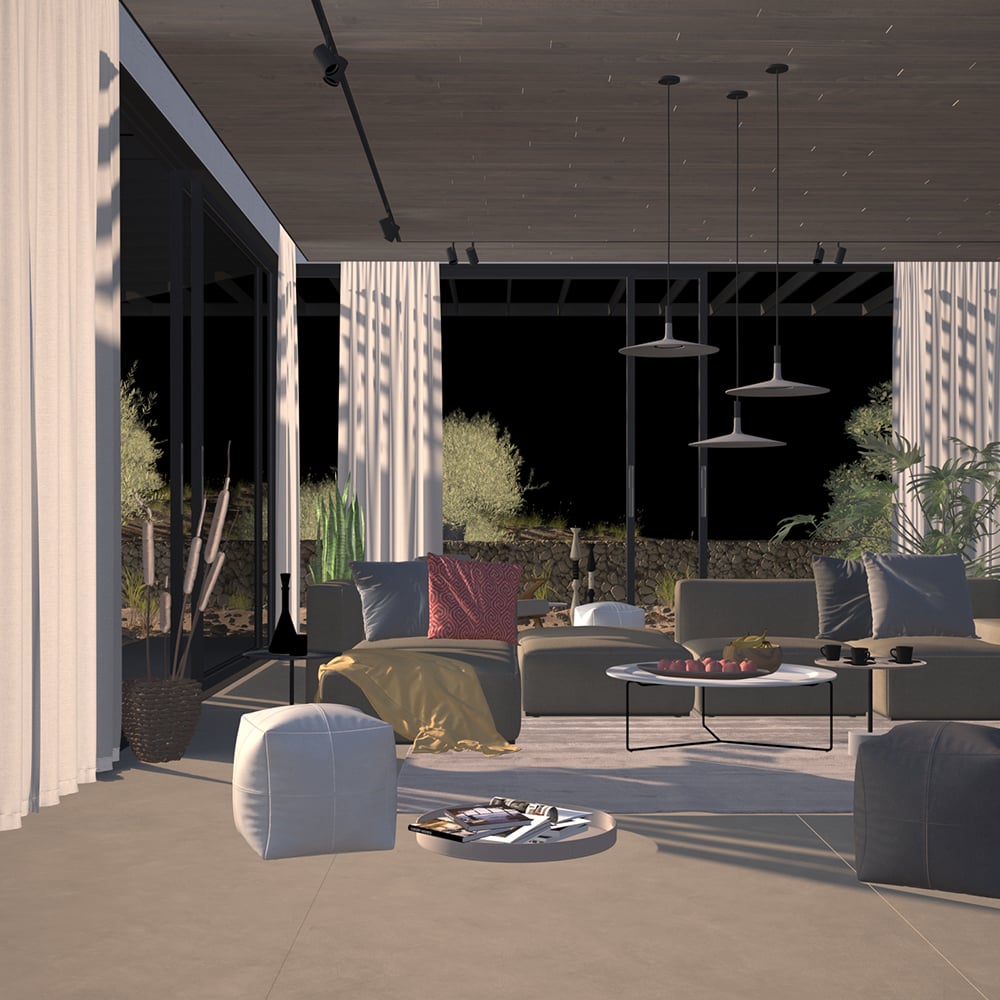
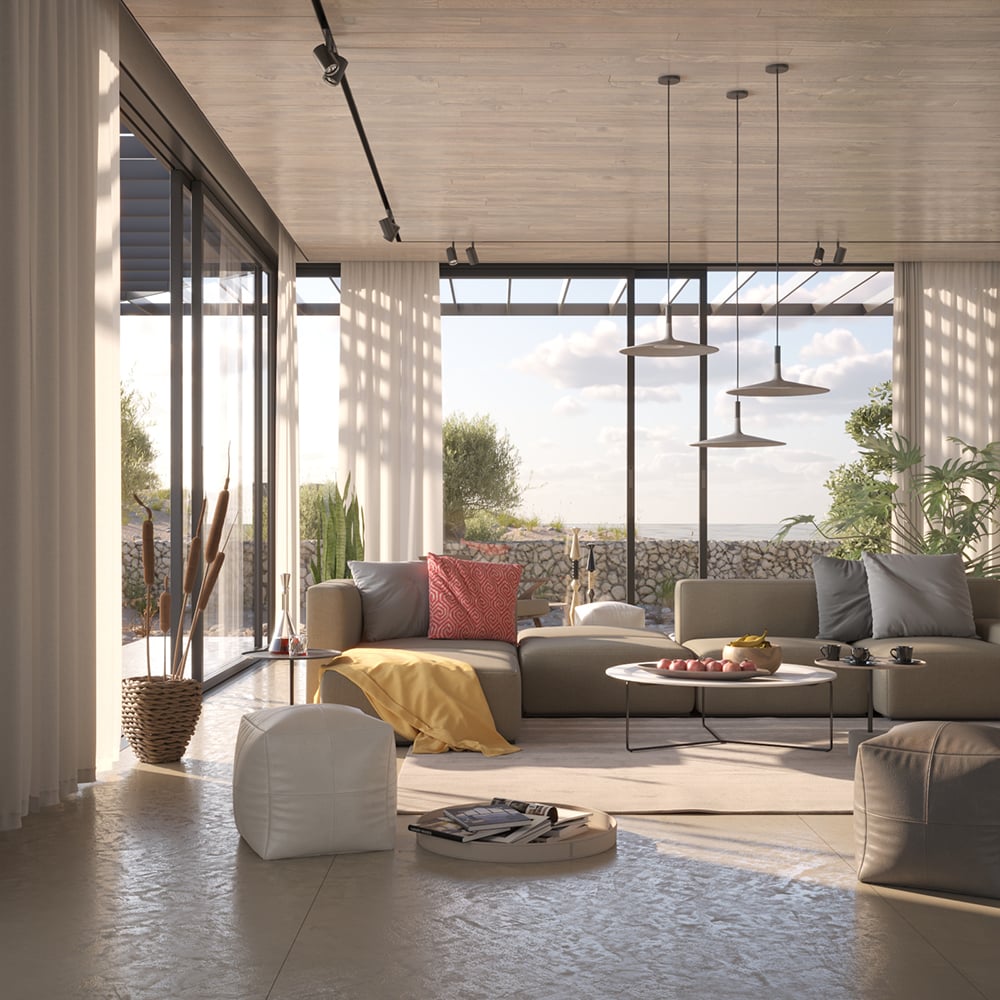
The Shadows Render Element is useful for changing the appearance of shadowed areas in a compositing or image editing application. In the example the Shadows RE is subtracted from the Beauty element, resulting in a darker render.


Compositing
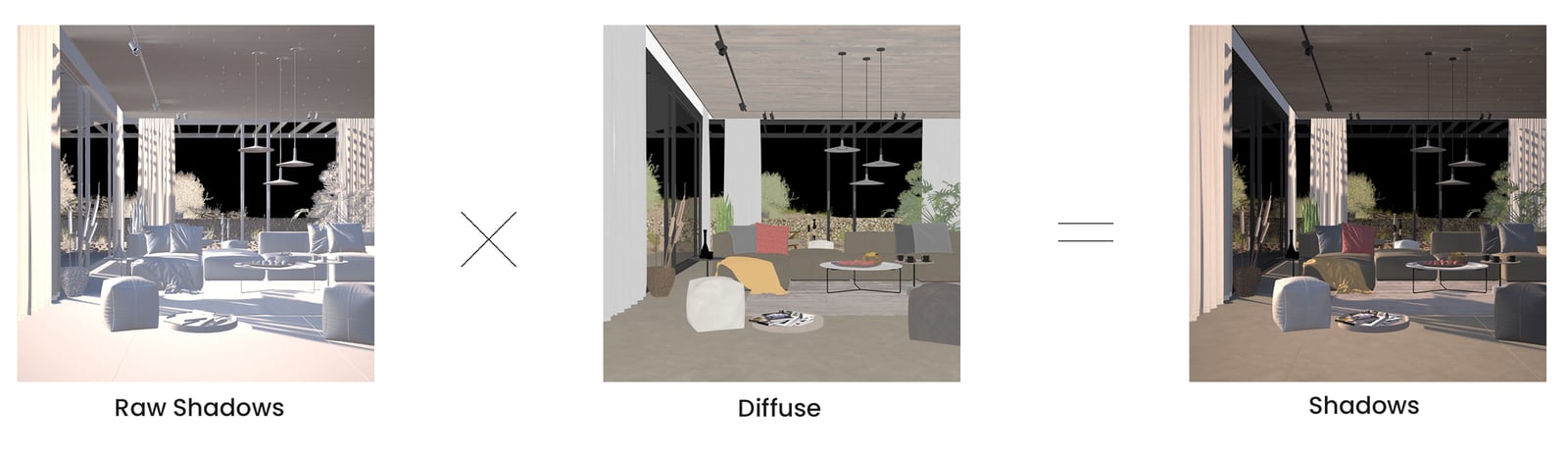
Raw Shadows x Diffuse = Shadows