V-Ray for Rhino
Total Light
This page provides information about the Total Light render element in V-Ray for Rhino.
Last updated 18 May 2026
This page provides information about the Total Light render element in V-Ray for Rhino.
Overview
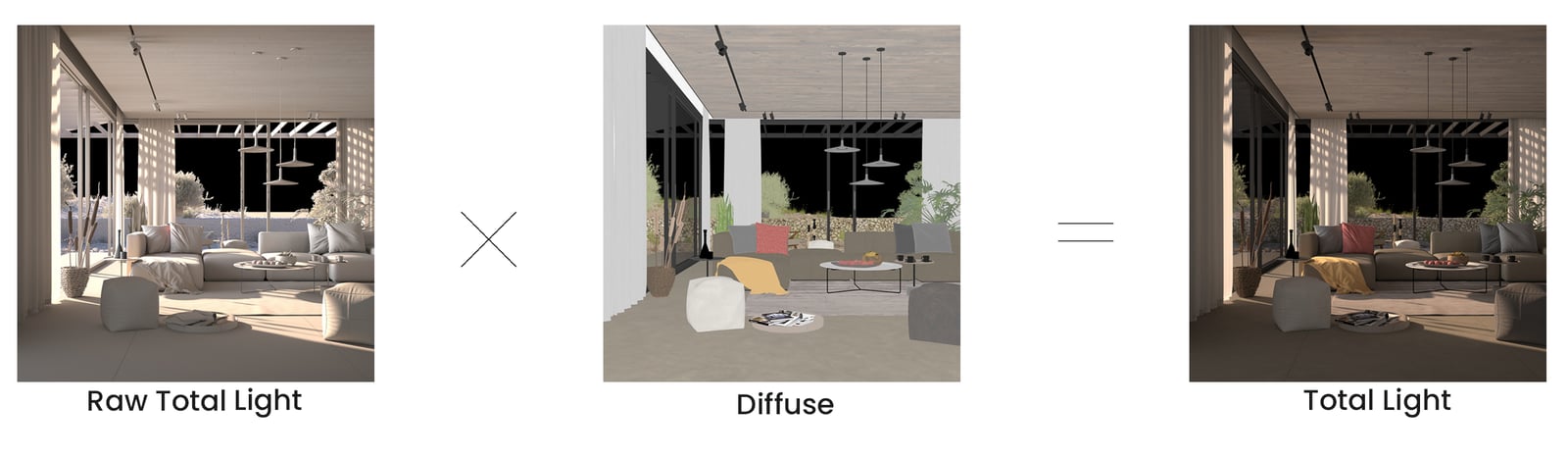
Stores both direct and indirect lighting information including the diffuse material component. It is a result of adding the Lighting and Global Illumination render elements.
UI Paths
||V-Ray Asset Editor|| > Render Elements (right-click) > Total Light
||V-Ray Asset Editor|| > Create Asset (left-click) > Render Elements > Total Light
Parameters
Denoise – Specifies whether to denoise this render element.

Common Uses
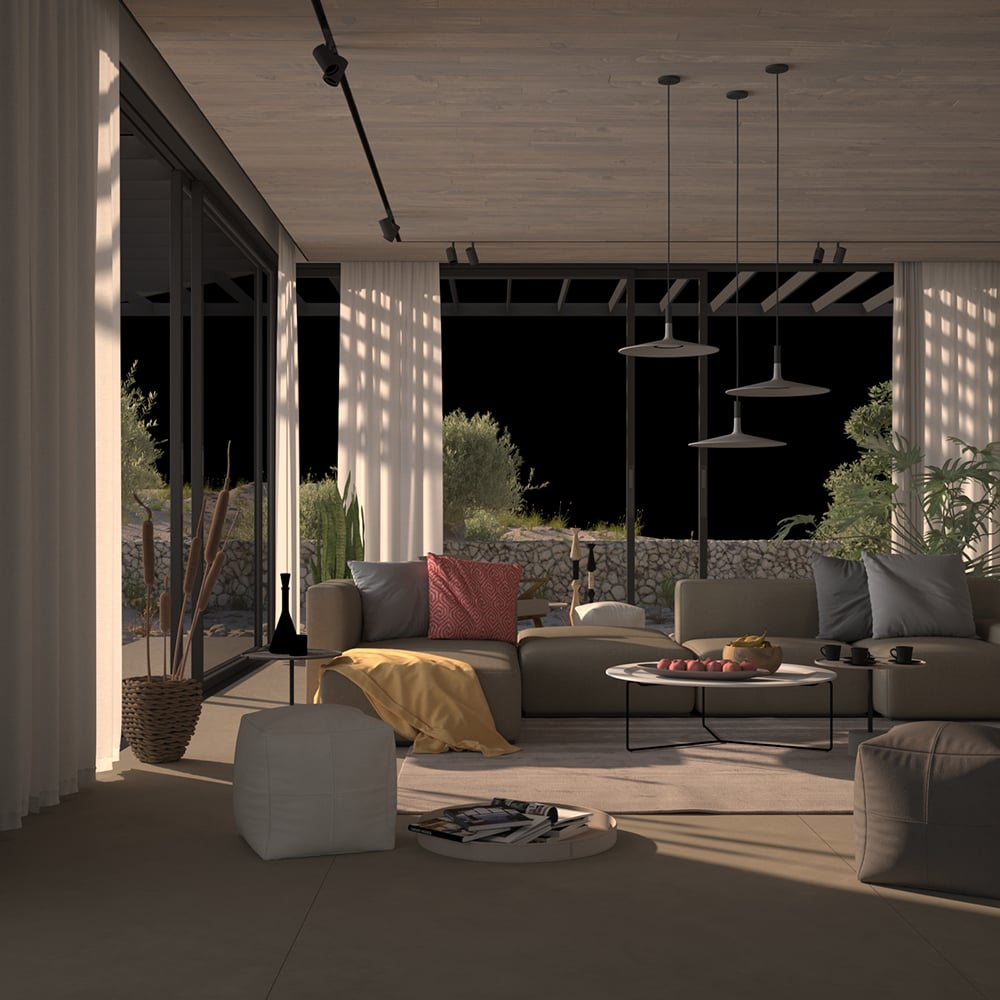
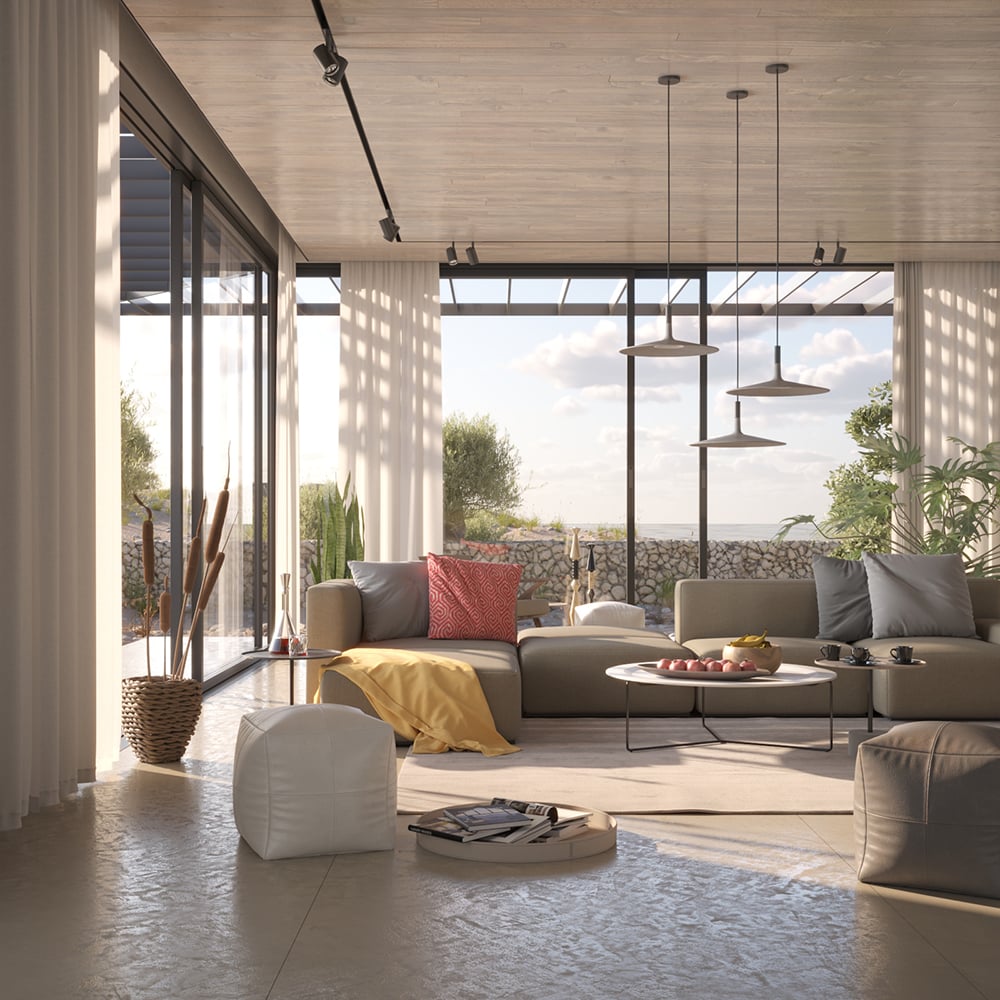
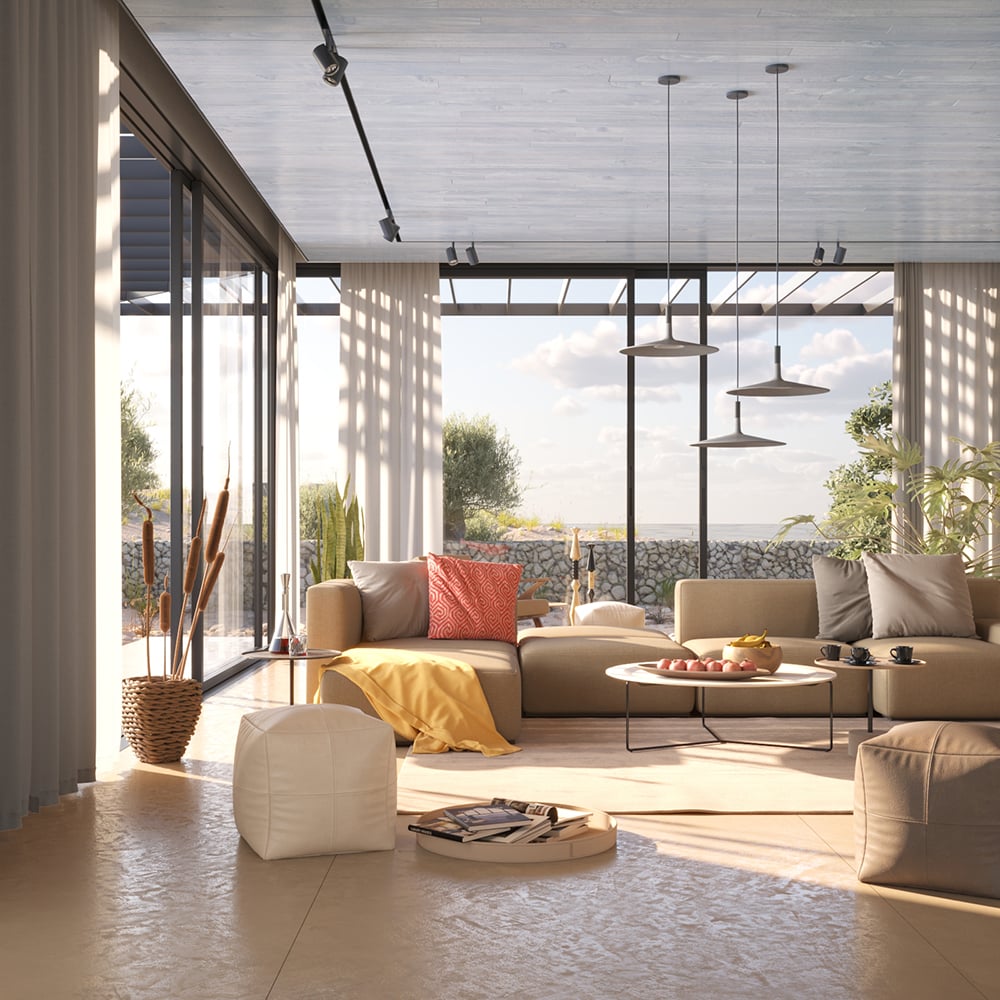
The Total Light Render Element is useful for brightening or dimming all lighting during compositing. In the example, the lights in the scene are brightened and tinted with a warm tone. See the render before and after compositing.
Compositing
Raw Total Light x Diffuse = Total Light