V-Ray for Rhino
V-Ray Exporter
This page provides information about the V-Ray Exporter component in V-Ray for Grasshopper.
Last updated 18 May 2026
This page provides information about the V-Ray Exporter component in V-Ray for Grasshopper.
Overview
The V-Ray Exporter component exports the current scene to a .vrscene or .vrmesh file. The component must be connected to a V-Ray Render component and a valid output file must be set.
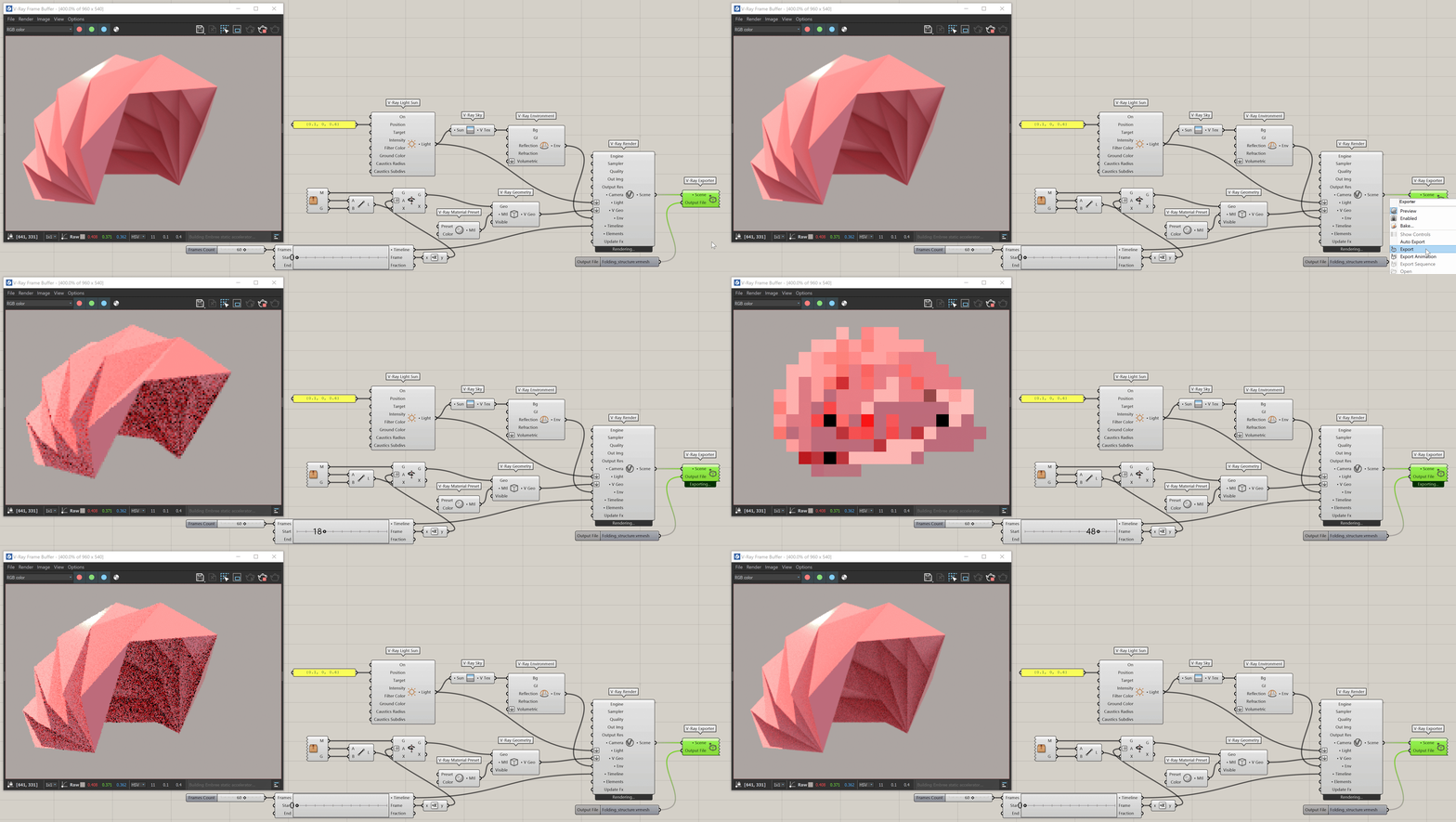
Right-click on the component opens a list of export options. Some of them are available only when a Timeline is connected to the V-Ray Render component.
Show Controls - Provides an output file component connected to the exporter. Specifying a valid output file is required for the V-Ray Exporter to work.
Auto Export - when enabled, an export is triggered on any change to the scene.
Export – Exports a Proxy Mesh (.vrmesh) or a V-Ray Scene (.vrscene).
Export Animation - Exports an animation as a single animated Proxy Mesh or V-Ray Scene file. This function is disabled when there is no animation in the scene.
Export Sequence - Exports an animation as a sequence of V-Ray Scene (vrscene) files, each corresponding to an individual frame. This function is disabled when there is no animation in the scene or if the Output File is a vrmesh.
Open - Opens the specified output file at its designated location.

Right-click on the component to see more options.
Input Parameters
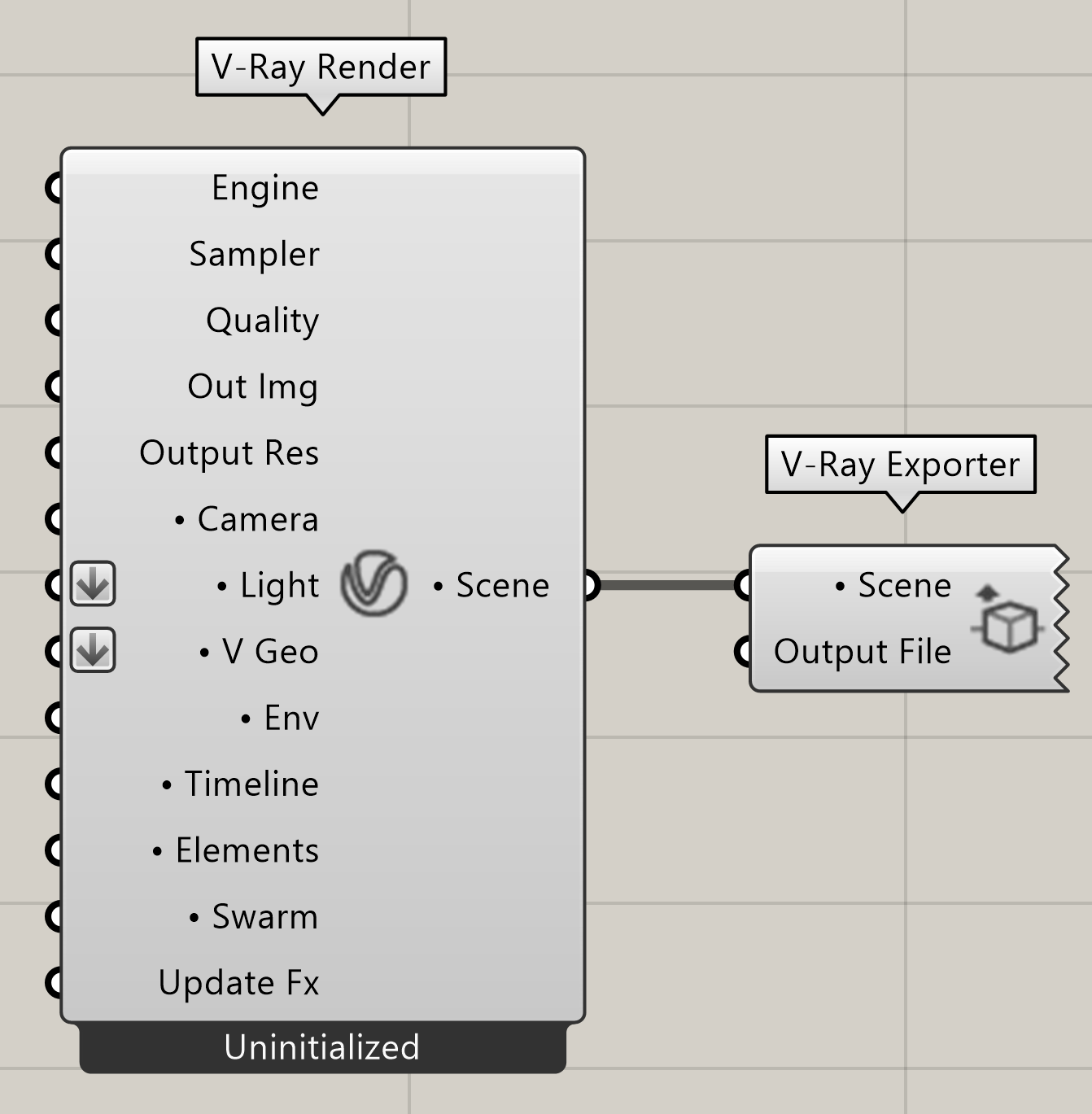
Scene (Generic Data) – This is the scene input slot. A V-Ray Render's Scene is expected here.
Output File (Text) – Specifies the output file location and type. Select .vrscene for a scene export and .vrmesh for a proxy mesh export.
Example:
Download the GH definition here.

Notes
- VRscene files exported from V-Ray 3.6 for Grasshopper cannot be rendered with the Next version of V-Ray Standalone, V-Ray for Rhino or V-Ray for Grasshopper. There are two workarounds available:
- Open the .gh scheme(s) and re-export the .vrscene files using V-Ray Next;
- Manually edit each affected .vrscene file.
- Exporting animated object generation or deletion in a proxy mesh (.vrmesh) is currently not supported. Make sure that all scene objects exist throughout the entire sequence.