V-Ray for Rhino
V-Ray Material from File
This page provides information about the Material from File in V-Ray for Grasshopper.
Last updated 18 May 2026
This page provides information about the Material from File in V-Ray for Grasshopper.
Overview
V-Ray Material from File loads a .vrmat file. Click on the field to open a file browser window and select a .vrmat file.
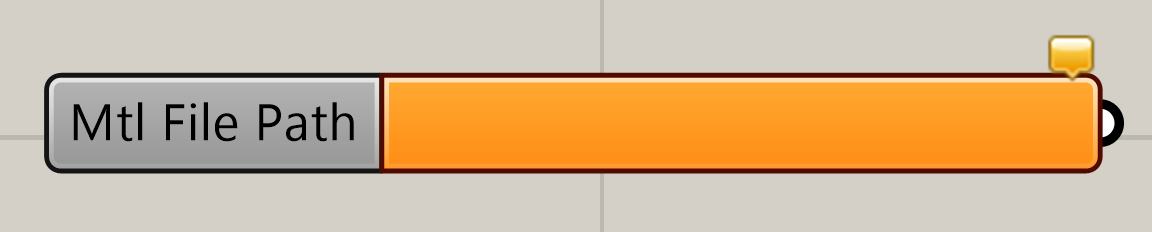
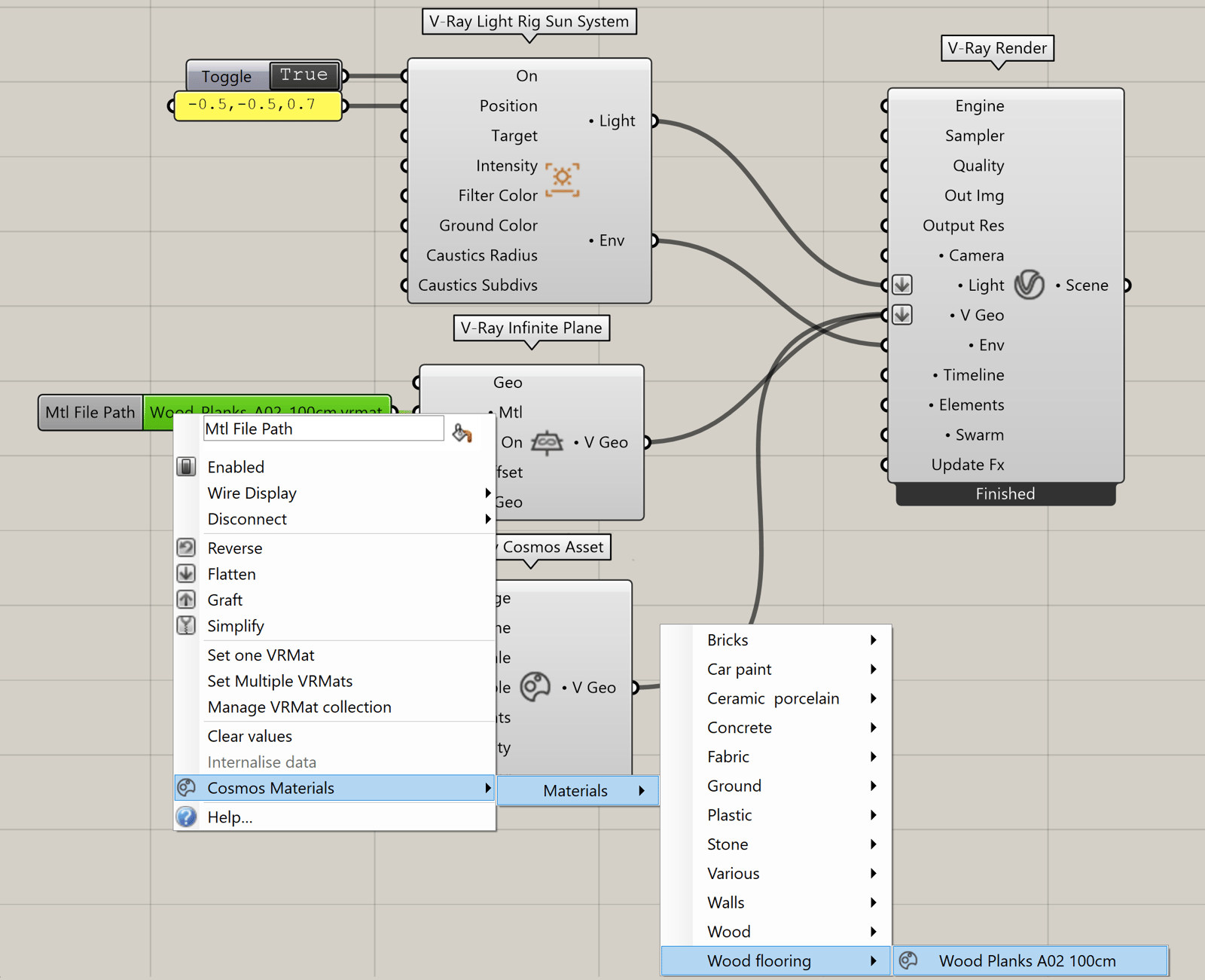
Right-click on the component to open V-Ray Material from File context menu.
Use the options to import your materials or use the material presets from Cosmos Materials.
Note that invalid input file paths are auto-resolved as long as the files reside at the same location as the .gh project file.

Example: Material from File
Download the GH definition here.

Example: Vertex Color Setup


