V-Ray for Rhino
V-Ray Material Preset
This page provides information about the Material Preset in V-Ray for Grasshopper.
Last updated 18 May 2026
This page provides information about the Material Preset in V-Ray for Grasshopper.
Overview
The V-Ray Preset Material allows for quick material setup using a color and a material type. It can be used for quick setup of Diffuse, Plastic, Paint, Metal, or Glass shaders. A list of inputs produces multiple materials. Right-click and select Save as VRmat to generate a .vrmat file based on the current settings.

Input Parameters
Preset (Integer) – Chooses one of the following presets: Generic, Plastic, Paint, Metal, Glass.
Color (AColorTex) – The V-Ray Preset Material allows for quick material setup using a color and a material type. It can be used for quick setup of Diffuse, Plastic, Paint, Metal or Glass shaders. A list of inputs produces multiple materials. Right-click and select
Save as VRmat to generate a .vrmat file based on the current settings.
Output Parameters
Mtl (Generic Data) – V-Ray material output that can be connected to V-Ray Geometries.
It is not currently possible to assign different material instances to geometry generated through the V-Ray Instancer component.

Right-click on the component to see more options.
Example

V-Ray Material Preset:
Plastic
. Click on the image to enlarge it.
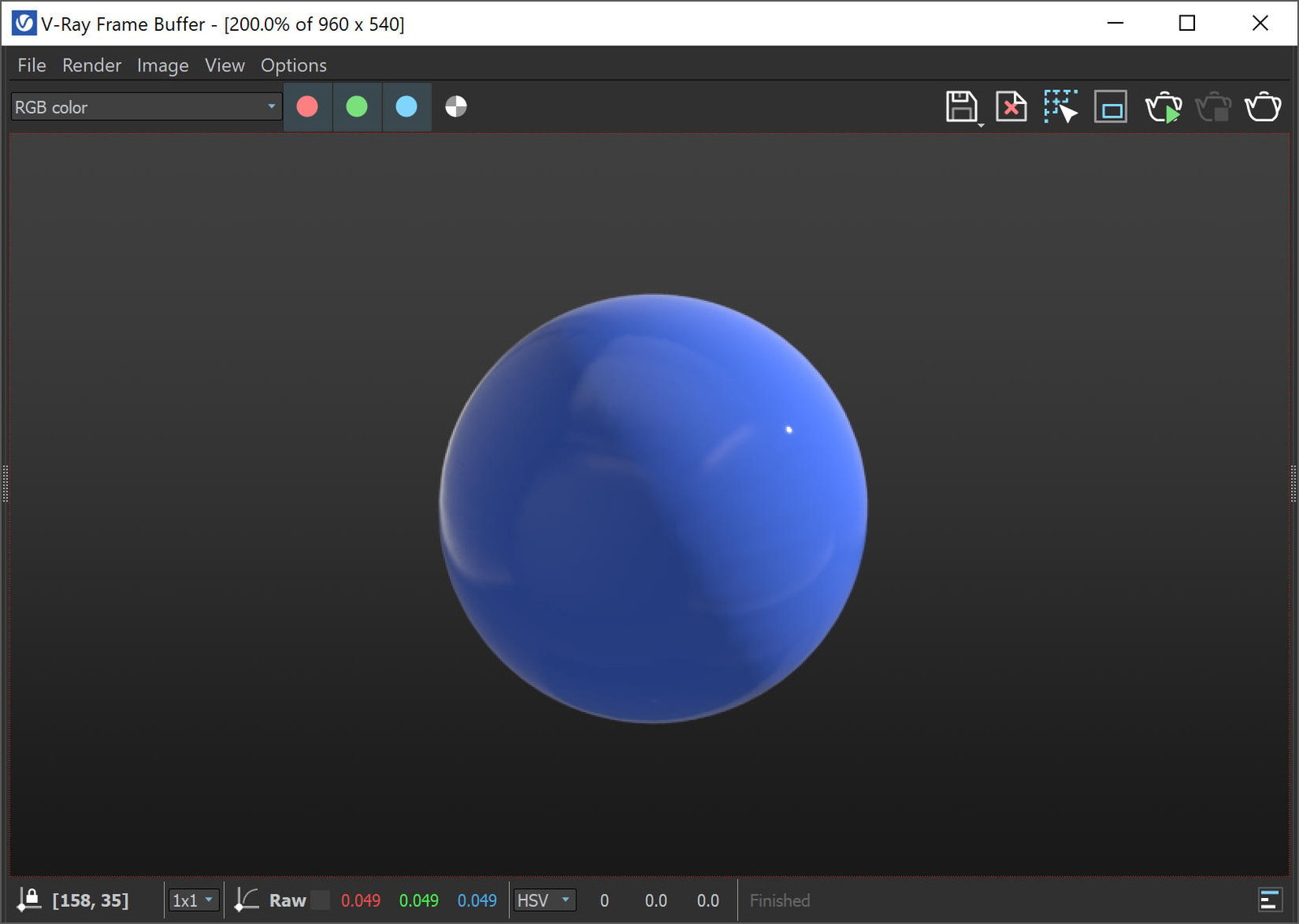
V-Ray Material Preset:
Plastic
, render result in VFB. Click on the image to enlarge it.