V-Ray for Rhino
V-Ray Material Simple
This page provides information about the Material Simple in V-Ray for Grasshopper.
Last updated 18 May 2026
This page provides information about the Material Simple in V-Ray for Grasshopper.
Overview
The V-Ray Material Simple allows for quick material setup using a core set of parameters. It can be used for creating basic paint, plastic, or metal shaders. Stylized transparent or self-illuminated materials can also be created. A list of inputs produces multiple materials. Right-click and select Save as VRmat to generate a .vrmat file based on the current settings.

Input Parameters
Diffuse (AColorTex) – Diffuse Color of the material.
Reflection (AColorTex) – Reflection Color of the material. Black color disables the reflections.
Glossiness (Number) – Reflection Glossiness value. A value of 1.0 means a perfect mirror-like reflection. Lower values produce blurry reflections.
IOR (Number) – Reflection IOR value. The reflection strength of this material depends on the viewing angle of the surface. Bigger IOR values make perpendicular(to the camera ray) surfaces reflect stronger.
Opacity (Color) – Opacity Color of the material. White color makes the material 100% opaque. Darker color values make it transparent.
Emission (AColorTex) – Emission Color of the material. This parameter supports values higher than 1 (RGB 255, 255, 255). Values higher than 1 (RGB 255,255,255) can be used for the Emission color to strengthen the material's illumination.
Output Parameters
Material (Generic Data) – V-Ray material output that can be connected to V-Ray Geometries.
It is not currently possible to assign different material instances to geometry generated through the V-Ray Instancer component.

Right-click on the component to see more options.
Example: Workflow

V-Ray Material Simple.
Click on the image to enlarge it.
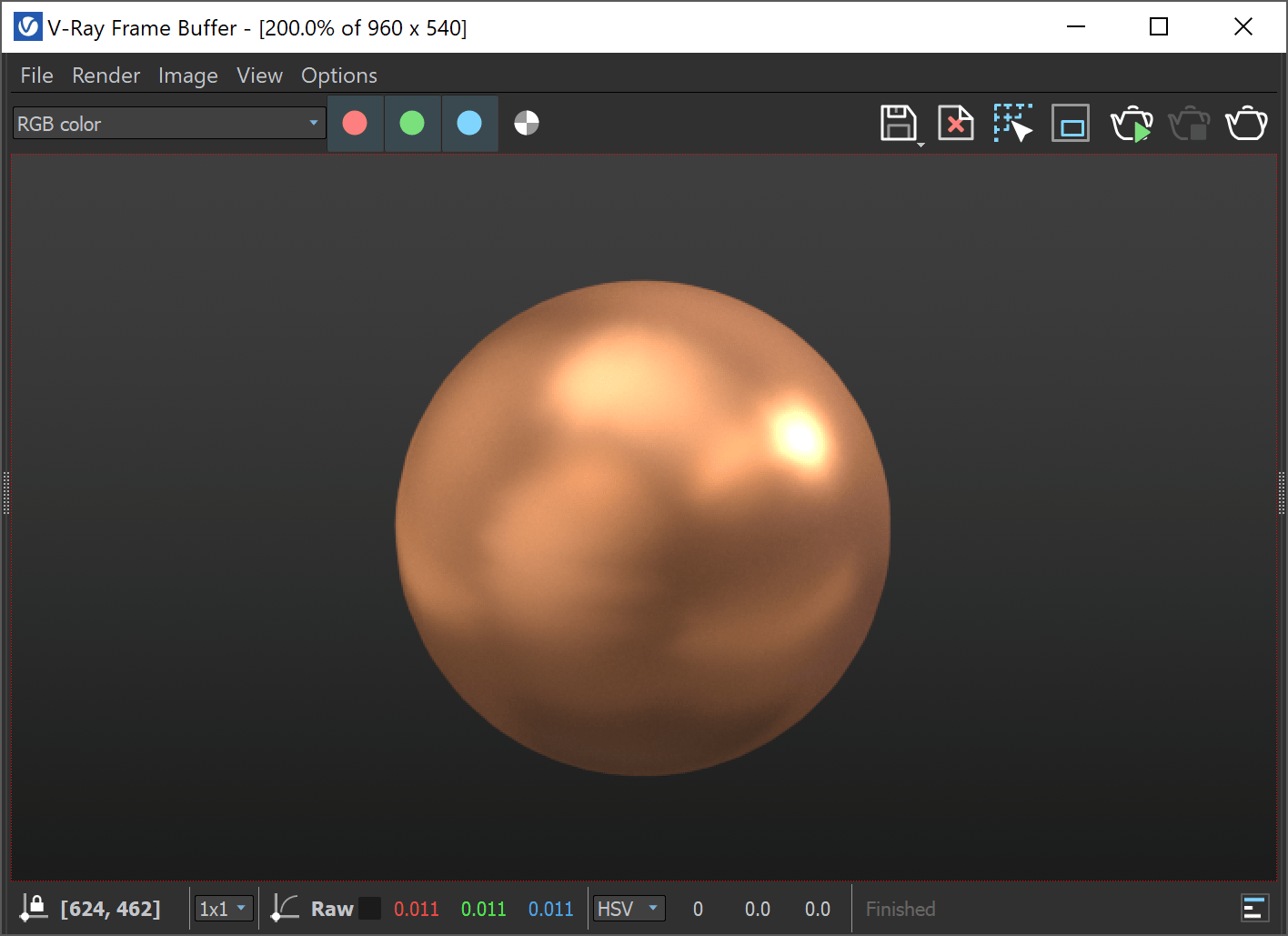
V-Ray Material Simple, render result in VFB.
Click on the image to enlarge it.
Example: Emission with value higher than 1
Emission color can have an RGB value higher than 1 (255, 255, 255) to strengthen the color bleeding.