V-Ray for Rhino
V-Ray Proxy Scene
This page provides information about the Proxy Scene in V-Ray for Grasshopper.
Last updated 20 May 2026
This page provides information about the Proxy Scene in V-Ray for Grasshopper.
Overview
Loads a V-Ray Scene file (.vrscene). The V-Ray Geometry output can be connected to a Renderer component. A list of Plane or Scale factor inputs will add multiple instances of the same Proxy.
The number of instances indicates how many times the object is currently being instanced.
Changing the Plane or Scale input for the VRScene will not cause an update during Interactive Rendering. Make sure to restart the render process to see your changes.
Each instance of the V-Ray Proxy Importer has a preview in the Rhino viewport. The component can be represented as an autogenerated simplified mesh, a bounding box or a point.
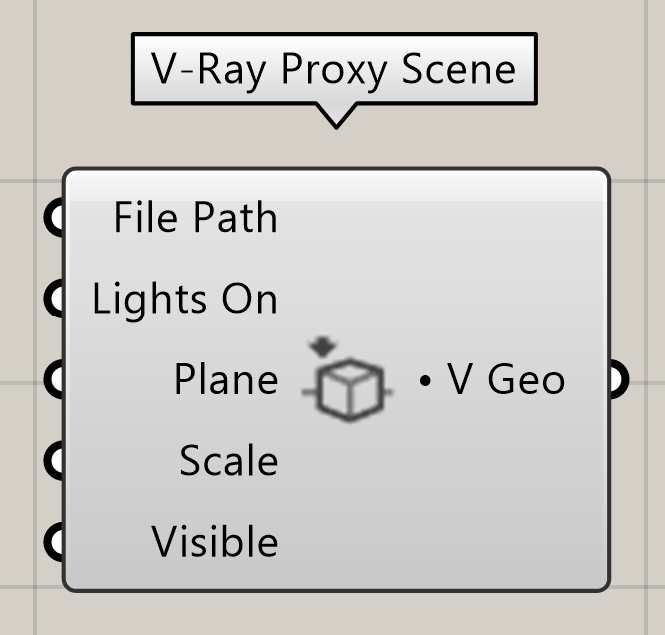
Input Parameters
File Path (Text) – Specifies the path to the .vrscene file. Restart the render process to see your changes when switching the file with another one. Invalid input file paths are auto-resolved as long as the files reside at the same location as the .gh project file.
Lights On (Boolean) – Enables scene light sources. The option makes no difference if there are no lights in the specified .vrscene. Make sure to restart the render process to see your changes.
Plane (Plane) – Plane transformation for the VRScene. A list of Plane inputs adds multiple instances of the same VRScene. Note that the number of input Planes determines the instances count. This parameter does not update during Interactive Rendering. Make sure to restart the render process to see your changes.
Scale (Number) – Scale factor for the VRScene. A value of 1.0 is used by default. Multiple Scale factors can be used. Note that the number of Scale values affects the scene instances count. This parameter does not update during Interactive Rendering. Make sure to restart the render process to see your changes.
Visible (Boolean) – Controls the geometry visibility.
Output Parameters
V Geo (Generic Data) – V-Ray Geometry output.
Context Menu
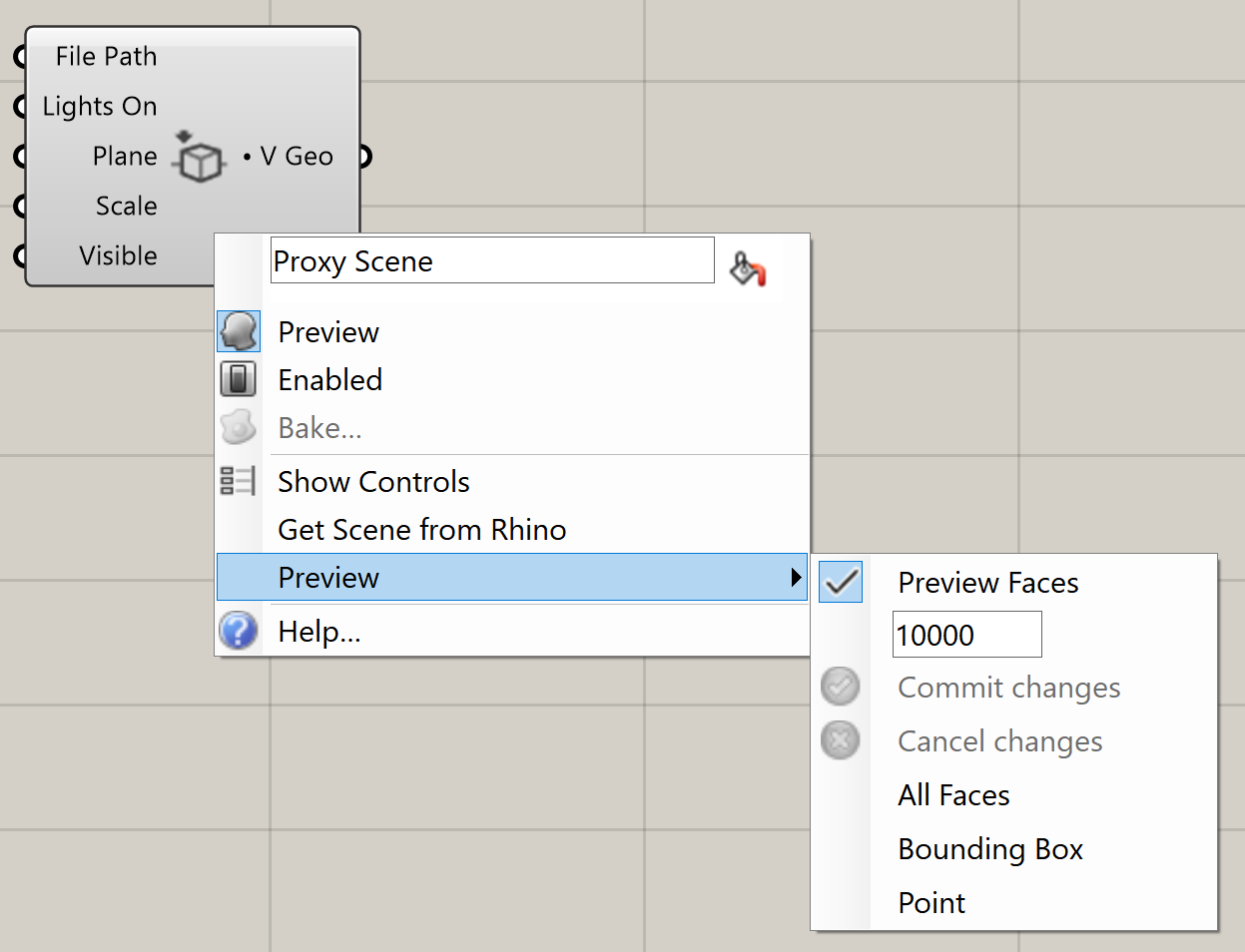
Get Scene from Rhino – Exports the Rhino-side scene with its current view and makes it available for use in Grasshopper. See the Get Scene from Rhino example below.
Preview – Specifies the viewport preview mode. This does not affect the final render.
Preview Faces – Uses an automatically generated number of preview faces.
All Faces – Displays the full model.
Bounding Box – Previews are shown as bounding boxes.
Point – Displays the point of origin stored within the VRScene geometry
Example: Get Scene from Rhino
