V-Ray for Rhino
V-Ray Simple Mix
This page provides information on the V-Ray Simple Mix Texture Component in V-Ray for Grasshopper.
Last updated 18 May 2026
This page provides information on the V-Ray Simple Mix Texture Component in V-Ray for Grasshopper.
Overview
V-Ray Simple Mix allows a texture to be blended with a color.
Input Parameters
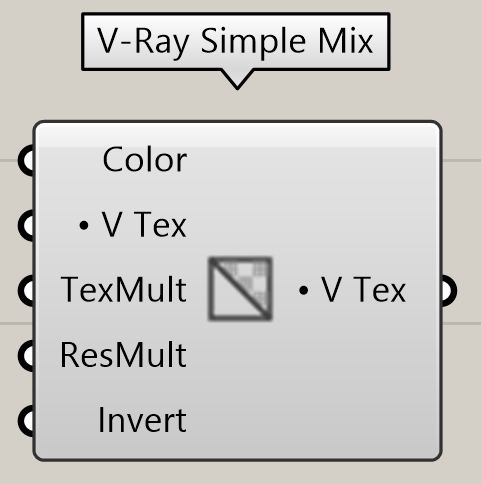
Color (Color) – Specifies the color for the left hand side blending component.
V Tex(AColorTex) – Specifies a V-Ray texture for the right hand side blending component. Specify the V-Ray texture input by connecting a V-Ray Bitmap, V-Ray Gradient or another Simple Mix component or by right clicking on the Texture Multiplier parameter and setting a Color, Number, Path or AColor.
TexMult (Number) – Specifies the amount of blending between the texture and the color.
ResMult (Number) – Specifies a value to multiple the blending result.
Invert (Boolean) – Inverts the resulting colors.
Output Parameters
V Tex (Generic Data) - V-Ray texture that can be connected to a V-Ray material component.
Example:

Texture Multiplier = 1
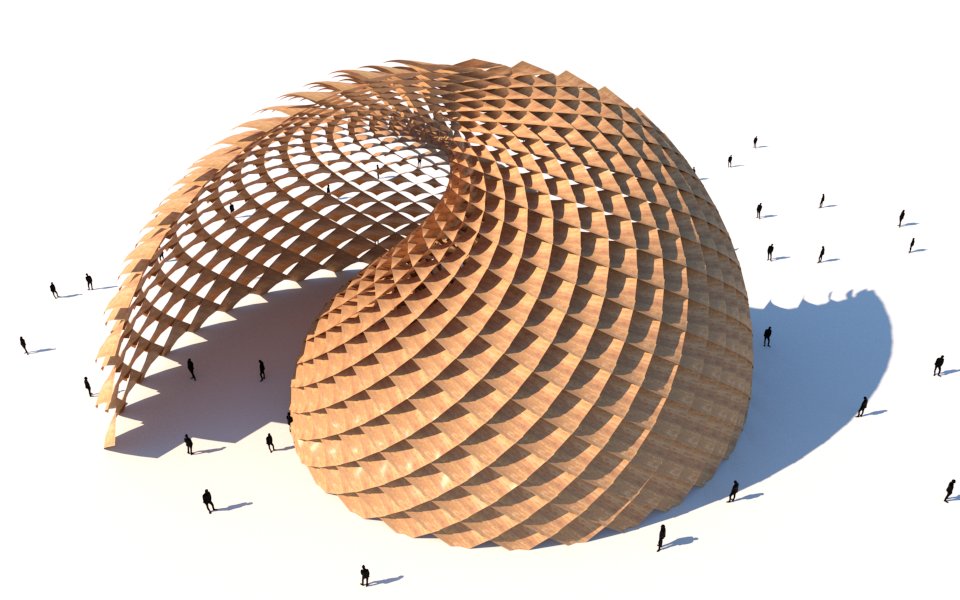

Texture Multiplier = 0.7
