V-Ray for Rhino
V-Ray Texture Placement UV Channel
This page provides information about the Texture Placement UV Channel Component in V-Ray for Grasshopper.
Last updated 18 May 2026
This page provides information about the Texture Placement UV Channel Component in V-Ray for Grasshopper.
Overview
The Texture Placement UV Channel component is used as an UVW input of a Bitmap or Gradient texture component to control the texture placement in object's UV space.
Input Parameters
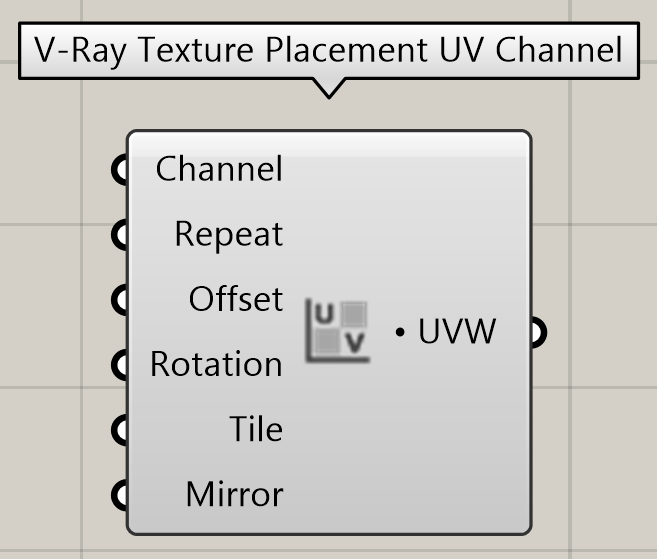
Channel (Integer) – Specifies the index of the mapping channel data to use. A value of 1 takes the first available channel.
Repeat (Vector) – Determines how many times the texture is repeated in the 0 to 1 square.
Offset (Vector) – Controls the texture offset in the U and V direction.
Rotation (Number) – Rotates the texture (in degrees).
Tile (Boolean) – Specifies whether the texture is tiled along the U and V axes.
Mirror (Boolean) – Specified whether the texture is mirror-wrapped along the U and V axes.
Output Parameters
UVW (Generic Data) – Texture placement in object's UVW space. The output is connected to the UVW Placement input of a V-Ray Bitmap or V-Ray Gradient component.
Example:
Download the GH definition here.

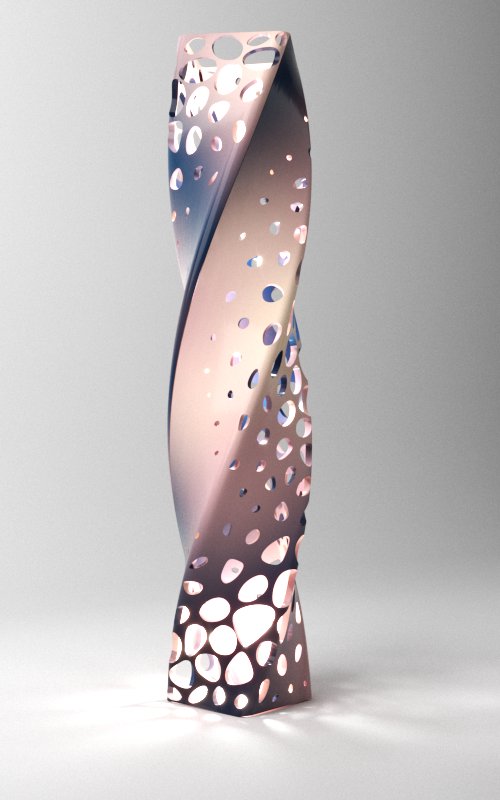
UVW Placement: Rotation = 0
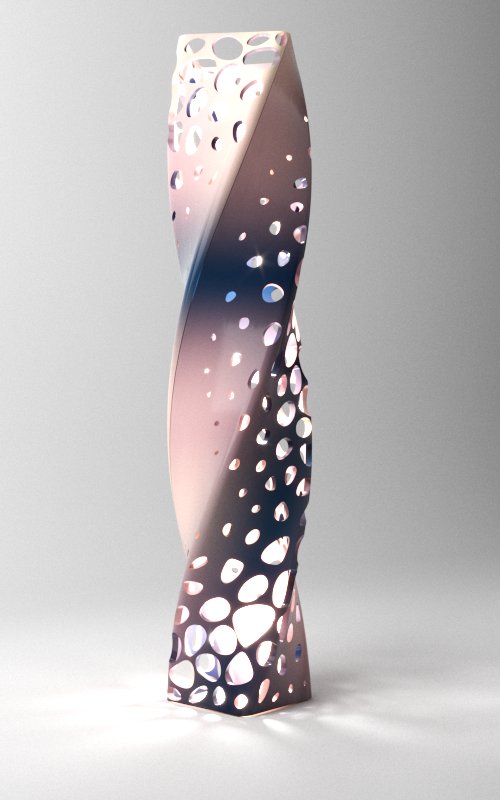
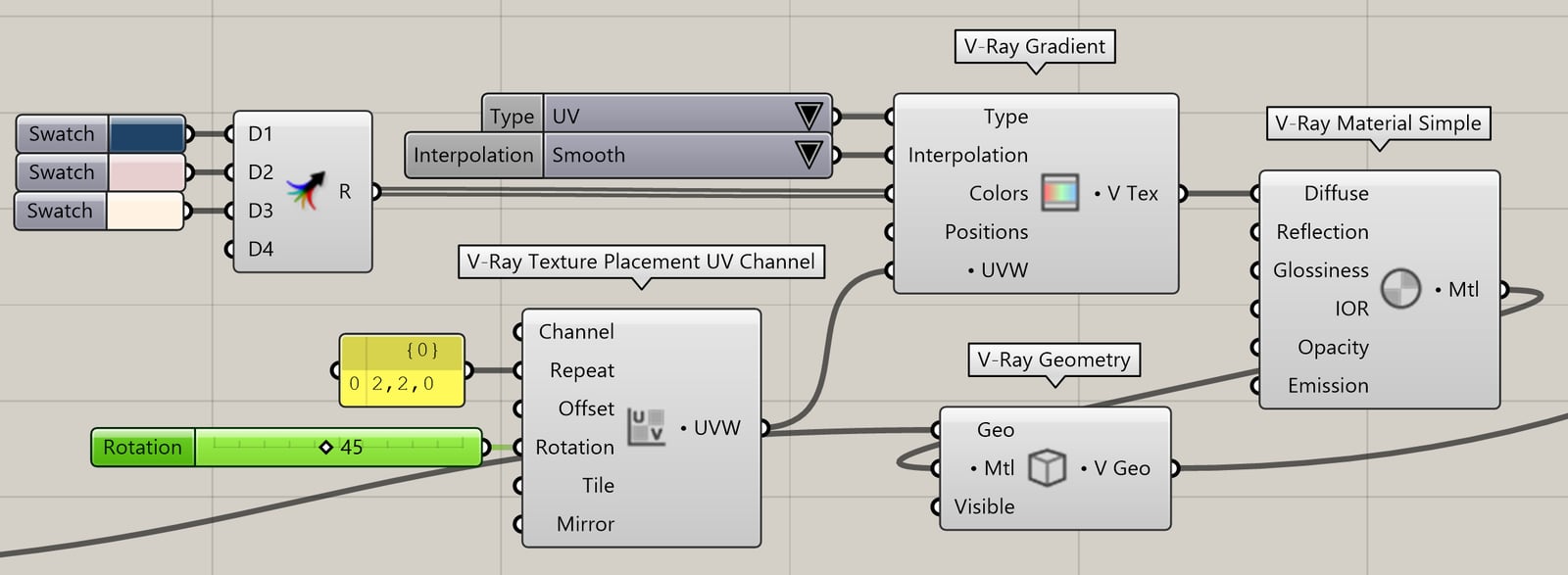
UVW Placement: Rotation = 45