Use the Coat rollout in a Generic material in V-Ray for SketchUp to adjust the coat layer.
Coat
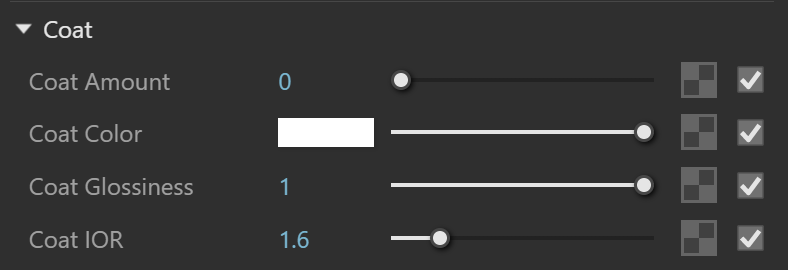
Coat Amount* controls how much the coat layer blends with the base material. A value of 0 adds no coat layer. Higher values gradually increase the coat's contribution. See Coat off/on and the Coat Amount example below.
Coat Color sets the coat layer's colour. You can also use a texture map.
Coat Glossiness* controls the sharpness of reflections. It is available when Surface control is set to Use Glossiness. A value of 1.0 produces a perfect glass-like reflection. Lower values produce blurry or glossy reflections. See the Coat Glossiness example below.
Coat IOR* sets the Index of Refraction for the coat layer.
Example: Coat off/on
This example shows how the Coat layer affects the material. In the first render, Coat Amount is set to 0 and the coat layer is off. In the second render, Coat Amount is set to 1 and the coat layer is active.

Coat Amount
= 0
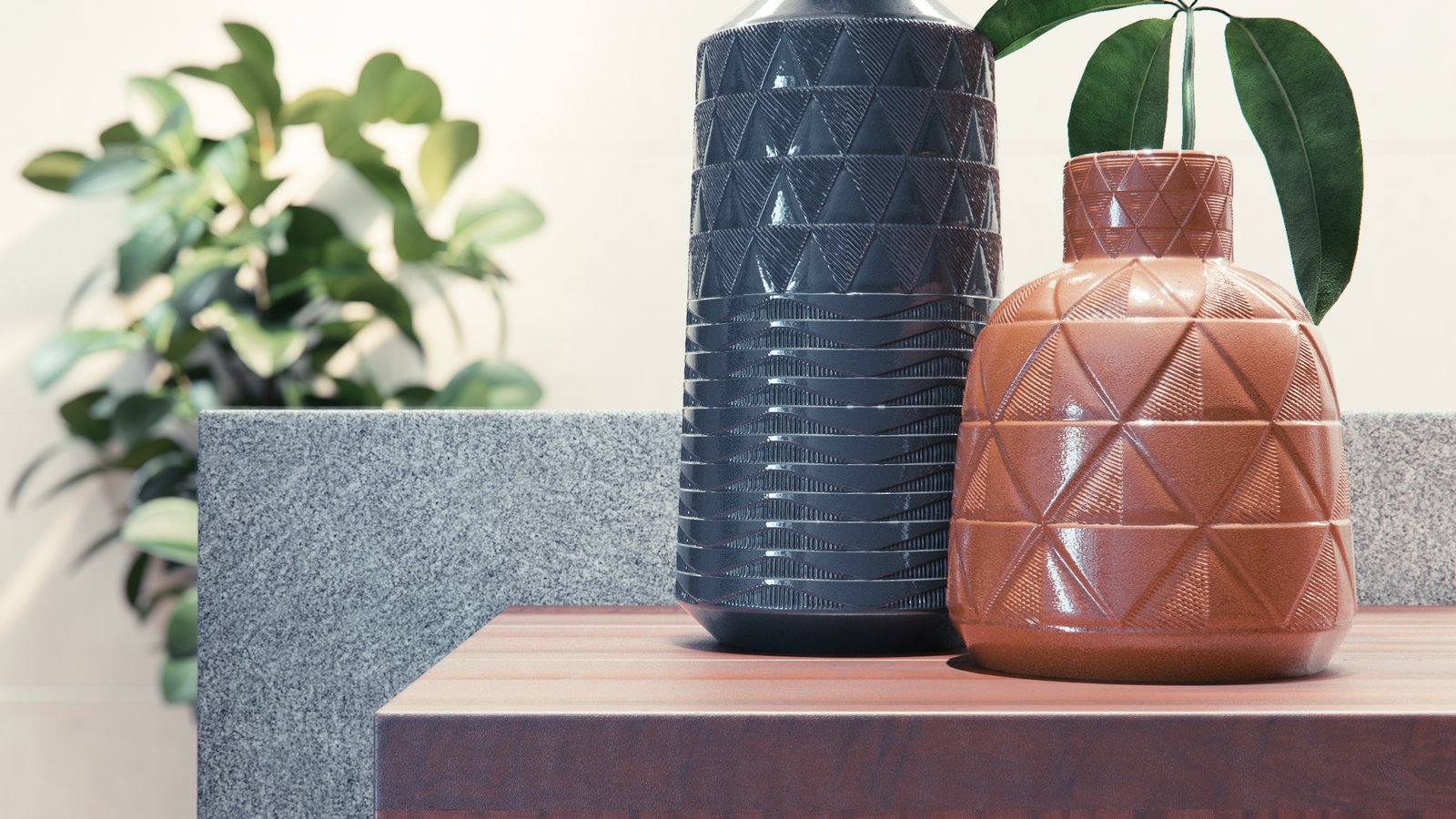
Coat Amount
= 1
Example: Coat Amount
This example shows how Coat Amount changes the material's appearance. The base Reflection Glossiness is set to 0.76 and Coat Glossiness is set to 1. Coat IOR is set to 2 and Coat Color is the default white.

Coat Amount
= 0

Coat Amount
= 0.5

Coat Amount
= 1
Example: Coat Glossiness
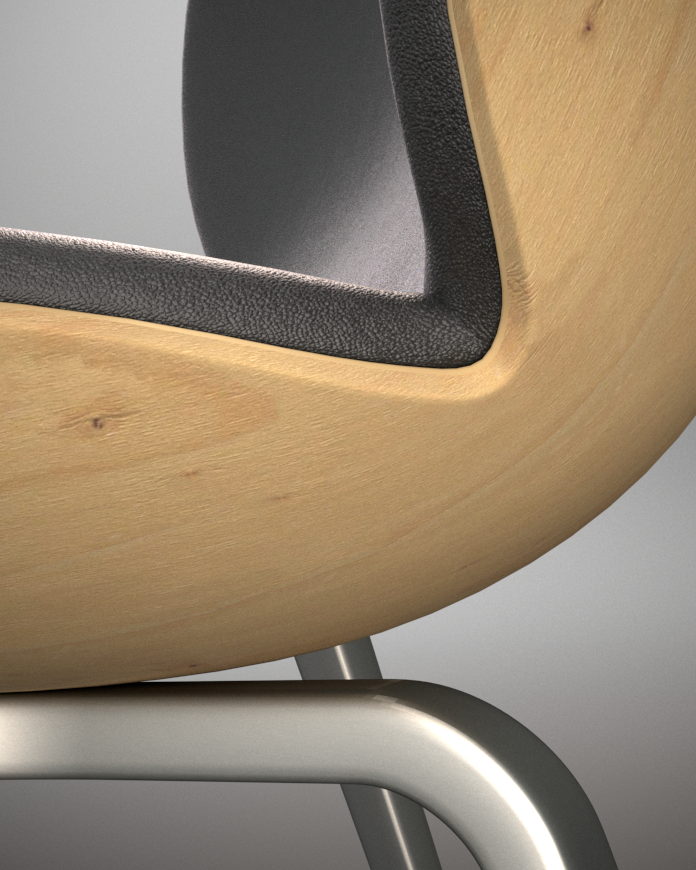
This example shows how Coat Glossiness controls the sharpness of the coat reflection. The base Reflection Glossiness is set to 0.76 and Coat Amount is set to 1. Coat IOR is 2 and Coat Color is the default white. Higher values produce glossier reflections. Lower values produce blurry reflections.
Coat Glossiness
= 0

Coat Glossiness
= 0.75

Coat Glossiness
= 1
Coat Bump
Mode / Map lets you choose whether to add a bump map or normal map effect to the base material.
Bump Map* requires a height map.
Normal Map requires an RGB map. If you use a Bitmap texture, set its colour space to Rendering Space (Linear).
Local Space Bump uses a height map. Unlike the standard Bump mode, it determines height from raw texture values rather than scene units. Scaling objects does not affect the local space effect. Select this option for the round edges effect when you use an Edges texture as bump.
Amount* multiplies the Bump / Normal effect.

Notes
Slots marked with * automatically adjust the colour space when you create a Bitmap texture in that material slot. Copy-pasting, replacing or wrapping a texture does not trigger this adjustment.
- SketchUp always calculates scene units in inches.