What's included
Four AI tools in SketchUp
AI Render
Combine your model's active view with a text prompt or a Style Preset to create a photoreal or stylised image, then refine it with Sketch, Paint and Erase. Formerly SketchUp Diffusion, it has been generally available since December 2025.
AI Assistant
Help answers your SketchUp questions inside the app. Generate Object creates a 3D object with photoreal materials from a text prompt or an image you provide.
Generate Textures
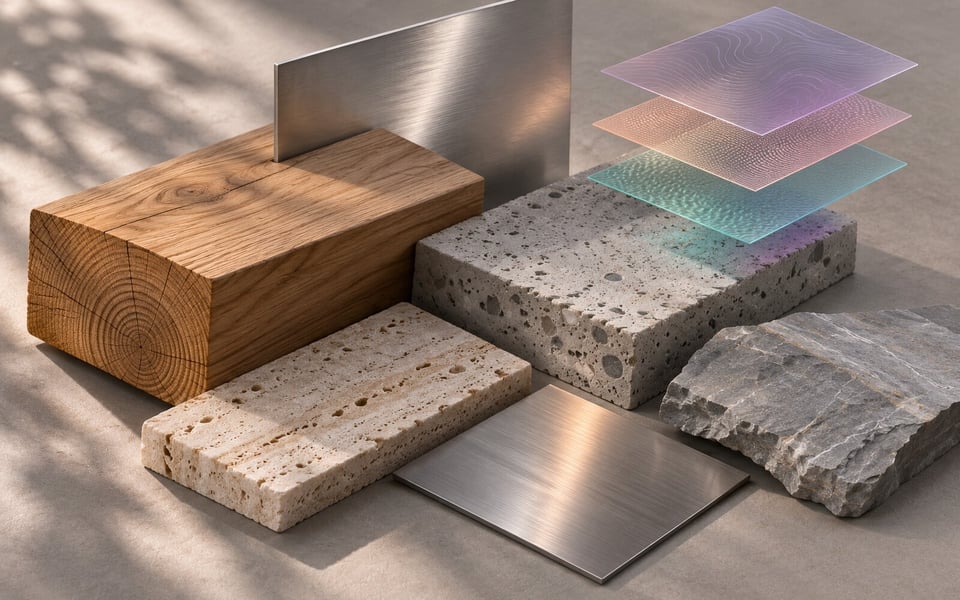
Pick a material already in your model and SketchUp analyses it to create Metalness, Roughness, Normal and Ambient Occlusion maps. Use it on materials that have no PBR maps yet.
SketchUp Connector for Claude
Describe a model in a conversation with Claude, Anthropic's AI assistant, and it builds a new .skp file you can open in any version of SketchUp. You need a Trimble ID and a Claude account.
Trimble Credits included each month
What each tool costs
From 9 November 2026, SketchUp AI Credits are called Trimble Credits. Plan Credits reset on your monthly renewal date and unused credits do not roll over. Desktop, Web and iPad share one balance.
| Feature | Trimble Credits |
|---|---|
| AI Render, per generation (text prompt, Sketch, Paint or Erase) | 10 |
| AI Assistant Generate Object, per object | 30 |
| AI Assistant Help | Free |
Credits come off your balance only when the output reaches your Gallery, so a failed generation costs nothing. If you need more, your Account Owner buys extra credits from Trimble by card inside SketchUp; resellers, including Procadsys, cannot sell them. See how Trimble Credits work.

Start with AI Render and AI Assistant
In SketchUp for Desktop, AI Render and AI Assistant come as pre-installed extensions. They also work in older supported versions of SketchUp.
- AI Render
- Choose Extensions > AI Render. Set up your view, type a prompt or pick a Style Preset, then click Generate. Click Add Scene to keep the image as a scene in your model. On Web and iPad, open AI Render from the expanded toolset.
- AI Assistant
- Choose Extensions > AI Assistant. Select Help to ask a question, or Generate Object to describe the object you want or upload an image of it. Generated objects save to the AI Assistant Gallery. On Web, open SketchUp AI in the menu bar.
Generate Textures and the Claude connector
Need more realism?
AI Render is quick for early design ideas. For production-grade renders of your SketchUp model, Procadsys also sells Chaos rendering tools.
- Veras
- AI visualisation inside SketchUp, Revit, Rhino and Archicad. Agent mode turns reference images into editable geometry in your model.
- Enscape
- Real-time rendering, walkthroughs and VR inside SketchUp. Enscape 4.22 integrates Veras 2.0.
- V-Ray
- Photoreal rendering for final client images. V-Ray is included with SketchUp Studio.
SketchUp AI questions
Is SketchUp AI free?
SketchUp AI needs a paid SketchUp subscription. Go, Pro and Studio subscriptions include monthly Trimble Credits, and AI Assistant Help uses no credits. The free SketchUp plan has no credits.
What are Trimble Credits?
Trimble Credits pay for the computing power each AI tool uses. They replaced SketchUp AI Credits on 9 November 2026 and work the same way. Your Plan Credits reset each month on your renewal date and unused credits do not roll over. SketchUp for Desktop, Web and iPad share one balance. Read how Trimble Credits work.
How many credits does each SketchUp plan include?
Go includes 100 credits a month. Pro, Pro Scan, Pro Advanced Workflows and Pro Civil Contractor include 150, and Studio and Studio for Higher Education include 200. Each AI Render generation uses 10 credits and each Generate Object uses 30.
Does SketchUp 2027 include AI?
Yes. AI Render and AI Assistant are pre-installed in SketchUp 2027 for Desktop, and Generate Textures is in the Materials panel. Because the Desktop AI tools are extensions, they also work in older supported versions. See what's new in SketchUp 2027.
Can I buy extra credits through Procadsys?
No. Extra credits, called Purchased Credits, are sold only by Trimble. Your Account Owner buys them by card inside SketchUp or in the Trimble Admin Console, and they expire 365 days after purchase. Procadsys supplies the SketchUp subscription that includes your monthly Plan Credits.
Does SketchUp AI work on iPad and Web?
Yes. AI Render is built into SketchUp for Web and iPad, and AI Assistant is in SketchUp for Web under SketchUp AI in the menu bar. All three apps use the same credit balance.
What is the SketchUp Connector for Claude?
It connects Claude, Anthropic's AI assistant, to SketchUp so you can build a new .skp file from a conversation. It needs a Claude account and a Trimble ID. It cannot edit or render an existing .skp file. Set up the connector.
SketchUp plans with AI