Use the Reflective Coat layer in V-Ray for SketchUp to control reflections and material opacity.
Overview
Create a Reflective Coat material layer with Add Layer. It is not available in the Creation menu of the V-Ray Asset Editor. It has the same parameters as Generic Reflection, plus Opacity and Multipliers modifiers.
Parameters
Opacity
Opacity sets how opaque or transparent the material is. You can assign a texture map to this channel.
Mode controls how opacity is sampled.
Clip shades the surface as fully opaque or fully transparent based on the opacity map value, with no randomness. It also disables opacity texture filtering. This is the fastest mode, but it may increase flickering in animations.
Stochastic randomly shades the surface as fully opaque or fully transparent so that its average appearance matches the intended transparency. This is the optimal mode. It reduces lighting calculations but may introduce noise where the opacity map has greyscale values. The opacity texture is filtered as normal.

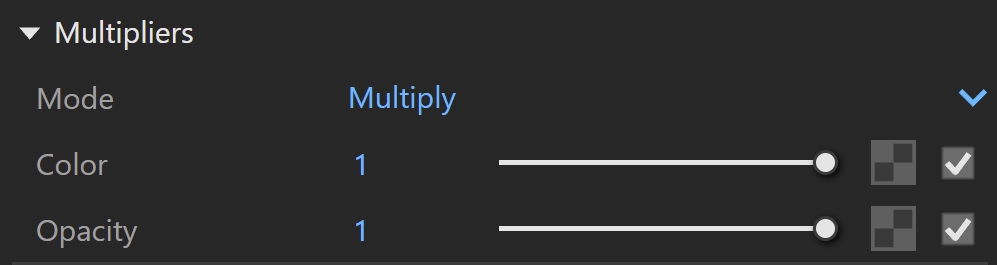
Multipliers
Mode sets how the multipliers blend textures and colours.
Multiply blends the texture with black.
Blend Amount uses the colour you specify for blending.
Reflection Color controls the intensity of the reflection colour.
Reflection Glossiness controls the intensity of the reflection sharpness.
Opacity controls the intensity of the overall material Opacity.