Skip to content
07-848 2005

V-Ray for SketchUp, materials

VRay Mtl Layer

Create a VRay Mtl material layer in SketchUp and find its parameter settings.

On this page
  1. Overview
  2. Generic Diffuse
  3. Generic Reflection
  4. Generic Refraction
  5. Generic Coat
  6. Generic Sheen
  7. Generic Thin Film
  8. Generic Self-Illumination
  9. Generic Opacity
  10. Generic Bump And Normal Mapping
  11. Generic Multipliers

Create a VRay Mtl material layer in SketchUp and find its parameter settings.

Overview

Create a VRay Mtl material layer with Add Layer. You cannot create it from the Creation menu in V-Ray Asset Editor. It uses the same parameters as the Generic material. You cannot override this layer.

VRay Mtl panel with Diffuse, Reflection, Refraction, Coat, Sheen and other material rollouts.

Each Generic rollout has a page listed below.
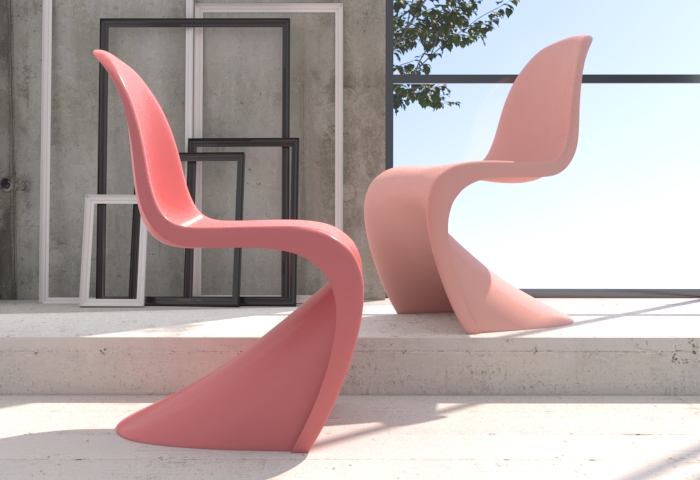
Rendered pink chairs show an opaque material with soft shading and surface highlights.

Generic Diffuse

View

Rendered headphones show reflective metal parts and pink ear cushions on a mirrored surface.

Generic Reflection

View

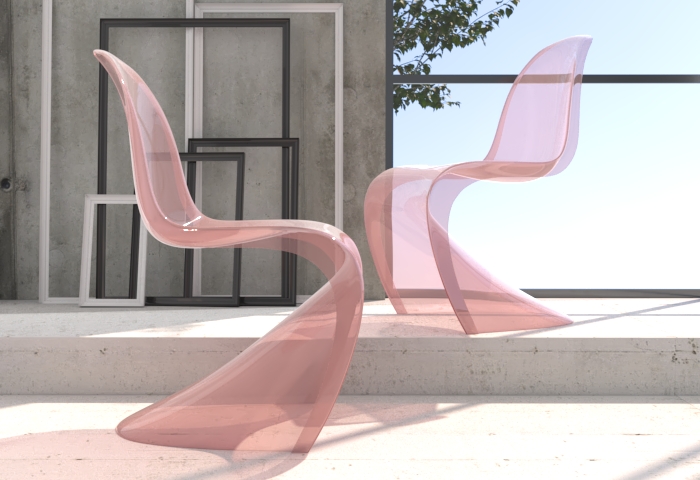
Rendered transparent pink chairs show refraction, with the background visible through their surfaces.

Generic Refraction

View

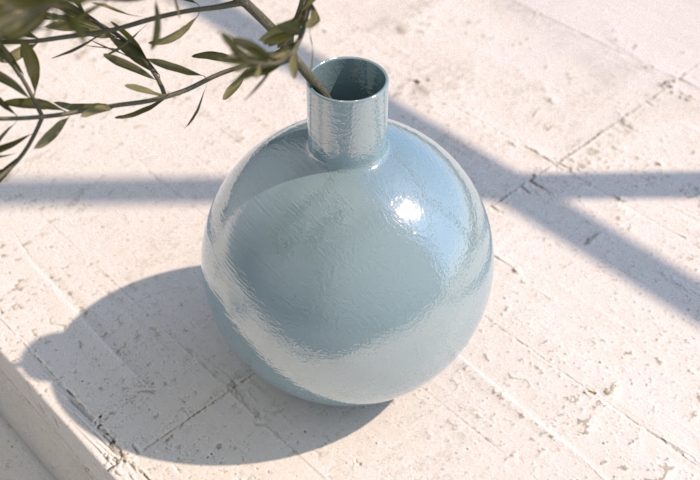
Rendered pale blue vase shows a textured, glossy surface with a bright reflection.

Generic Coat

View

Rendered grey fabric draped over a pink chair shows woven texture and soft highlights along the folds.

Generic Sheen

View

Rendered soap bubbles show iridescent reflections against a blurred forest background.

Generic Thin Film

View

Two pendant bulbs glow beside foliage and empty frames against a concrete wall.

Generic Self-Illumination

View

Leafy branches appear through a window against a bright sky.

Generic Opacity

View

Rendered headphones have textured pink ear cushions and reflective metal ear cups.

Generic Bump And Normal Mapping

View

Black and white frames rest against a blue concrete wall with visible pits and surface texture.

Generic Multipliers

View

Adapted from Chaos documentation: VRay Mtl Layer. © 2026 Chaos Software EOOD

Procadsys customer support

Still need help?

Licences, renewals and billing

Our New Zealand team looks after your V-Ray licences, renewals and invoices.

Monday to Friday, 9:00 am to 4:30 pm NZ time, excluding New Zealand public holidays.

Technical problems

Installation errors, crashes and other technical problems with V-Ray are handled by Chaos support.