Official Release
Date – Nov 05, 2026
Release Notes: V-Ray 7, update 5
V-Ray 7, Update 5 New Features
AI Assistant
The newly integrated Chaos AI Assistant provides intelligent, in-app guidance, suggested workflows, and instant feedback directly inside the V-Ray interface. It features specialised skills such as Sky Match, which analyses reference images to suggest and apply matching HDRIs and LUTs, and Asset/Material Recommendation to streamline scene composition. Submit your final renders to the assistant for a detailed visual and technical critique with structured scores for improvement.
For more information, see the Chaos AI Assistant page.
MCP for External Agents
MCP server that lets external AI agents, such as Claude Desktop and Claude Code, inspect and edit assets in the Asset Editor, with access to parameter tooltips and Cosmos assets, and turned off when generative AI is disabled.
AI 3D Assets Generation
V-Ray for SketchUp now supports the direct import of AI-generated 3D assets from the Chaos Cosmos library. This allows you to quickly populate scenes with unique, customised models created on demand. It streamlines early-stage ideation and rapidly expands your design possibilities without requiring manual modelling.
For more information, see the AI 3D Models page.
V-Ray GPU AMD Support
You can now use compatible AMD graphics cards for GPU rendering in V-Ray. By utilising AMD's HIP technology, this update ensures cross-hardware compatibility and significantly boosts rendering performance on supported AMD setups. It offers an efficient alternative for artists looking to maximise their existing hardware.
For more information, see the GPU Rendering page.
Anima Integration
Inject life into your architectural visualisations with the basic, experimental Chaos Anima integration. This addition allows you to easily import and render realistic, animated crowds and characters directly within your SketchUp scenes. It simplifies adding believable human activity and scale to your designs.
For more information, see the Anima Experimental page.
Scatter Groups
Managing complex environments is now much easier with the ability to apply multiple Scatter layers to a single object using a single modifier. This feature lets you group, organise, and control diverse scattered assets, like mixing grass, rocks, and flowers within a unified interface. It reduces clutter in your scene setup while giving you powerful collective control over your ecosystem's distribution.
For more information, see the Scatter Group page.
Cosmos Assets Customization
Take greater control over your scene’s look with the new Import Material for Editing action. This feature lets you extract and customise the materials embedded in non-merged Chaos Cosmos assets without fully breaking down or merging the geometry. It preserves the clean structure of your proxy assets while giving you full freedom to tweak colours, reflections, or textures.
For more information, see the Cosmos 3D Models page.
HEX Color Picker
The V-Ray Color Picker now includes a dedicated hexadecimal (HEX) input field. This allows you to easily paste and define precise colours using standard web hex codes. It bridges the gap between your design system's digital palette and your 3D rendering workflow, ensuring perfect colour consistency.
For more information, see the V-Ray Color Picker page.
Cylindrical Light
Introduce realistic, tube-like illumination to your scenes with the new Cylindrical Light type. Easily defined by its length and radius, this light source emits physically accurate light from the entire surface of a cylinder. It is perfect for replicating fluorescent tubes, neon lights, and industrial light fixtures.
For more information, see the Cylinder Light page.
Advanced Lights Decay
Take precise control over your illumination with newly supported decay regions that let you shape how light travels. You can now define specific boundaries where a light gradually fades in near its source and naturally fades out at a set distance. This gives you advanced artistic control to prevent overexposure near fixtures and smoothly manage light limits.
For more information, see the Lights page.
Barn Doors for the Spot Light
The V-Ray Spot Light now includes Barn Doors parameters, allowing you to shape your light beams with theatrical precision. By adjusting these virtual shutters, you can restrict the light cone along all four sides to produce a clean, rectangular light shape. It is highly useful for focusing light exactly where you want it while preventing unwanted light spill across your architectural spaces.
For more information, see the Spot Light page.
V-Ray 7, Update 4 New Features
Chaos Veras in V-Ray for SketchUp
Veras is an AI-powered visualisation tool that functions as an add-in for software such as V-Ray for SketchUp. Quickly generate and explore design variations by transforming 3D models, sketches, or 2D images into high-quality renderings and animations. Utilise simple text prompts to control the style, materials, and mood of the generated images.
For more information, see the Veras for SketchUp page.
Cloud Licensing
The new cloud licensing feature for V-Ray for SketchUp streamlines the licensing process by removing the need for a local licence server. This feature simplifies setup and management by eliminating the necessity for a locally installed License Server.
For more information, see the Installation page.
V-Ray 7, Update 3 New Features
Real-time rendering in the V-Ray viewport
V-Ray now offers real-time rendering capabilities at final-frame quality within its viewport, available with a Chaos Vantage license. This integration allows for easy switching between real-time rendering and offline rendering techniques. The unified workflow eliminates the need for additional windows, facilitating immediate visual feedback and enabling quicker iterations and more informed decision-making during design reviews.
Vantage utilises full ray tracing to accurately simulate light behaviour, avoiding rasterizations or approximations, which results in achieving realistic visuals in real-time. Leverage real-life cameras, lighting, materials, and global illumination to enhance the fidelity of projects. For more information on how to initiate a Live Link, see the Vantage Viewport Render page.
Quick Caustics (Experimental)
Utilise the new quick caustics for easier control and faster rendering. Remove the complexity associated with traditional photon-based setups. For common scenarios such as pools and water features, implement quick caustics to achieve believable light patterns without the overhead of full photon tracing. This approach delivers realistic water caustics with reduced setup time and enhanced performance, making caustics accessible, predictable, and practical for everyday visualisation. For more information, see the Generic Quick Caustics page.
Parallax interiors
Implement parallax interiors to enhance realistic interior depth and lighting in exterior renders without requiring complex modelling or heavy geometry. Ensure that the solution remains lightweight for efficient rendering. Apply adjustments per window to maintain performance and achieve a lively appearance, particularly in night scenes. Keep the workflow fast and production-ready. For more information, see the Parallax page.
Gaussian Splats relighting
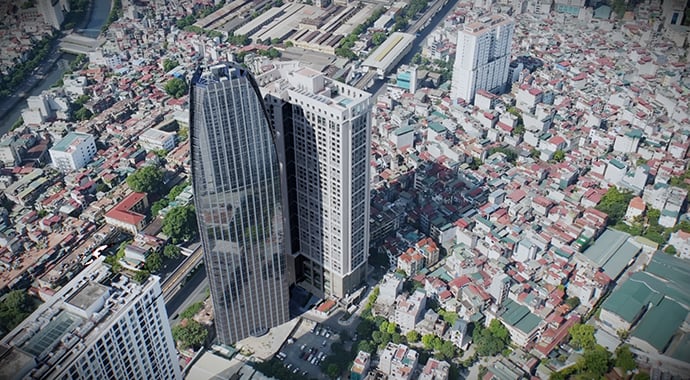
Adjust the lighting of Gaussian Splats to match the scene accurately. Rebalance pre-baked illumination to ensure splat assets integrate naturally into V-Ray projects. Incorporate Gaussian Splats effectively into a broader visualisation workflow, especially when using assets captured under ambient lighting. For more information, see the Gaussian Splat page.
VFB improvements
Utilize the updated V-Ray Frame Buffer for improved colour control and reliability in image handling. Access the new histogram widget to view the colour distribution clearly. Manage backgrounds, reference images, and watermarks directly in the VFB using the advanced Image layer. For more information, see the V-Ray Frame page.
Node Material Editor (Beta)
Utilize the new Node-Based Material Editor to build and adjust V-Ray materials in SketchUp and Rhino visually. Connect nodes to enhance understanding of material logic and create complex shaders with greater control. Leverage this tool to complement existing material workflows, offering a flexible and intuitive approach to material creation. Access the early preview to explore its features, which set the foundation for a fully featured node-based editor in future V-Ray releases. For more information, see the V-Ray Node Editor page.
Scatter Cluster Painting
Use Scatter Clusters to achieve precise control over asset distribution across surfaces. Utilize the Cluster Painting mode to designate areas of higher density, such as flower patches in a lawn, while maintaining surrounding regions with sparse or uniform distribution. For more information, see the Cluster Painting section.
AI Mood Match (Beta)
Utilize AI Mood Match to automatically align the scene's lighting with the selected reference photo. Analyze the lighting conditions in the reference image and configure V-Ray's Sun and Sky or image-based lighting to match the mood accurately. This process streamlines the achievement of the desired lighting intent, reduces manual setup, and enhances confidence in achieving the correct look for scenes. For more information, see the V-Ray Light Gen page.
Cosmos Sets
Arrange compatible assets into ready-made groups for placement in a scene as a single unit. Use sets for furniture groupings and decorative details to quickly populate scenes with elements that naturally complement each other. Rearrange each set after placement to provide speed and flexibility in building realistic and well-composed environments. For more information, see the 3D Models Presets section.
V-Ray 7, Update 2 New Features
Strand Sampler
The Strand Sampler feature enables precise shading and texturing of hair and fur by providing detailed strand-related data to materials. It enhances realism in hair-based assets by allowing control over attributes such as strand thickness, colour, and UV mapping.

Gaussian Splat Viewport Preview
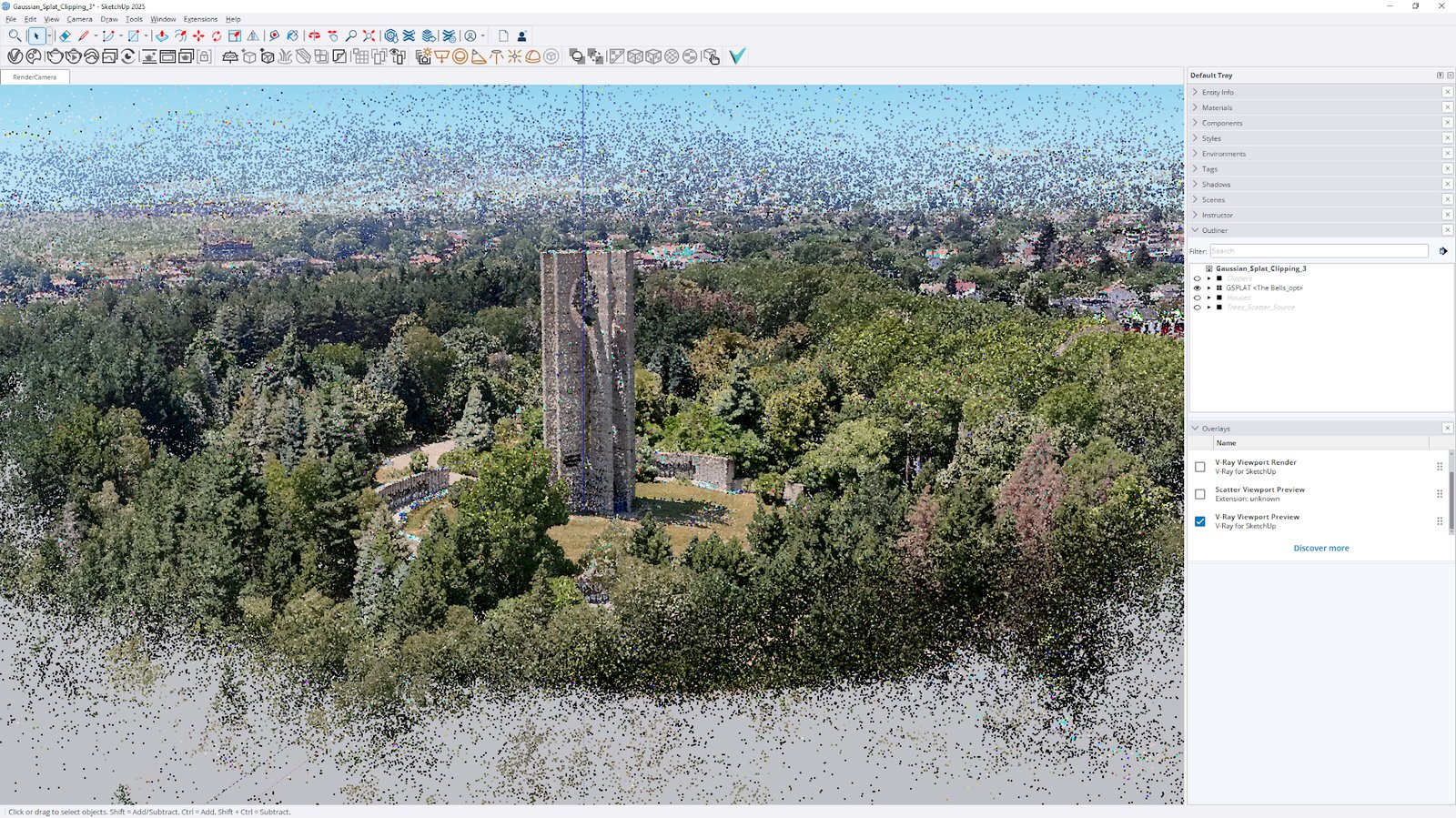
The Gaussian Splat viewport preview displays a high-quality Gaussian-based preview of render elements directly in the viewport. This offers a smoother and more accurate representation of volumetrics, particles, and lighting effects during scene setup.
Gaussian Splat Clipping Masks
The Gaussian Splat Clipping Mask controls the visibility of point-based Gaussian splats by defining regions where splats are rendered or hidden based on a mask texture or procedural map. This allows you to precisely trim, blend, or reveal splat data in complex scenes without altering the underlying geometry or point cloud source.
Support for SketchUp 2026
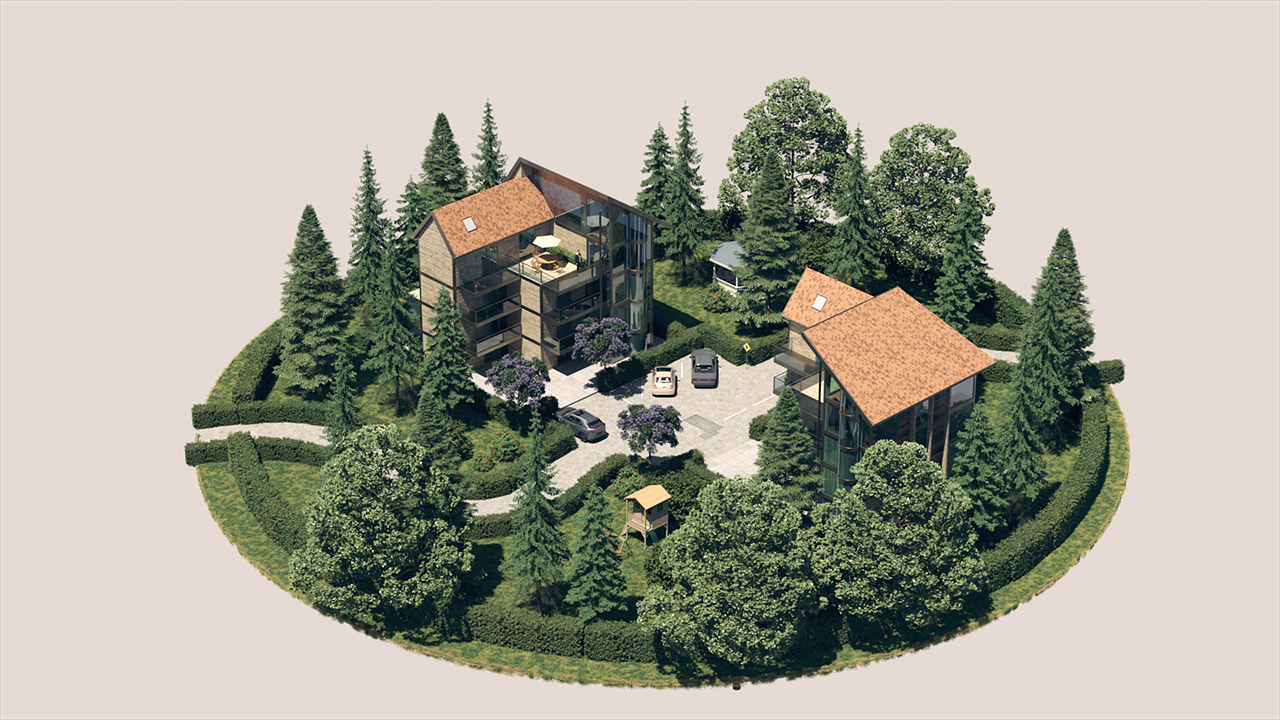
The support for SketchUp 2026 ensures full compatibility with the latest version and provides seamless integration for rendering and material workflows within the updated SketchUp environment.
Generic Presets
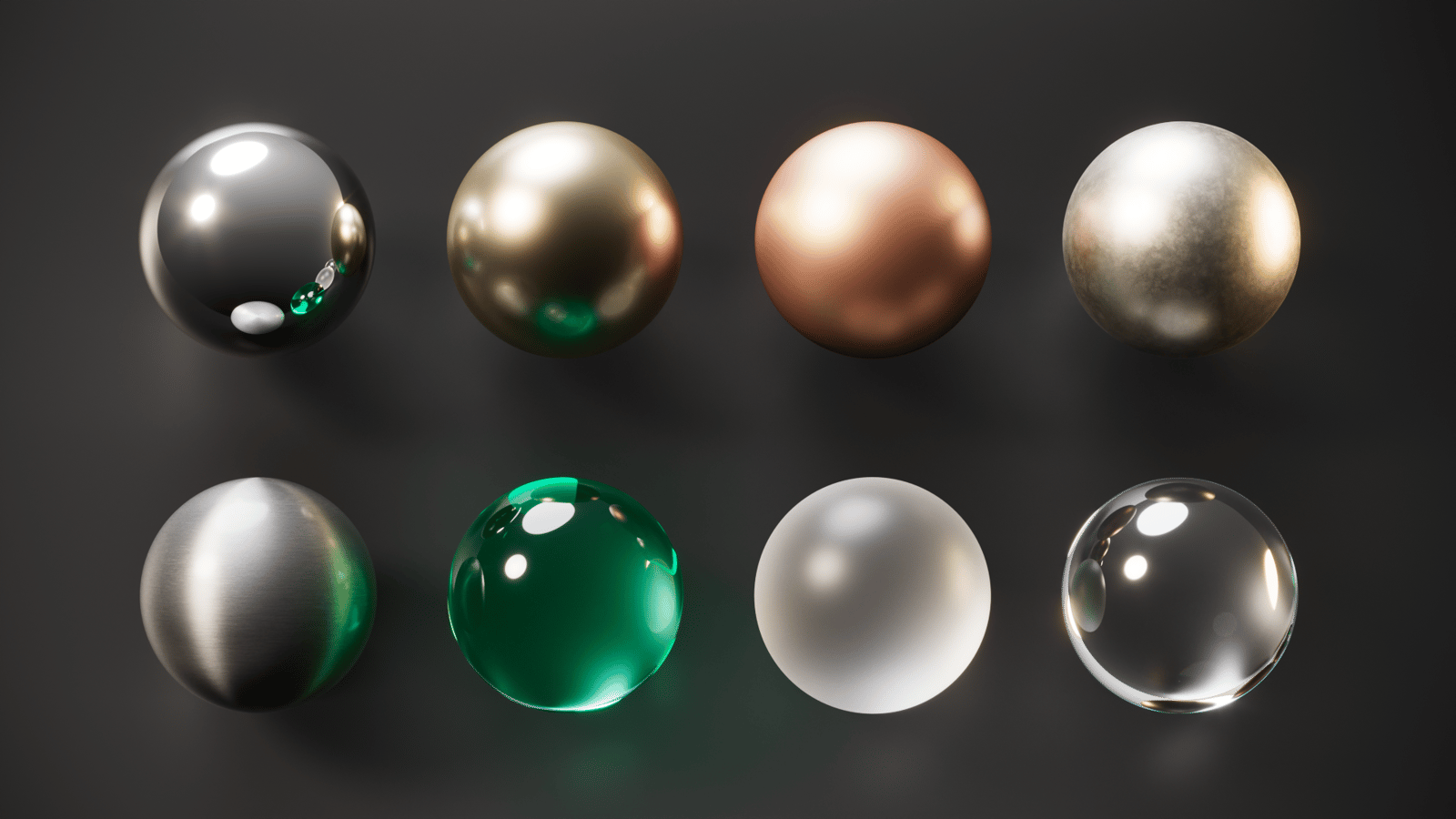
The Generic Presets introduce pre-configured material presets from Chaos Cosmos. This simplifies asset customisation by offering ready-to-use configurations that can be applied with a single click.
Water Surface Texture
The new Water Surface texture adds a physically accurate procedural texture for simulating realistic water surfaces. Offers customizable parameters for wave height, direction, and wind interaction.
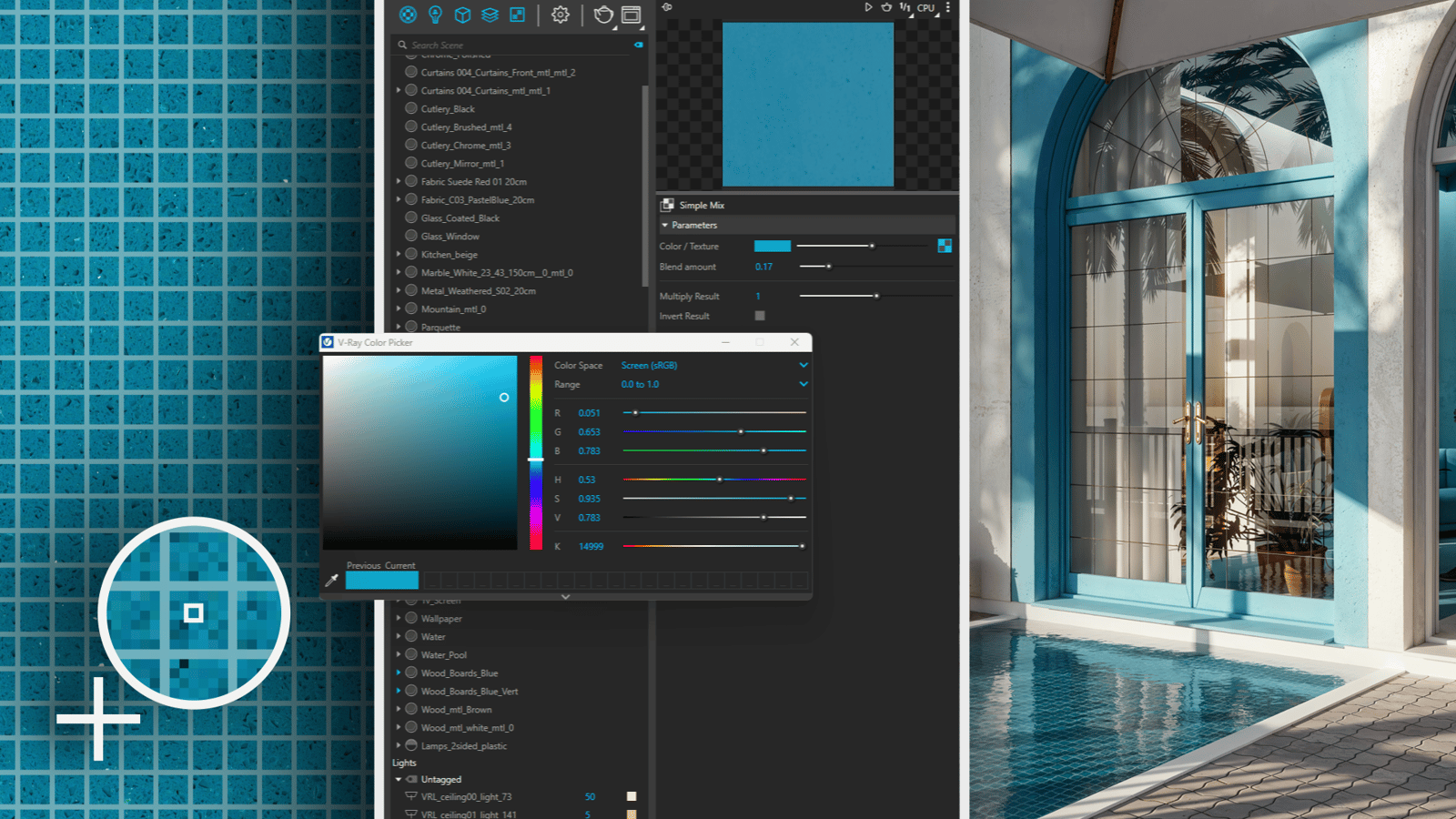
Eyedropper Color Picker
The new Eyedropper Color Picker allows you to sample colours directly from the VFB or interface using an intuitive eyedropper tool. Speeds up material editing and ensures consistent colour selection across scenes.
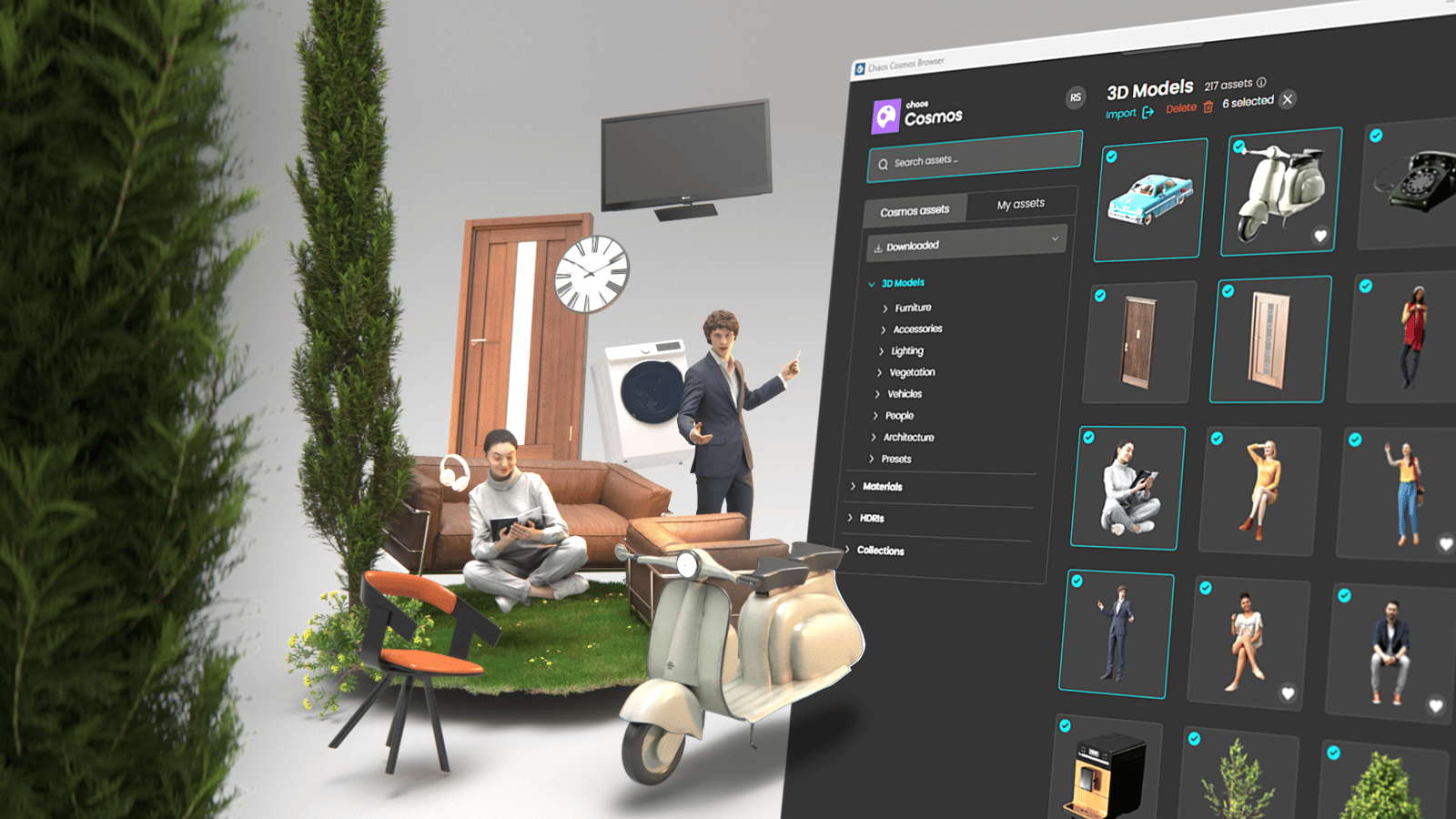
Multi-Import from Chaos Cosmos
The Multi-Import from Chaos Cosmos enables the simultaneous import of multiple Cosmos assets. It increases scene-building efficiency by reducing repetitive drag-and-drop operations.
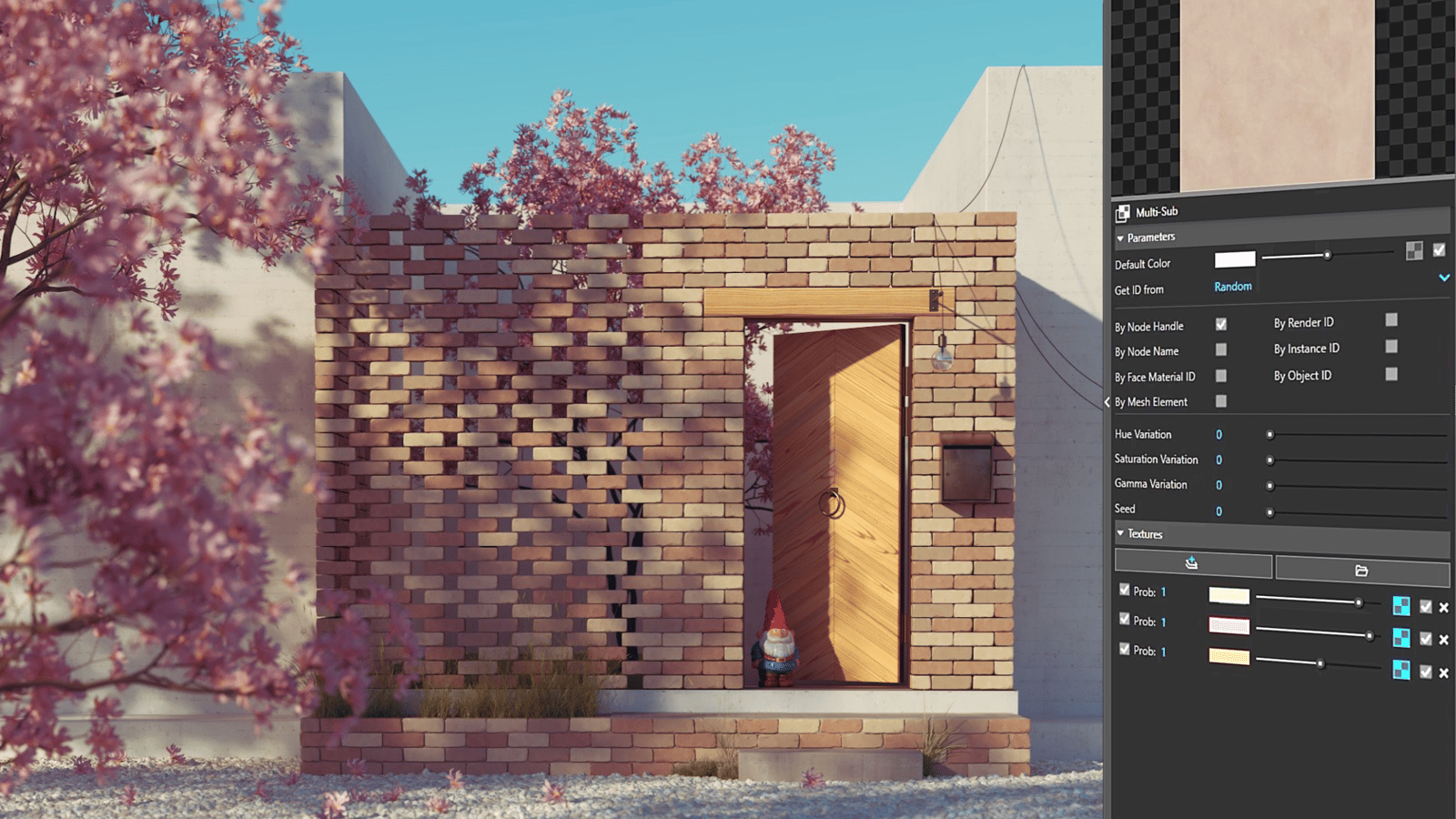
Enhanced Texture Randomization
The new Texture Randomization features offer advanced texture randomization controls for materials.
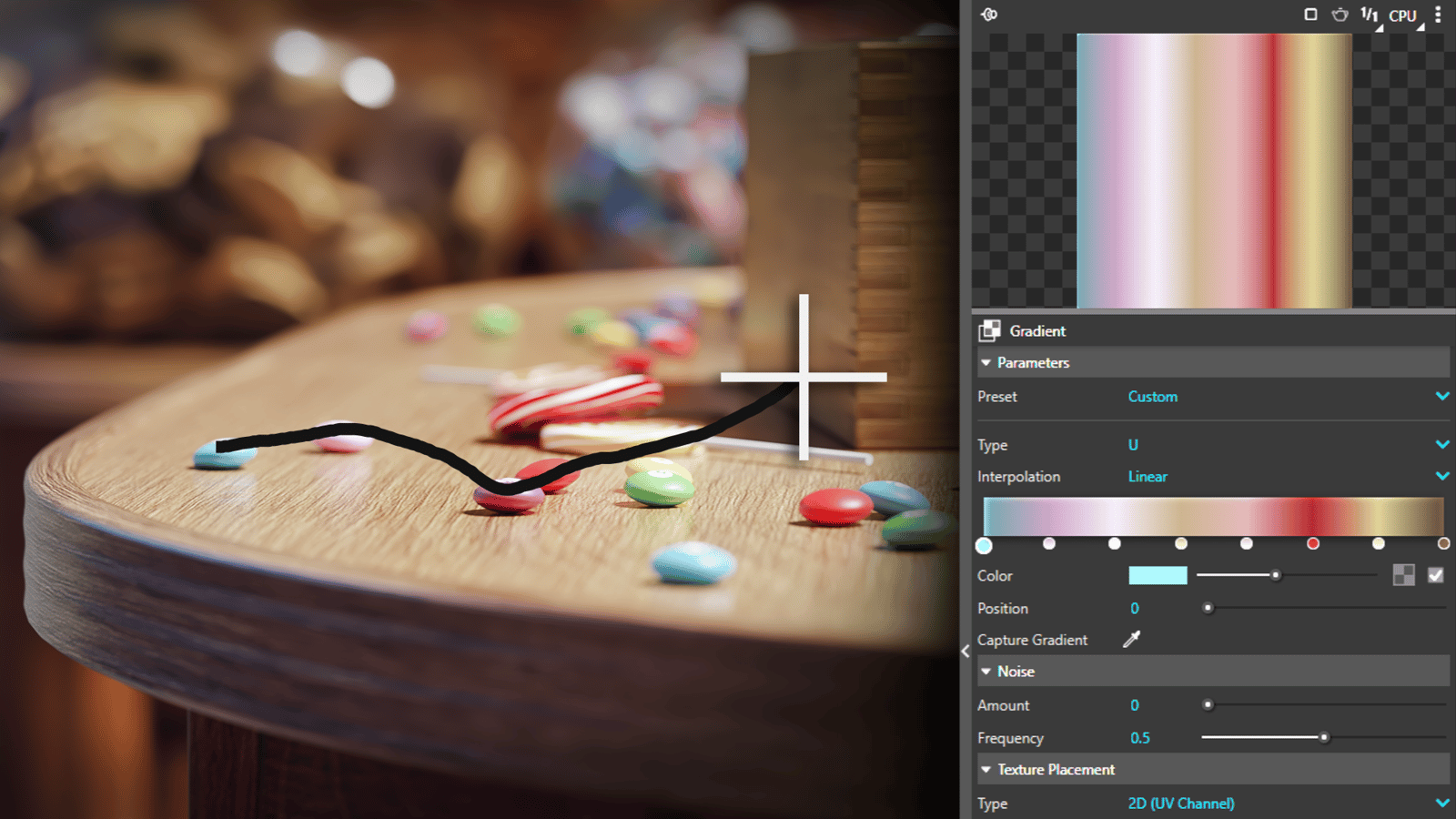
Capture Gradient Color Picker
The new Capture Gradient colour picker allows you to make gradient textures by directly sampling the current scene or the UI.
Chaos Cloud 3D Streaming
The Chaos Cloud 3D streaming introduces real-time streaming of 3D scenes from Chaos Cloud for interactive presentations and reviews.

Exposure Layer
The Exposure Layer provides easy scene enhancements through the VFB.
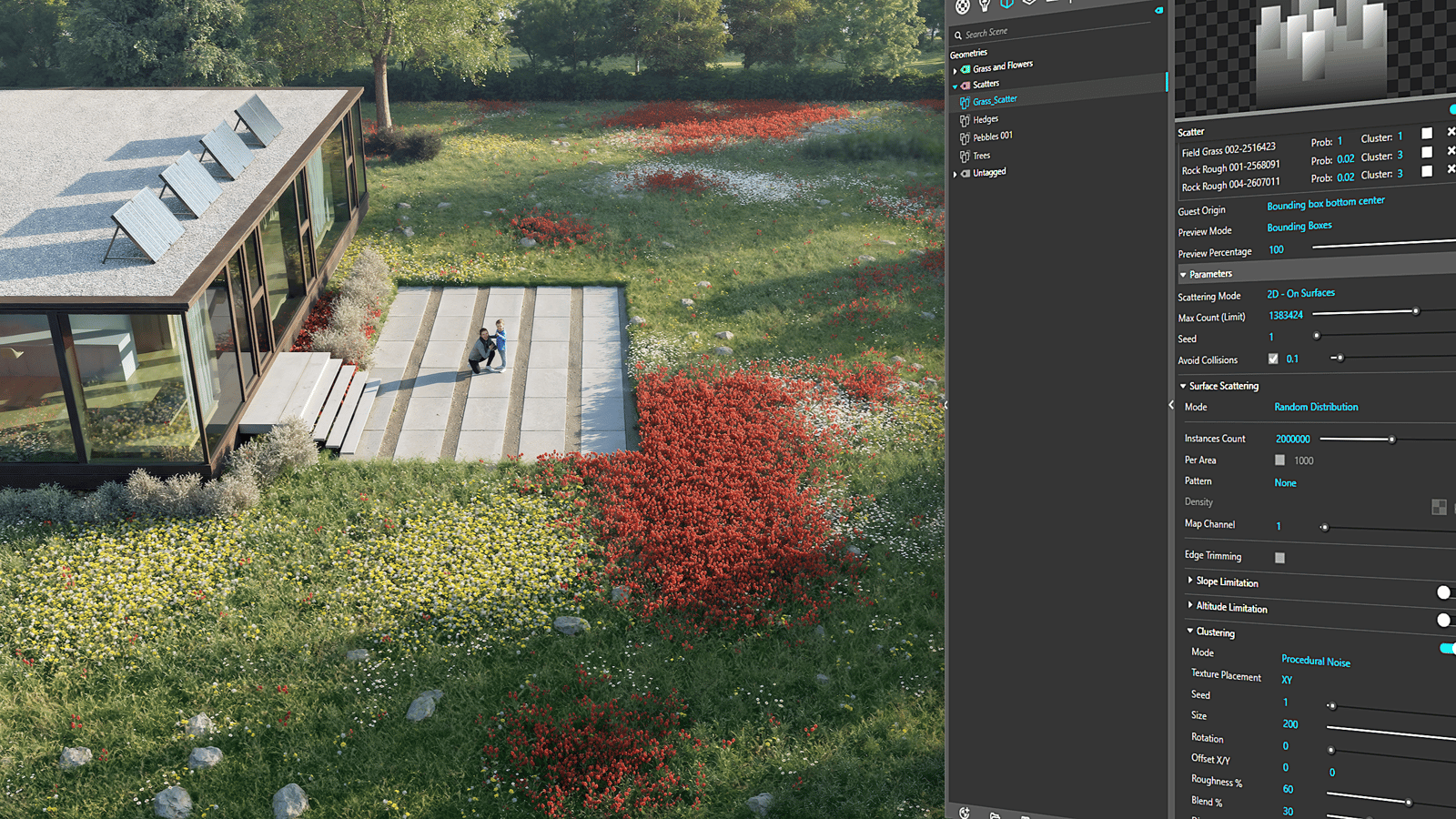
Scatter Clusters
It adds new distribution methods and performance optimisations to V-Ray Scatter, offering greater artistic control and scalability for populating scenes with high-density geometry.
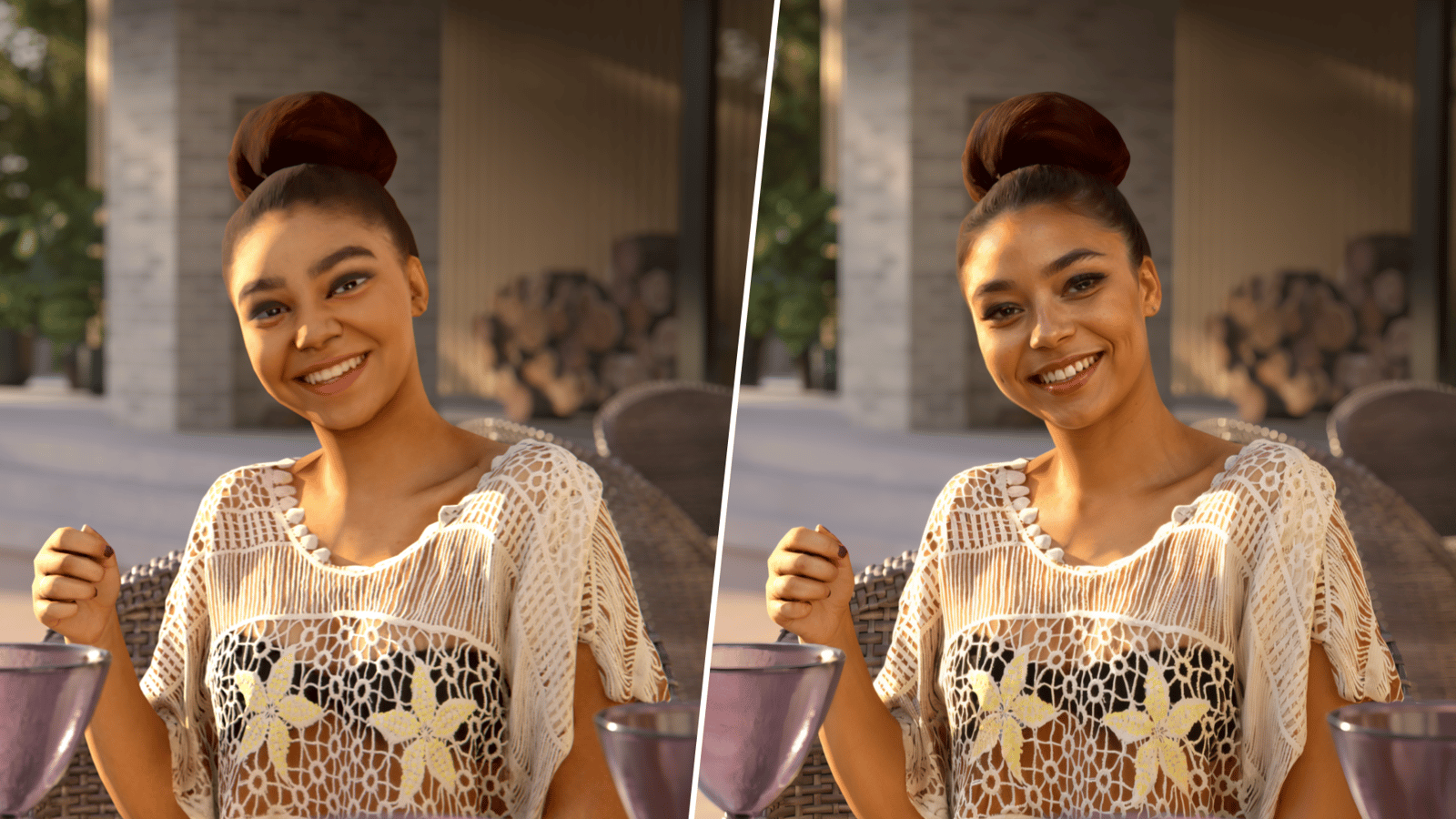
AI Enhancer
Applies machine-learning techniques to enhance render output with intelligent upscaling and detail refinement. Improves perceived quality of final images without additional rendering time.
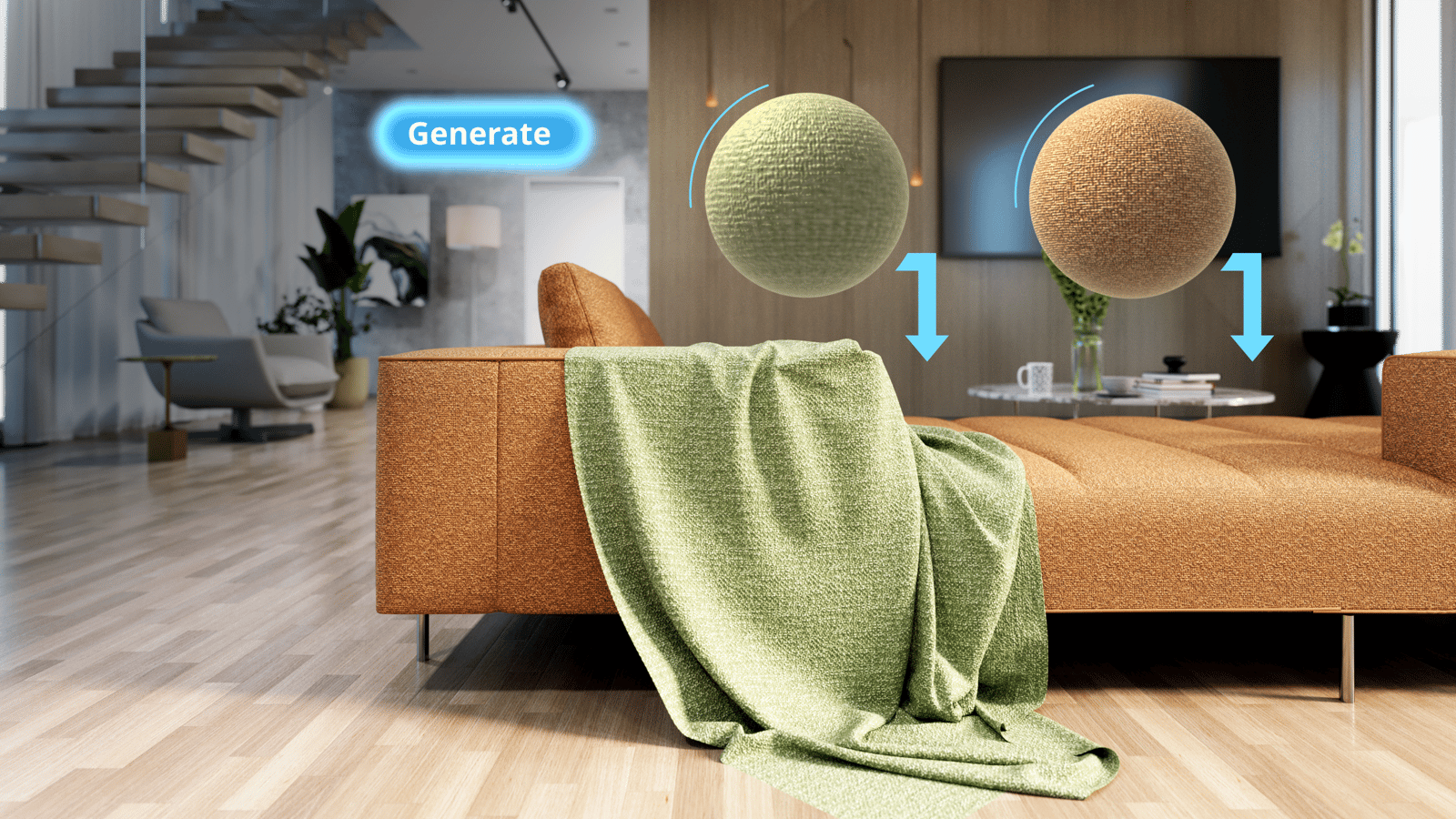
AI Material Generator
It uses AI to generate procedural materials based on your input or reference images. This accelerates look development by providing a fast starting point for material creation.
Night Sky
The Night Sky includes a new lighting model to simulate realistic night skies. Supports stars, moonlight, and atmospheric effects for nighttime scene rendering.

V-Ray 7 New Features
Gaussian Splats
View
Interactive Virtual Tours
View

Material Override and Presets
View
Scatter Edge Trimming
View

Cosmos Asset Variations
View
Automatic Denoiser
View

Color Correction Filters
View
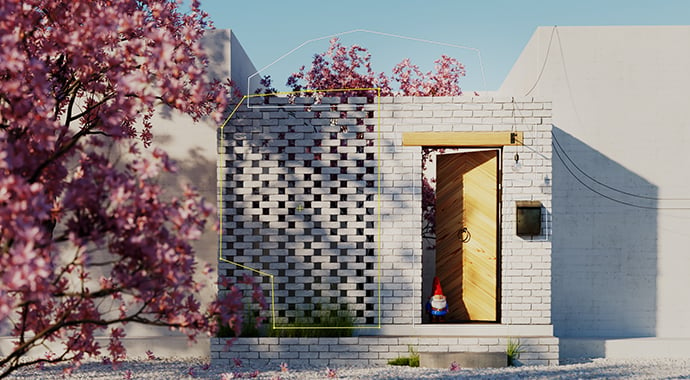
Freeform Render Region
View
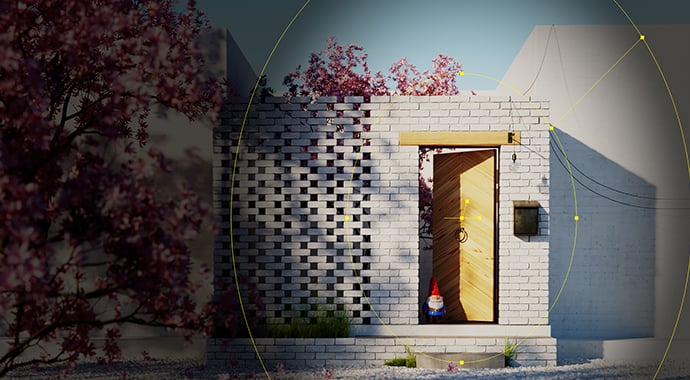
Vignette Layer
View
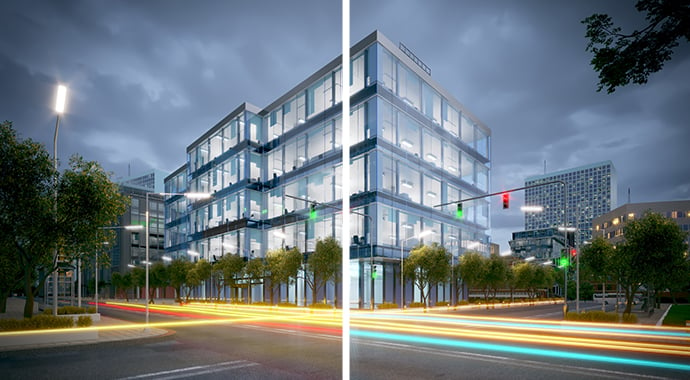
Light Mix for Emissive Materials
View
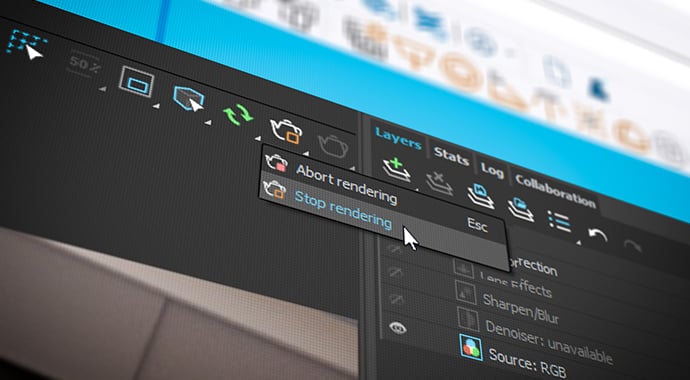
Stop Rendering Anytime
View

Layered Textures
View

Gradient Texture Remapping
View

Luminaires
View
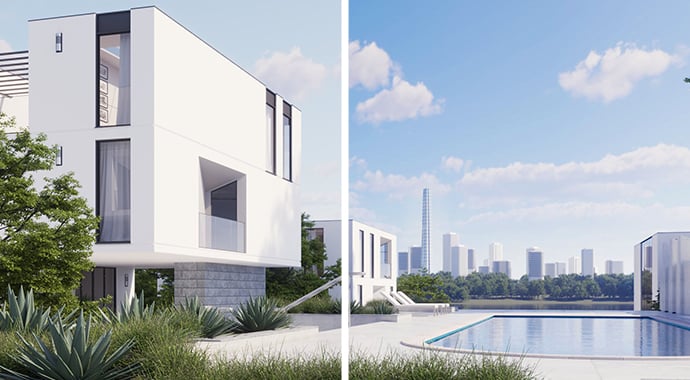
Even Better Sun & Sky
View
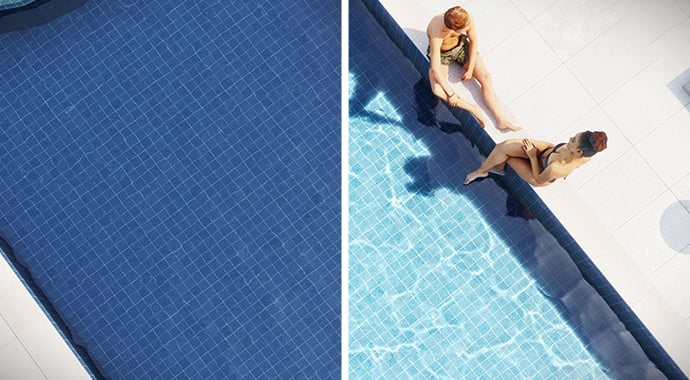
Faster V-Ray GPU and Caustics
View