V-Ray for Unreal
V-Ray Light Dome Blueprint
This page provides information on the V-Ray Light Dome Blueprint.
Last updated 25 February 2026
This page provides information on the V-Ray Light Dome Blueprint.
Overview
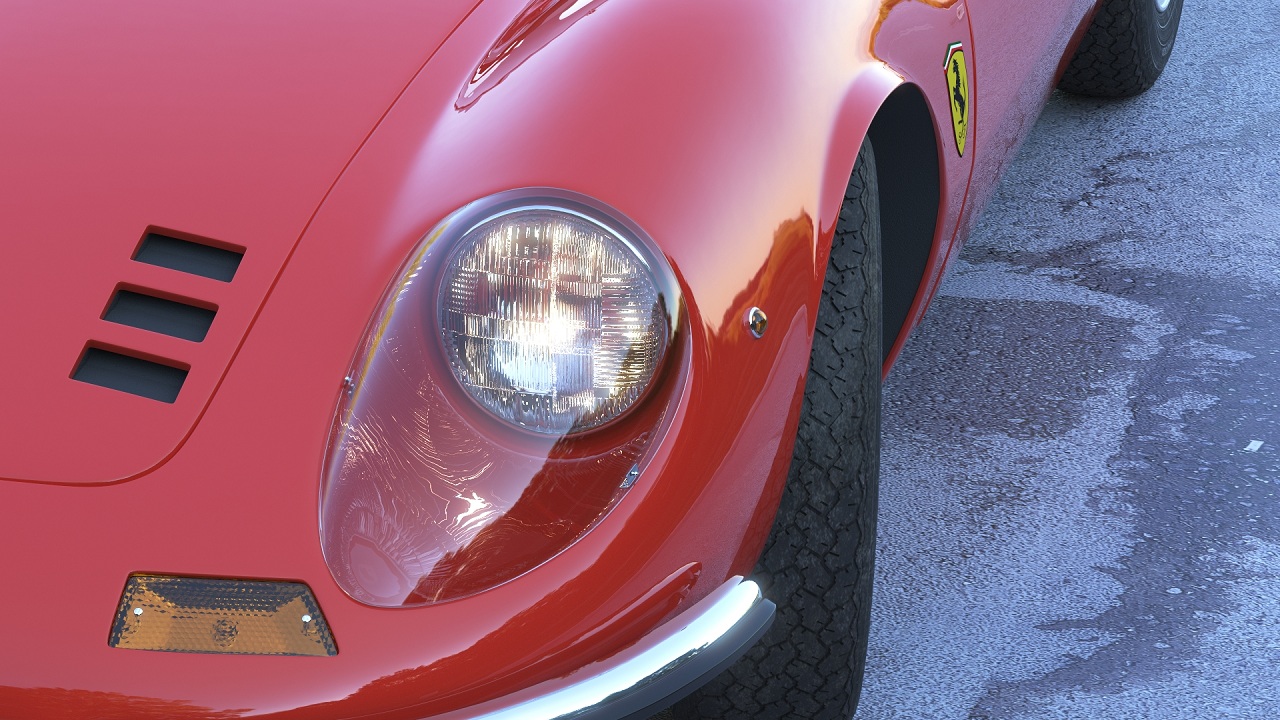
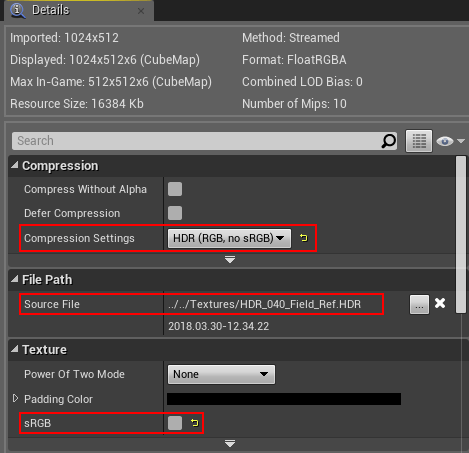
The V-Ray Light Dome is a light that casts light inwards at the scene as if from a spherical or hemispherical light source outside the extent of the scene. This light is frequently used for Image-Based lighting using panoramic HDR images for environments
UI Paths
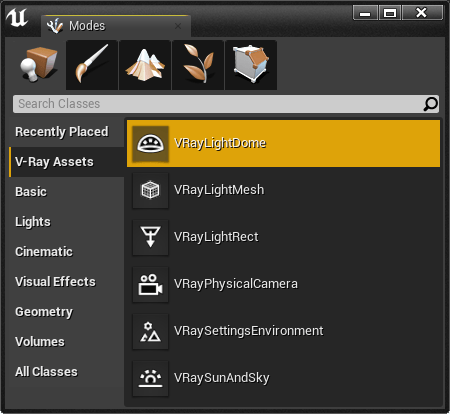
The VRayLightDome actor is accessible through the Modes > V-Ray Assets > VRayLightDome. Select the Blueprint and drag and drop it in the level.
||Modes Tab|| > V-Ray Assets > VRayLightDome
VRayLightDome Settings
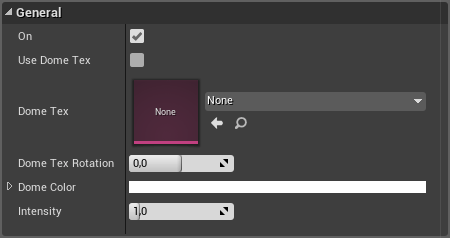
General
On – Turns the dome light off and on.
Use Dome Tex – Enables the use of a .hdr textures for lighting.
Dome Tex – Specifies the .hdr texture for lighting.
Dome Tex Rotation – Specifies the horizontal rotation of the Dome Tex in degrees.
Dome Color – Specifies the color of the dome light when Use Dome Tex is disabled.
Intensity – Specifies the intensity multiplier of the dome light.
Options
Invisible – Sets the visibility of the HDRI in the viewport.
Set for Light Bake – Enable for V-Ray Bake. This sets the skylight and directional light mobility to static. When unchecked the skylight is set to Stationary.
Dome Tex Resolution – Specifies the resolution at which the texture is resampled (No effect in viewport).
Affect Diffuse – Determines whether the light will affect the diffuse portion of the materials. The value controls the light's contribution to the diffuse portion of the materials (No effect in viewport).
Affect Specular – Determines whether the light will affect the specular portion of the materials. The value controls the light's contribution to specular reflections (No effect in viewport).
Affect Reflections – Determines whether the light source will appear in reflections (No effect in viewport).
Auto Update – When enabled, reflections are automatically updated.
