KeyShot Studio
Borrowing A License
To check out a KeyShot Studio Pro Floating license, your computer must be connected to the license server. To continue using KeyShot Studio Pro Floating, the connection must be maintained at all times. If you want to work from a remote location and take KeyShot Studio with you, you can borrow the license.
Last updated 3 August 2026
To check out a KeyShot Studio Pro Floating license, your computer must be connected to the license server. To continue using KeyShot Studio Pro Floating, the connection must be maintained at all times. If you want to work from a remote location and take KeyShot Studio with you, you can borrow the license.
The client and server must be connected during the borrowing process. Once you’ve borrowed the license, you can take your laptop and KeyShot Studio anywhere for up to 30 days. Educational license holders must submit a request with their IT staff to activate this feature.
How To Borrow A License
- Ensure that your client computer can connect to the server,
- Open KeyShot Studio Pro Floating.
- Windows: In the Main menu click Help > Borrow Floating License.
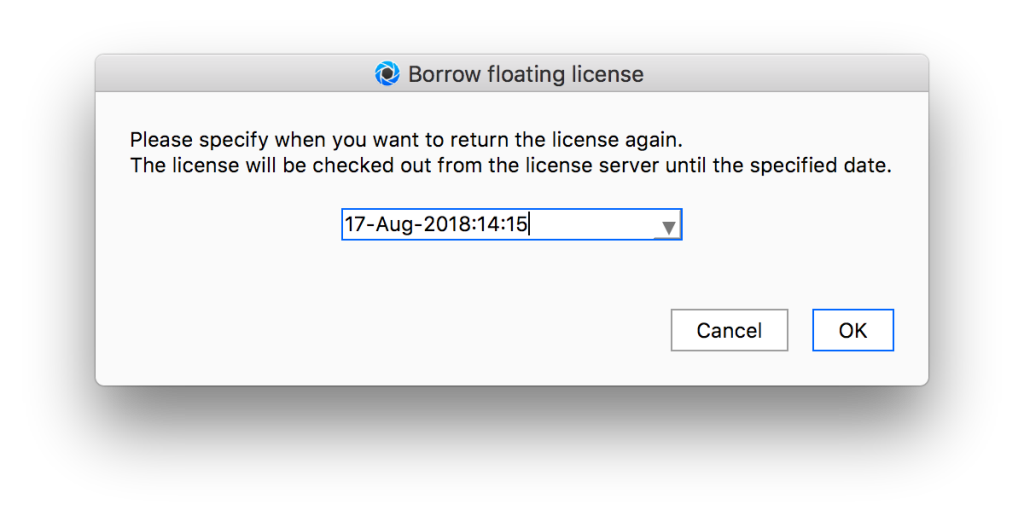
Mac: In the Main menu click KeyShot Studio> Borrow Floating License. - Select a return date and click OK.
- You will receive a confirmation message. Click OK
How To Return A Borrowed License
- Ensure that your client computer can connect to the server (otherwise, this will not work).
- Open KeyShot Studio Pro Floating.
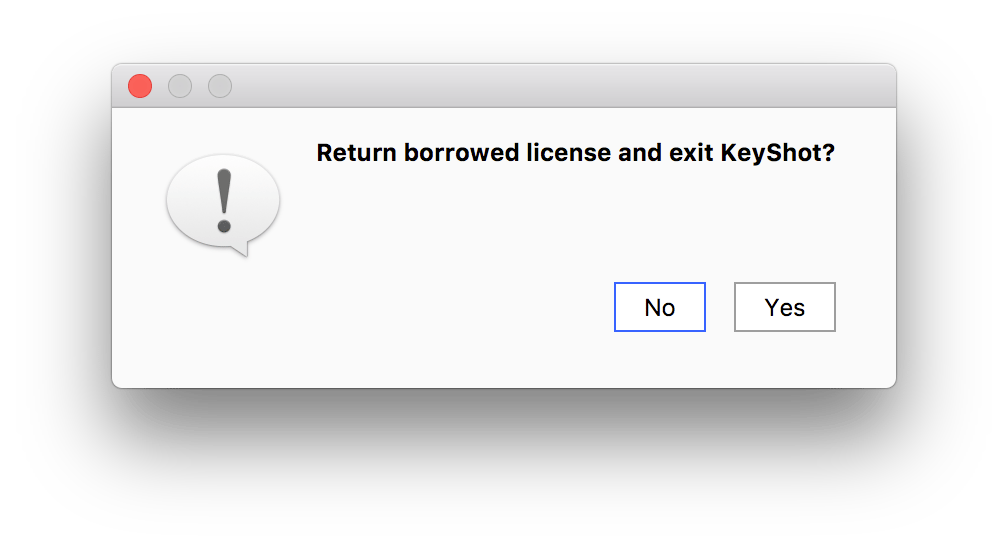
- Windows: In the Main menu click Help > Return Borrowed Floating License.
Mac: In the Main menu click KeyShot Studio> Return Borrowed Floating License. - You will be asked to confirm this action. Click Yes.
- You will receive a confirmation message. Click OK