KeyShot Studio
Organizing the Scene Tree
There are multiple ways to organize the scene tree.
Last updated 3 August 2026
There are multiple ways to organize the scene tree.
Reordering
You can reorder the Scene Tree via drag and drop or you can Cut and Paste parts.
Grouping
Grouping gives you the ability to organize the scene tree.
Add to Group
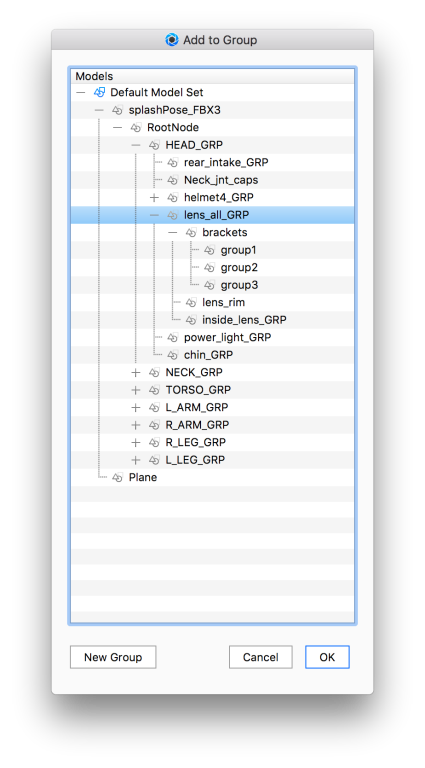
When you use Add to Group you can either add to an existing group or create a new group in the desired location.
- Right-click the
 part or
  group (model) you want to re-group in the Scene Tree.
 - Select Add to Group – the Add to Group Dialog is displayed.
- Add to existing: Select the group you want to add to and click OK.
- Create new group: Select the group to which you want to add the new group and click New Group.
- Name the new group and click OK.
- Click OK.
Add Sub-Group
When you are dealing with groups, you can also Add sub group, without moving anything immediately – maybe to be ready for drag and drop reorganizing.
- Right-click the group (model) to which you want to add a sub-group.
- Select Add Sub-Group.
- Give the group a name.