Set the resolution in KeyShot Studio to control your image dimensions. Resolution is the first setting in the Project panel > Image tab. You can also choose a preset from Main menu > Image > Resolution Presets.
The resolution sets the width and height in pixels of the Real-time view and the aspect ratio of the final image. For example, if you plan to render at 1920*1080px, set the same aspect ratio in the Image tab.

Lock Aspect
When Lock Aspect is enabled, the Real-Time View resizes with the application window while keeping the image's aspect ratio. This aspect ratio also applies to the final image.
Lock Resolution
Enable Lock Resolution to keep the Real-Time View at the specified pixel size when you resize docked windows or the application window.
Presets
Choose a standard resolution preset from the Presets drop-down in KeyShot Studio. This locks the aspect ratio to the selected preset and fits the image within the Real-Time View. If Lock Resolution is checked and the application window is not docked when you select a preset, the Real-time View resizes to match the image. It may exceed the size of your monitor.
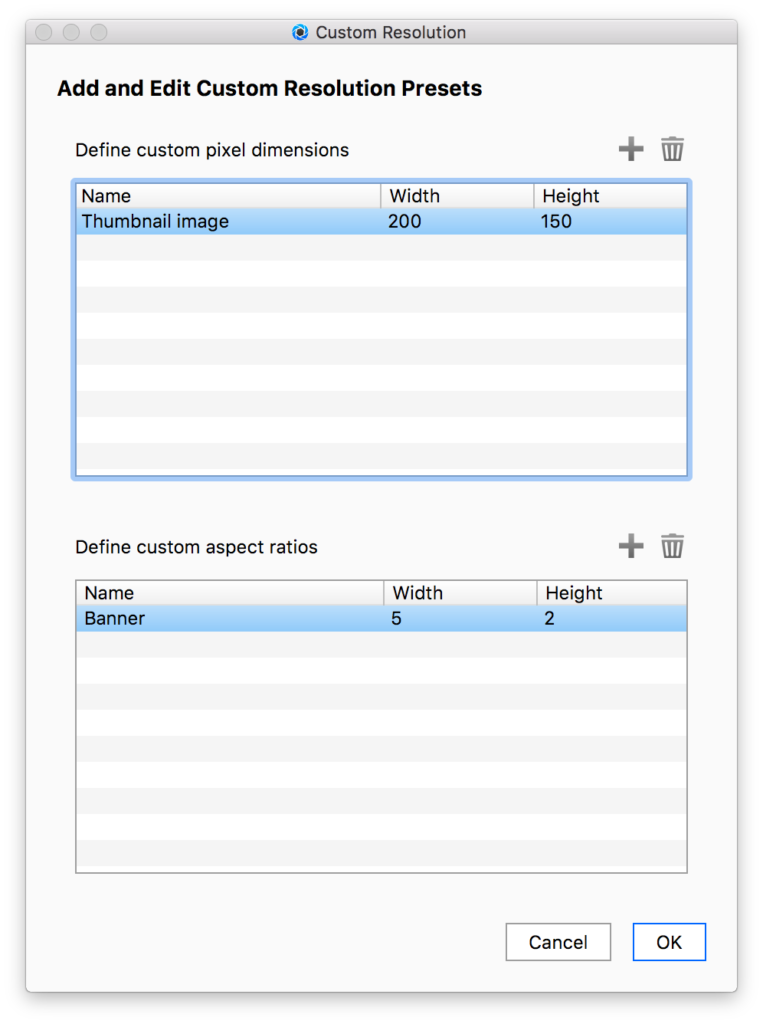
If the resolution you need is missing from the Presets drop-down, enter the values manually. You can also select Edit Custom from the Presets drop-down to create a custom resolution or aspect ratio preset. Find your saved presets in the Custom fly-out menu within the Presets drop-down.