File Formats and 3D Warehouse
3D Warehouse maintains SketchUp files in the current version, the previous two versions, and the version the model was originally uploaded in.
Last updated 17 July 2026
3D Warehouse maintains SketchUp files in the current version, the previous two versions, and the version the model was originally uploaded in.
- Find the model in 3D Warehouse.
- After locating your model click Download and choose from the following:
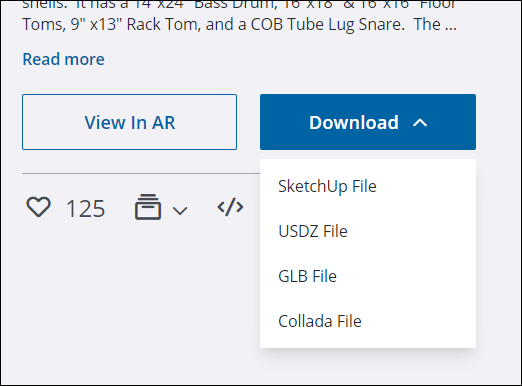
- Extract the downloaded ZIP file, if applicable.
For more information about COLLADA file import options in our Importing and Exporting COLLADA Files article.
For faster, smaller files, download models in a more recent version of SketchUp.
Still need help?
Technical support from our New Zealand team is available to customers with a current Procadsys SketchUp Plus subscription: Pro Plus, Pro Scan Plus, Pro Civil Contractor Plus, Advanced Workflows Plus or Studio Plus. Self-help articles are public.
Contact SketchUp support