Signing Into Extension Warehouse
You can search and browse the Extension Warehouse website without logging in. Once you find an extension you want to install, or if you want to manage the extensions you already use, you’ll need to sign in using your Trimble ID.
Last updated 17 July 2026
You can search and browse the Extension Warehouse website without logging in. Once you find an extension you want to install, or if you want to manage the extensions you already use, you’ll need to sign in using your Trimble ID. If you don’t have a Trimble ID, or want more information on all the benefits associated with having one, see our Trimble ID articles.
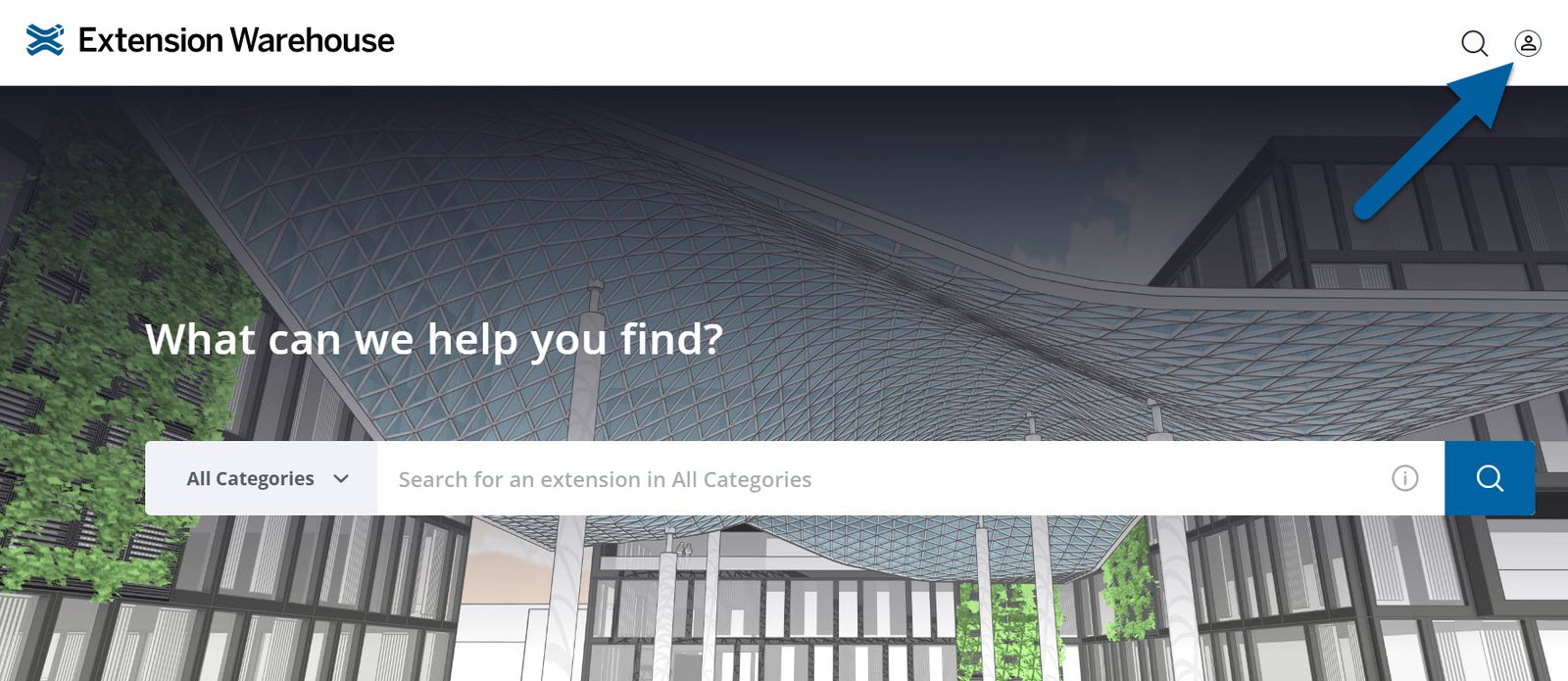
To login or create a Trimble ID on the Extension Warehouse website, click the profile icon in the upper right of the page.
After entering your credentials you will be redirected back to the Extension Warehouse.
Still need help?
Technical support from our New Zealand team is available to customers with a current Procadsys SketchUp Plus subscription: Pro Plus, Pro Scan Plus, Pro Civil Contractor Plus, Advanced Workflows Plus or Studio Plus. Self-help articles are public.
Contact SketchUp support