In SketchUp, each edge or face you draw in a 3D model is an entity. Combining lines and faces into a group or component creates a complex entity.
Every entity in a model has attributes. Faces and edges have simple attributes, such as units of measure. More complex entities have additional attributes, such as their layer and classification information.
To view or change an entity's attributes, open Entity Info in the Default Tray. If the Default Tray is hidden, click Window > Default Tray > Entity Info.
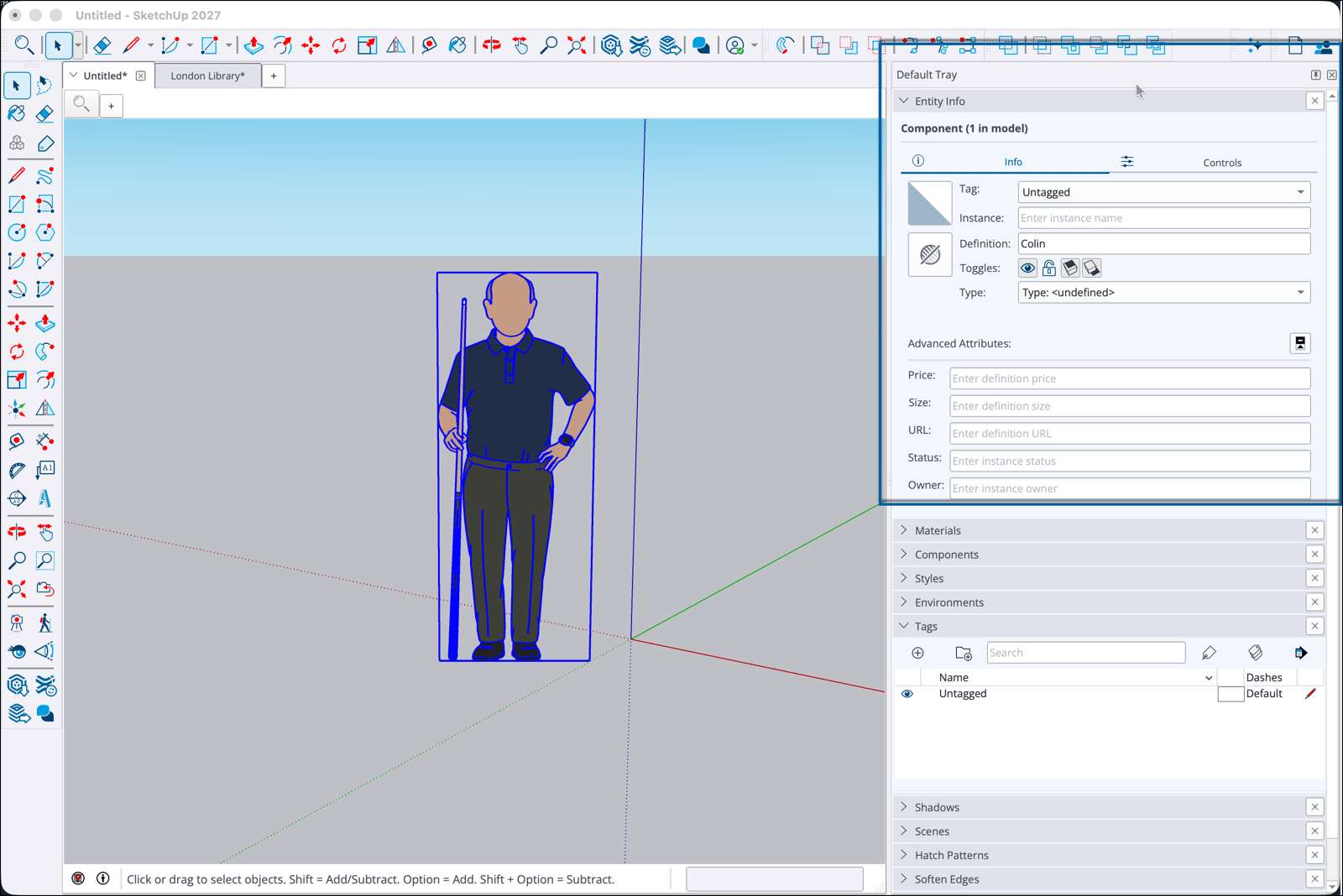
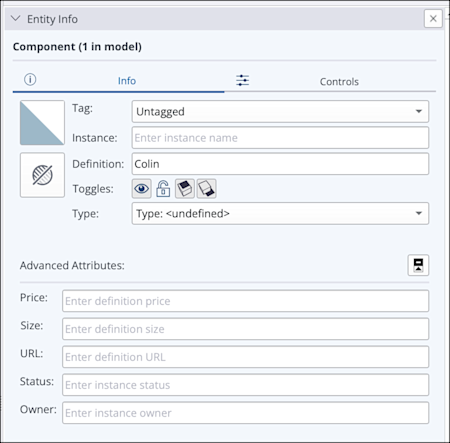
The Info tab in Entity Info shows the following information, depending on the type of entity you select:
- Tag shows the assigned tag. If you have created tags for your model, you can also assign one here.
- Use Instance to give an entity a unique name when your model contains copies of it.
- Definition shows the standard definition shared by all copies of the entity.
- Use the Toggles icons to change visibility, lock your model and control whether the selected entity casts or receives shadows.
- Type shows the entity's classification data.
- Material shows the material assigned to the entity. If none is assigned, click this field to open a window and select one.
- Section Fill shows the hatch pattern assigned as a section fill. If none is assigned, click this field to open a window and select one.
Components also have the following fields under Advanced Attributes in the Info panel:
- Price
- Size
- URL
- Status
- Owner
For more about these component attributes, see Components.
The Controls tab shows additional information for procedural components. The controls you can adjust depend on the type of procedural component. For more information, see SketchUp Procedures.