Snaps
Snaps are custom points you can add to grouped geometry. When you add a Snap you can use your new custom point to position and orient objects. Snaps can also help you create modular components in your model that are easy to, well, snap into place.
Last updated 17 July 2026
Snaps are custom points you can add to grouped geometry. When you add a Snap you can use your new custom point to position and orient objects. Snaps can also help you create modular components in your model that are easy to, well, snap into place.
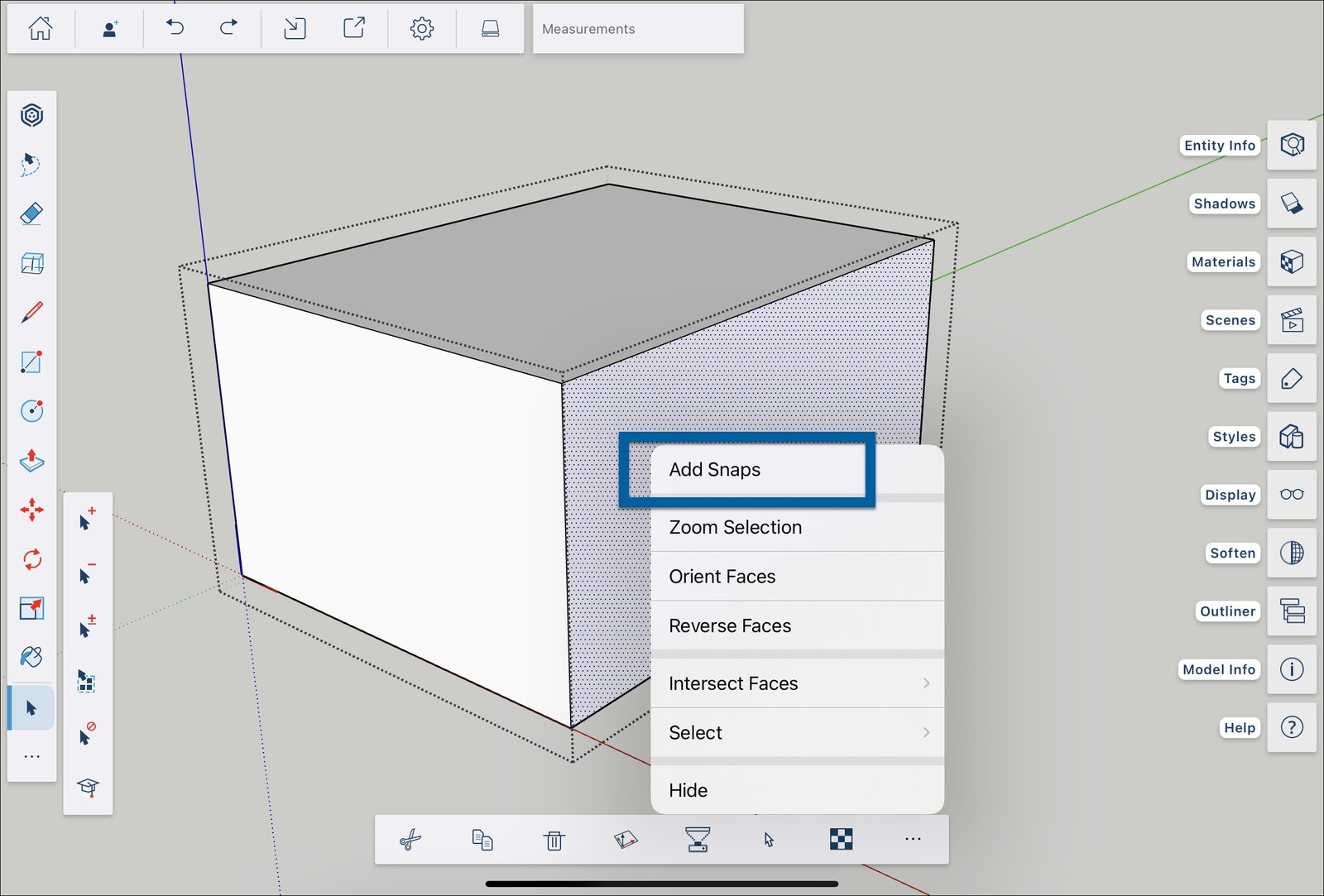
The option to add Snaps appears in the context menu after selecting a face in either Edit Component or Edit Group mode.
Tap Add Snaps and place your snap by tapping with the Apple Pencil or a long press with your finger. After placing a Snap, or if you are working in a model with Snaps already included, those Snaps become visible when you activate tools that can interact with them.
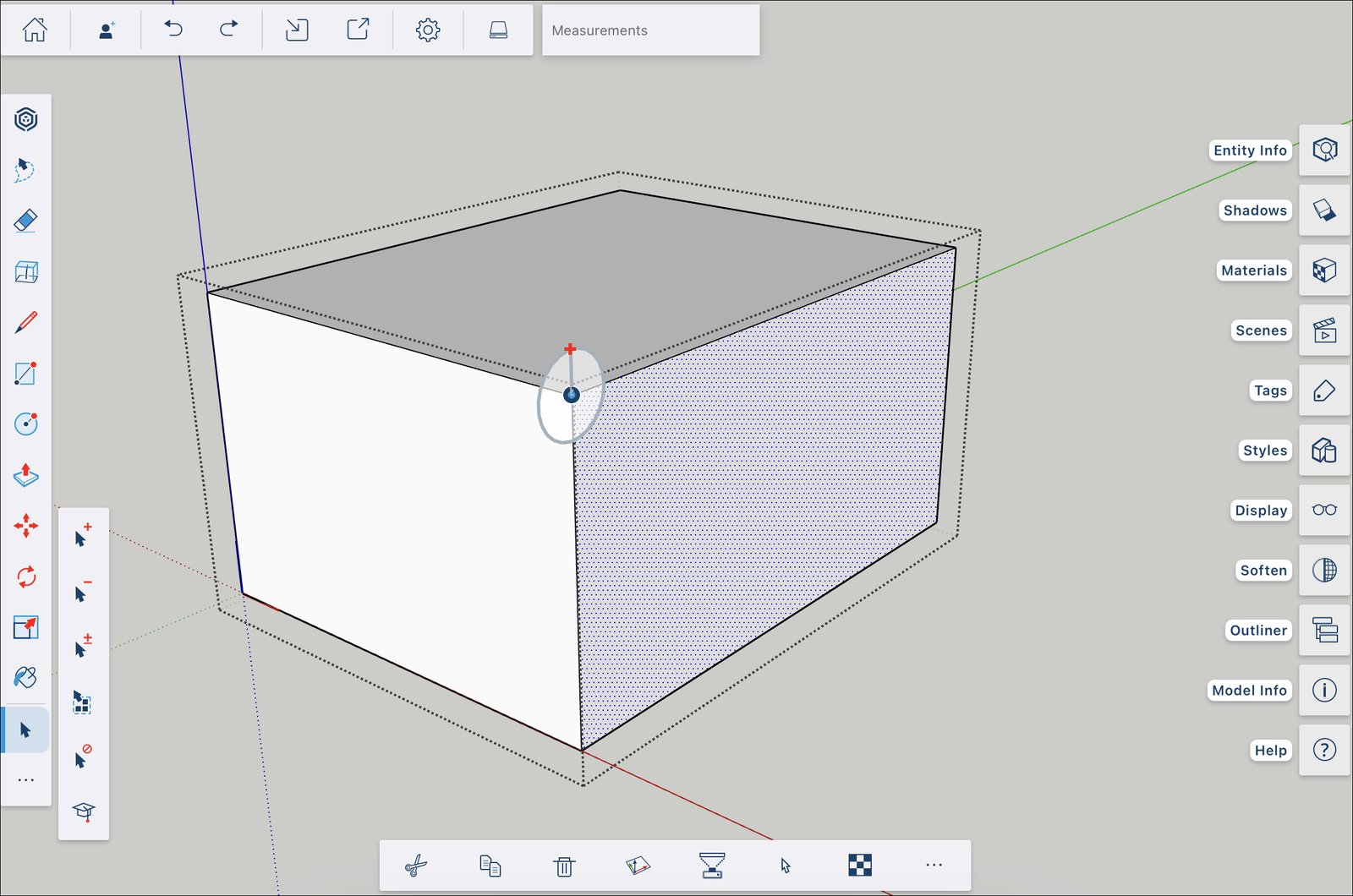
For more information on how Snaps work and how you can use them in your model, see Snaps .
Still need help?
Technical support from our New Zealand team is available to customers with a current Procadsys SketchUp Plus subscription: Pro Plus, Pro Scan Plus, Pro Civil Contractor Plus, Advanced Workflows Plus or Studio Plus. Self-help articles are public.
Contact SketchUp support