Skip to content
07-848 2005

SketchUp, SketchUp desktop

Terrain visibility

Hiding complex terrain can improve SketchUp performance because SketchUp does not render hidden geometry.

Complex terrain can slow down your model. Hiding it can improve performance because SketchUp does not render hidden geometry. It also lets you see parts of your model the terrain covers.

Use the Tags panel to control the visibility of terrain you import or create. Tags are similar to layers in other programs but have their own functions and options.
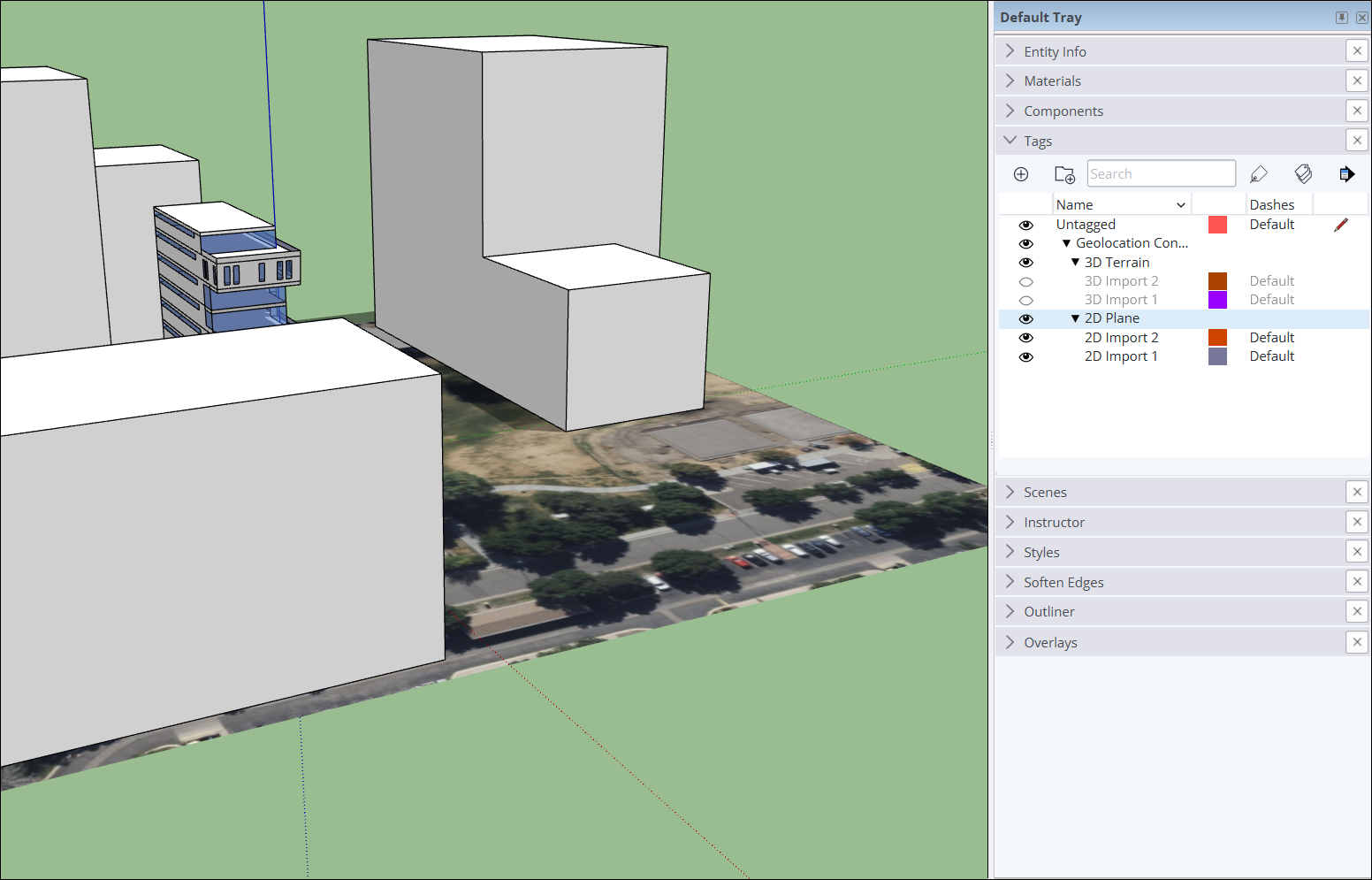
SketchUp Tags panel with eye icons to control visibility of '3D Terrain' and '2D Plane' tags.

For help using Tags, see Controlling Visibility with Tags.

Procadsys customer support

Still need help?

Licences, renewals and billing

Our New Zealand team looks after your SketchUp licences, renewals and invoices.

Monday to Friday, 9:00 am to 4:30 pm NZ time, excluding New Zealand public holidays.

Technical problems

Technical support from our New Zealand team is available with a current Procadsys SketchUp Plus subscription: Pro Plus, Pro Scan Plus, Pro Civil Contractor Plus, Pro Advanced Workflows Plus or Studio Plus.

Initial response within one business day.

On another SketchUp plan? Technical problems go to Trimble support.