SketchUp for Web
SketchUp for Web is a browser-based modelling app included with current SketchUp subscriptions.
Last updated 17 July 2026
SketchUp for Web is a web-based, streamlined version of our desktop app that uses the same core technology to help you draw and create detailed and complex 3D models.
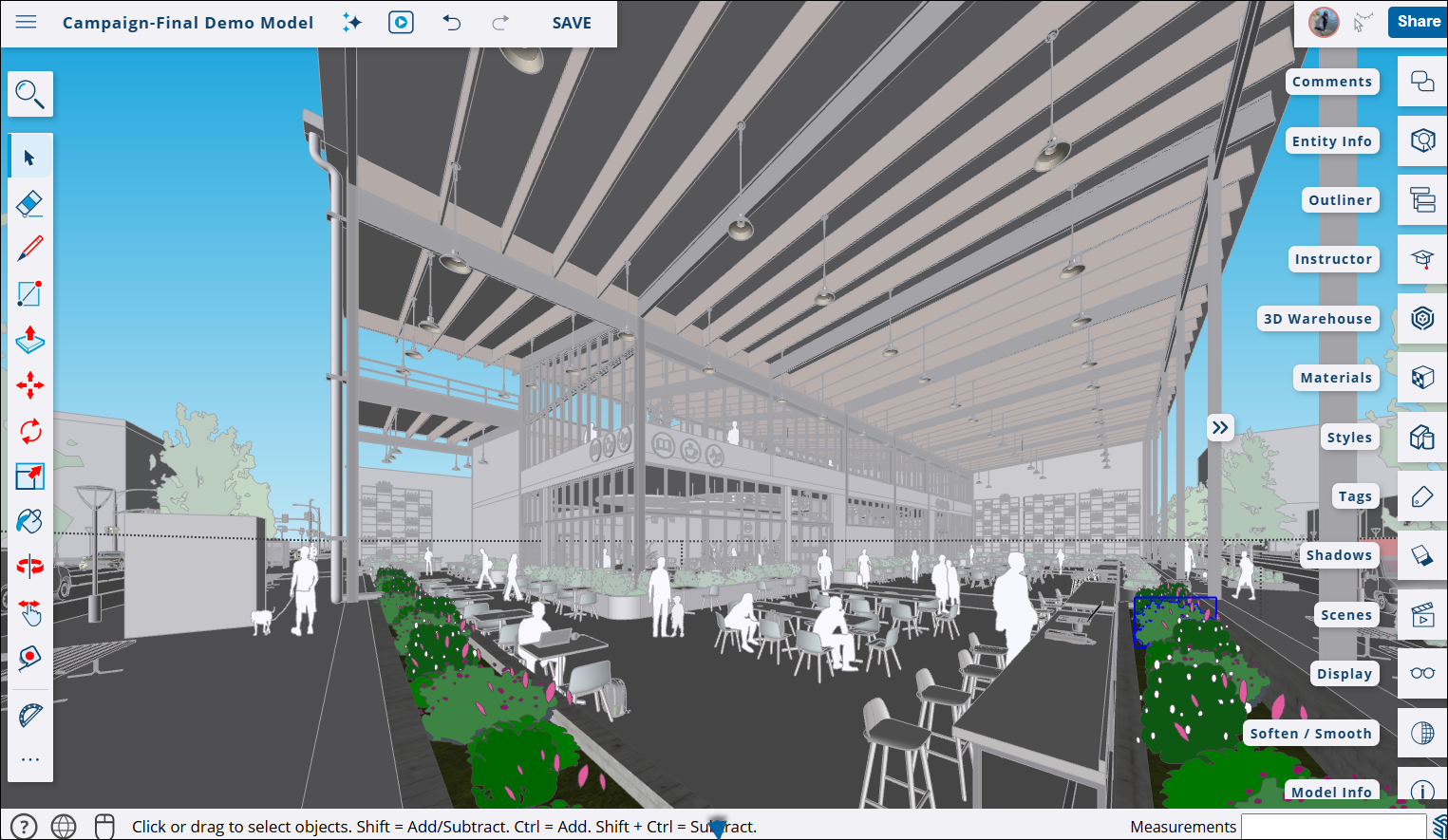
If you are new to SketchUp for Web, check out Getting Started for all the basics including:
- What you need before using SketchUp for Web.
- How to navigate the SketchUp for Web interface.
- Features specific to SketchUp for Web.
- Managing files with Trimble Connect.
- Sharing your models safely with Link Sharing.
Once you know the basics, take a look at Using SketchUp for Web where we talk about:
- The available Tools and how to find them.
- Using Shortcuts.
- Creating and editing your models.
- Using the Print to Scale feature.
- Using Add Location.
A SketchUp Go subscription includes unlimited cloud storage in Trimble Connect, expanded functionality in SketchUp for Web, and access to SketchUp for iPad. For plan information, see SketchUp Plans and Pricing.
Still need help?
Technical support from our New Zealand team is available to customers with a current Procadsys SketchUp Plus subscription: Pro Plus, Pro Scan Plus, Pro Civil Contractor Plus, Advanced Workflows Plus or Studio Plus. Self-help articles are public.
Contact SketchUp support