Solid Inspector in SketchUp for Web helps you find and fix geometry problems that stop SketchUp recognising your model's geometry as a solid. Solid entities help when exporting for 3D printing. Some SketchUp tools require solid entities.
Using Solid Inspector
Find Solid Inspector at the bottom of the panels on the right side of SketchUp for Web.
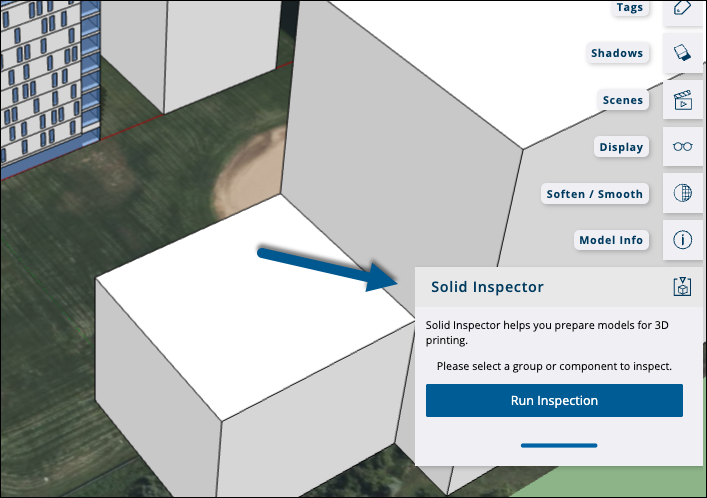
When you activate Solid Inspector, it asks you to select a group or component. The tool only works with groups and components. After selecting a group or component, click Run Inspection. Solid Inspector lists any issues it finds and highlights their locations in red in your model.
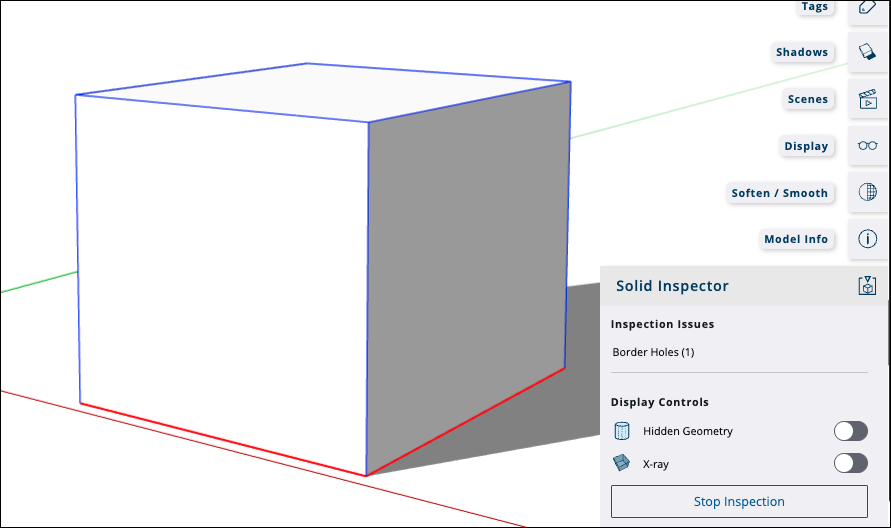
Solid Inspector can automatically fix these errors:
- Reversed faces
- Stray edges
- Holes in a face
You need to edit your model manually to fix these errors:
- Border holes
- Nested groups/components
- Image entities
- Short edges
The Solid Inspector panel lists each error. Select an error to zoom to its location.