SketchUp for Web's Features
SketchUp for Web feature differences.
Last updated 17 July 2026
SketchUp for Web feature differences.
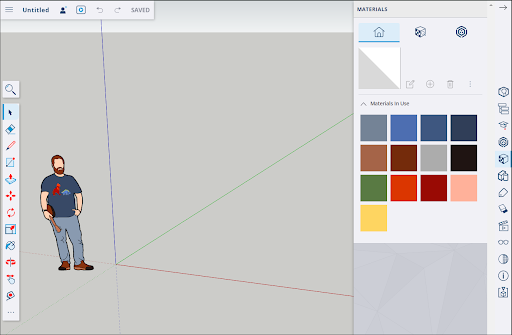
- Styles and Materials - SketchUp for Web includes preset styles and materials. A SketchUp subscription lets you edit or create your own styles, style templates, and materials.
- Keyboard Shortcuts - SketchUp for Web shares functionality with your web browser. Keyboard shortcuts related to browser functions can't be used in SketchUp for Web. All shortcuts can be found and reassigned through Search. For more information, see Using Shortcuts in SketchUp for Web .
- Extensions - Extensions are Ruby scripts that add functionality to SketchUp for Desktop, but aren't available in SketchUp for Web.
- Dynamic Components - Dynamic Components are not available in SketchUp for Web.
- High-resolution printing - You can print files or download your file in .png format, but you cannot print high-resolution images using SketchUp for Web. For Pro subscribers, see Printing Views of SketchUp Models .
Still need help?
Technical support from our New Zealand team is available to customers with a current Procadsys SketchUp Plus subscription: Pro Plus, Pro Scan Plus, Pro Civil Contractor Plus, Advanced Workflows Plus or Studio Plus. Self-help articles are public.
Contact SketchUp support